Does Google Analytics have session replay?
No - GA4 can't show you a recording of a visit, and nothing in its roadmap suggests that changes. What people mistake for replay inside GA4, why the feature doesn't fit the product, and the free way to add recordings alongside it.
The short answer
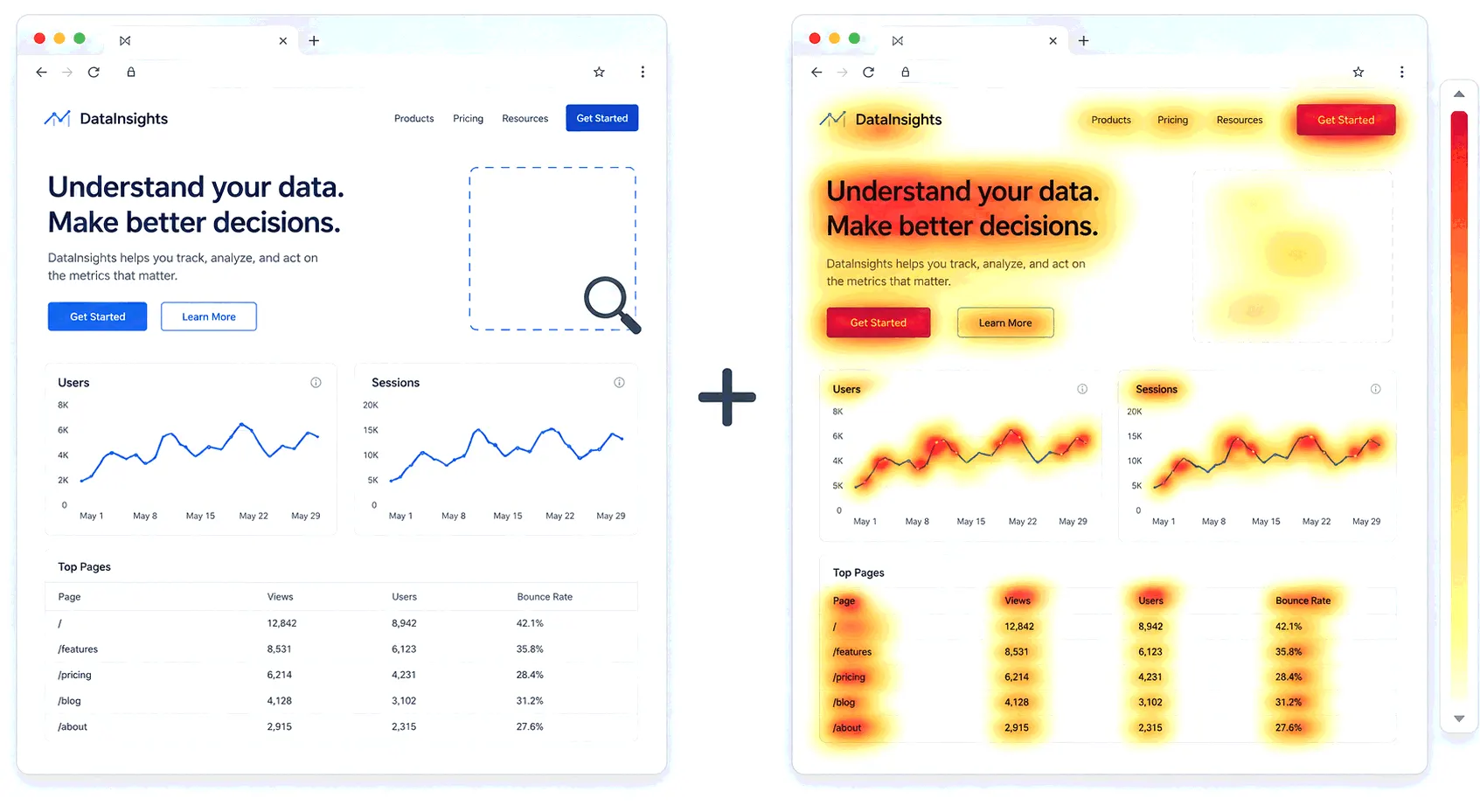
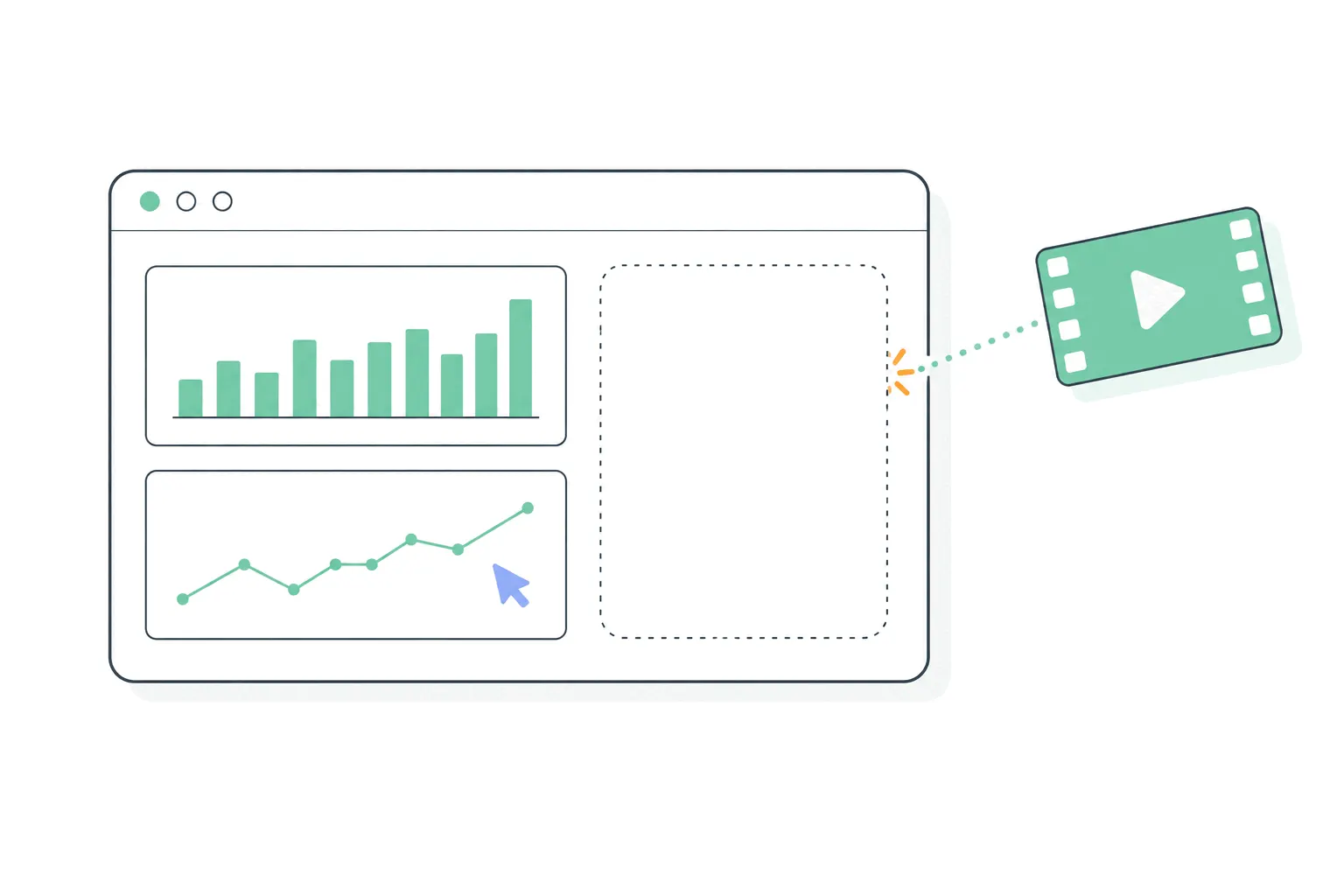
No. Google Analytics 4 has no session replay - no recordings, no visual playback of a visit, no watching a cursor move around your page. It never has, the release notes through 2026 show nothing replay-shaped arriving, and the sibling question about heatmaps gets the same answer. If you came here mid-search for the recordings screen in GA4, you can stop looking: it doesn't exist.
The longer answer is more useful, because GA4 does contain something people mistake for replay, the reason for the gap explains what kind of tool GA4 actually is, and filling the gap is free. Ten minutes from now you can have recordings running next to your GA4 data.
What people mistake for replay: User explorer
GA4's closest feature is User explorer, tucked inside Explore: pick an anonymous user and see their activity as a timeline - pageviews, clicks, events, in order, with timestamps and acquisition context. Squint and it sounds like replay. Open it and the difference is obvious: it's a log, not a film. You see that a visitor triggered page_view on /pricing at 14:02 and click at 14:03. You don't see what they saw, where they hesitated, what they tried to click that didn't work, or the layout as it rendered on their phone.
User explorer has real uses - reconstructing what a specific user did before a bug report, checking whether events fire in the order you assumed - and it's the right tool for exactly those. As a way to understand experience, it's a transcript of a play you can't watch. The distinction matters because teams sometimes conclude "GA4 has replay, sort of" and stop there, keeping the question replays exist to answer - why did they do that? - permanently open.
Why GA4 doesn't record sessions
The gap is architectural, not an oversight. GA4 is an event pipeline: the tag reports small structured facts - a pageview happened, a click happened - and the product aggregates them into counts and rates. Session replay needs fundamentally different raw material: a capture of the page itself and every change to it, so the visit can be reconstructed visually. That's a different collection mechanism, a different storage problem, and a different privacy surface - recordings can accidentally contain what users type, which is why replay tools ship masking and their own compliance duties.
For Google, whose analytics exists to make advertising measurable at planetary scale, individual-visit playback is both off-mission and a privacy liability it doesn't need. So the answer to "when will GA4 add replay" is best treated as "structurally, don't wait for it". The market's answer is the pairing pattern instead.
What recording a session actually involves
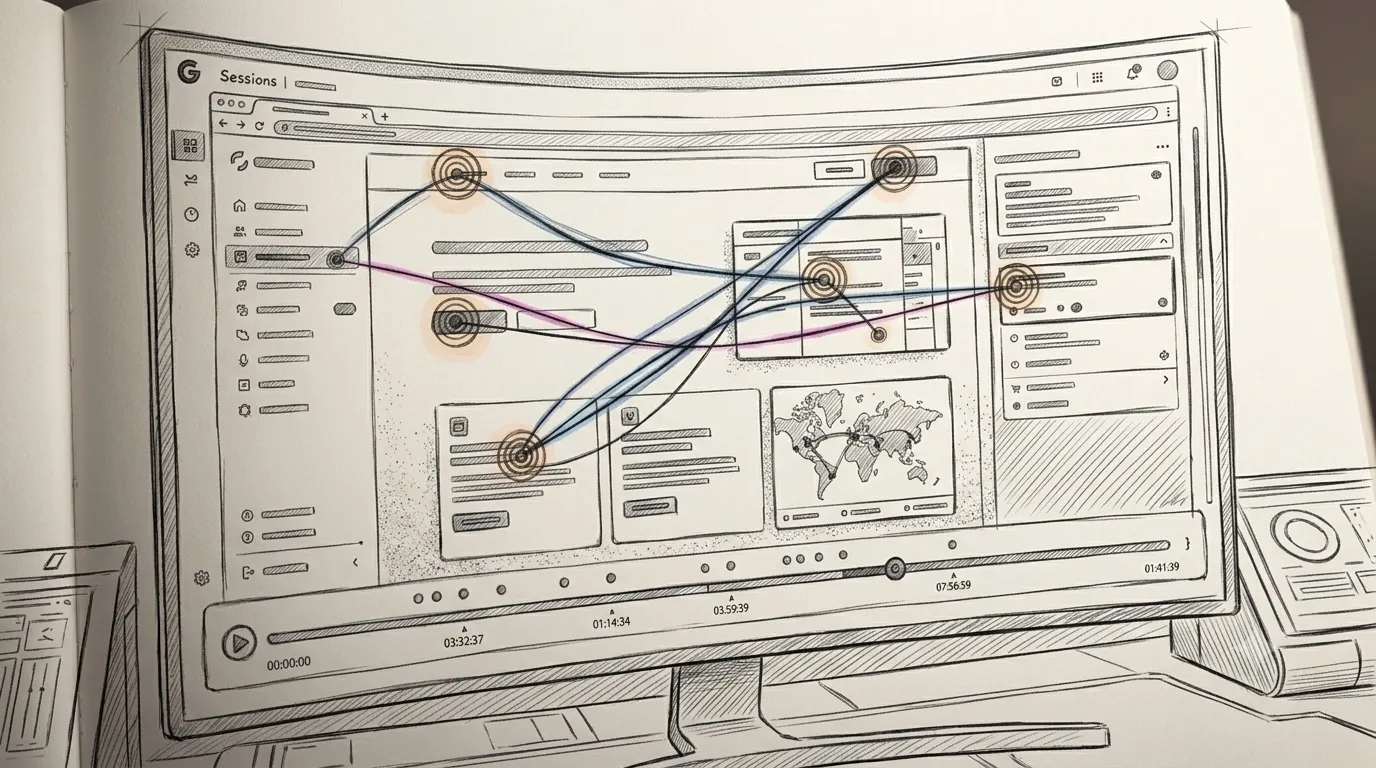
Worth two paragraphs, because it explains both why GA4 skips this and what you're adding when you fill the gap. A replay tool doesn't film your screen. Its script captures the page's structure when a visit starts, then logs every change - clicks, scrolls, typing (masked), elements appearing and disappearing - as a stream of mutations. Playback rebuilds the page and re-applies the changes in order, like sheet music being performed again. That's why recordings are small enough to be practical, and why the whole mechanism is a different animal from an event pipeline: GA4's tag sends a few structured facts per action, while a recorder captures enough to reconstruct the experience.
The difference has consequences you'll feel. Recording captures whatever renders - which is why masking defaults matter and the compliance duties are real - and it costs more to store, which is why replay tools meter sessions while GA4 doesn't. Understanding that trade is most of understanding this product category.
The standard free fix: Clarity next to GA4
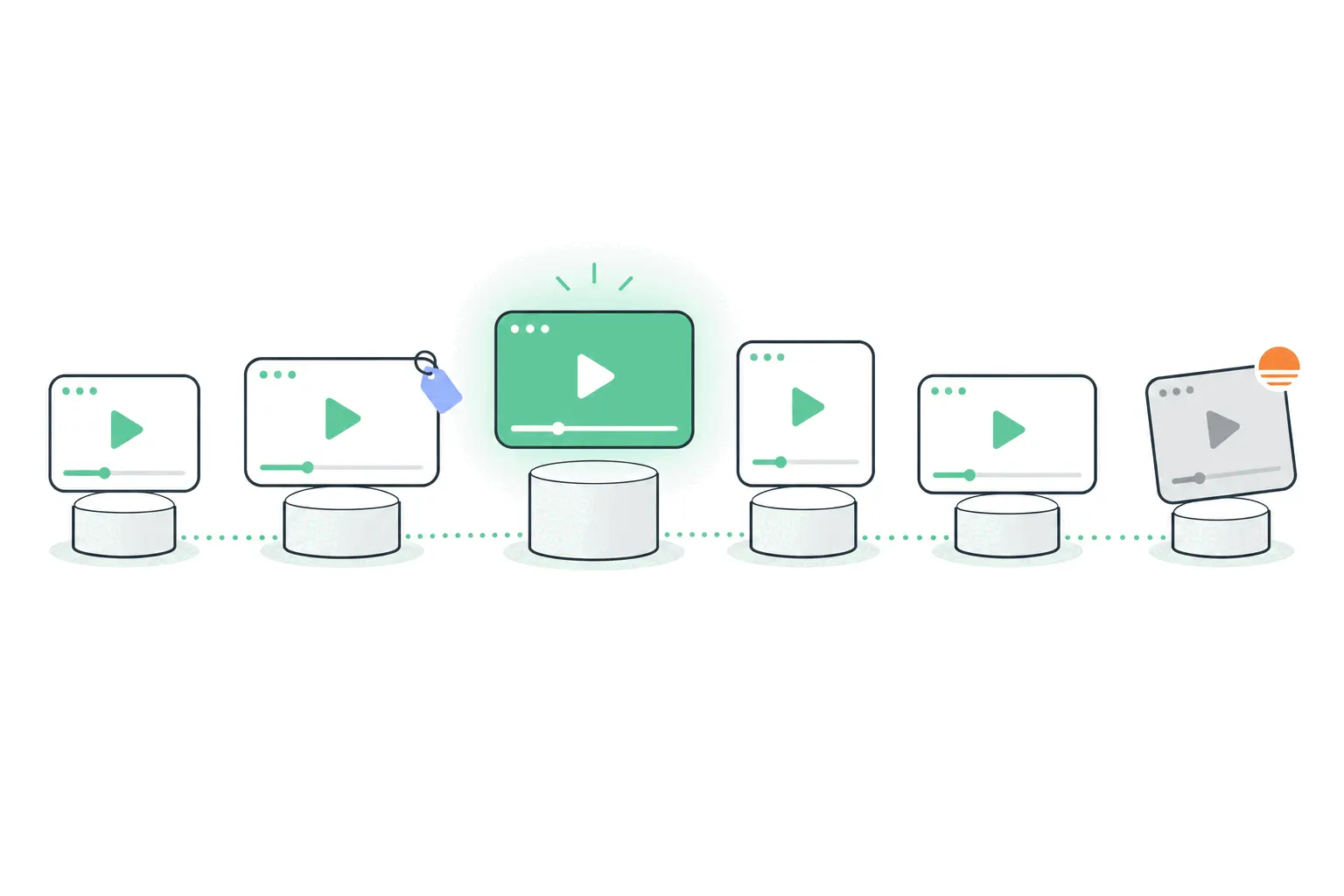
Microsoft Clarity is the default way sites add recordings alongside Google Analytics: it's free with no session cap, and it ships an official GA4 integration - connect the two in Clarity's settings, and recordings gain links from your GA4 data, so a session in your reports can open as footage. Install is the usual snippet (or the official Shopify app, or a WordPress plugin), and heatmaps plus frustration signals come along free.
The honest caveats: Clarity's full recording library is short-retention - it's a tool for reviewing recent behavior, not an archive - and its analytics side is thin by design, which is fine, because GA4 is carrying that half. Two scripts, two tools, one workflow. For a site that's happy with GA4 and just wants the missing footage, this combination is hard to argue with, which is why every comparison concedes it.
Setting the pairing up, start to finish
Fifteen minutes, most of it waiting for your own test visit to appear. The first real recordings arrive within hours, and the sensible first watch is a filtered handful, not the whole feed: sessions with rage clicks on the pages that matter to you.
The whole GA4-plus-Clarity setup, for a site that already has GA4 running:
- Create a free Clarity project at clarity.microsoft.com and install its snippet - the same head-tag mechanism as any analytics script, or the official app on platforms that have one.
- In Clarity's settings, open the Google Analytics integration and authorize your GA4 property - this is what links recordings to your GA4 sessions.
- Visit your own site, then confirm you show up in both tools: GA4's Realtime and Clarity's dashboard.
- Check the masking: open one recording of yourself, type into a form on your site first, and verify the input shows as masked characters.
- Update your privacy policy to say session recording happens, and make sure the script respects your consent banner the way your other tags do.
The workflow the pairing enables
The point of running both isn't owning two dashboards - it's a loop between them. GA4 finds the problem in aggregate: a page whose engagement rate sagged, a funnel step leaking more than it should, a landing page bouncing paid traffic. Then you switch tools and watch it: filter recordings to that page or that behavior, watch five or ten, and come back knowing whether it's the form, the copy, or the layout on small screens.
The seam in the middle is the pairing's one real cost. The tools don't share sessions or definitions, so "visitors who abandoned checkout from paid traffic" has to be rebuilt as a filter on the replay side, approximately. For most sites it's mildly annoying. For teams living in that loop daily, it's the argument for the next section.
The questions inside the question
"Does Google Analytics record sessions?" - it depends what record means, which is where the confusion starts. GA4 absolutely records sessions in the counting sense: a session is its core unit, with events, sources and durations attached. What it doesn't do is record them in the video sense. People asking this question usually mean the second thing and find documentation about the first, which is how the myth of hidden replay features persists.
"Isn't Clarity Google's replay tool?" - no, and the mix-up is everywhere: Clarity is Microsoft's. It integrates with GA4 so smoothly that plenty of tutorials blur the ownership, but you're adding a second company's product to your site, with its own script, terms and data handling. Fine for most sites - worth knowing you did it.
"Did the old Google Analytics have this?" - also no. Universal Analytics had In-Page Analytics, a click-overlay feature people half-remember as visual, but it showed click percentages on a page, not recordings, and it was retired years before UA itself. Google has simply never shipped session replay, in any generation of the product.
Do you actually need replay?
And it's skippable, for now, when traffic is tiny (footage of nine visitors teaches less than talking to nine visitors), or when nobody has time to watch anything - an unwatched replay archive is just a privacy liability with a logo. The tool is cheap or free either way. The watching habit is the actual investment.
Fair question before installing anything. Replay earns its place when:
- A funnel or page metric is bad and the numbers can't say why - the defining replay use case.
- Users report something you can't reproduce - watching their session beats asking for screenshots.
- You're redesigning a page that matters and want evidence about the current one first.
- A form or checkout leaks and you need to see the moment it happens.
The other route: tools where replay is built in
The alternative to pairing two tools is one tool where the recordings and the numbers share a dataset. That's Bigdelta's shape - visitor counting and session replay from one snippet, so the funnel step and the footage of people failing it are the same filter - and PostHog and Fullstory occupy the same architectural position at other price points. The trade is honest in both directions: a combined tool removes the seam, while GA4-plus-Clarity costs nothing and keeps GA4's ads plumbing.
A sensible decision rule: if GA4 is working for you, add Clarity and enjoy the free footage. If GA4 itself is the friction - and you'd hardly be the first - the replay question becomes part of the bigger tool question, and answering them together beats bolting footage onto a tool you avoid opening.
The duties that arrive with the recordings
Adding replay to a GA4 setup adds obligations GA4 alone didn't carry, and they deserve a paragraph before the takeaway. Recordings can capture what people type and see, so input masking has to stay on and survive your configuration, your privacy policy has to say recording happens, and the script belongs behind the same consent gate as your other tracking for the jurisdictions that require one. None of this is theoretical - session replay has its own GDPR checklist and, in the US, a genuine lawsuit history built on sites that recorded without telling anyone.
The practical bar is low: pick a tool with sane defaults, verify the masking with your own test session, disclose honestly, and record only what you'd be comfortable explaining. Sites get in trouble at this step through neglect, not through difficulty.
The practical takeaway
Google Analytics doesn't record sessions and won't - User explorer is a timeline, not a tape. Treat that as a product boundary rather than a missing feature: GA4 measures in aggregate, replay tools capture experience, and the two combine freely - Clarity for the zero-budget pairing, or a combined tool when you want one dataset. Whichever way you close the gap, close it deliberately. The sites that never do end up knowing exactly how many visitors left, and nothing at all about why.