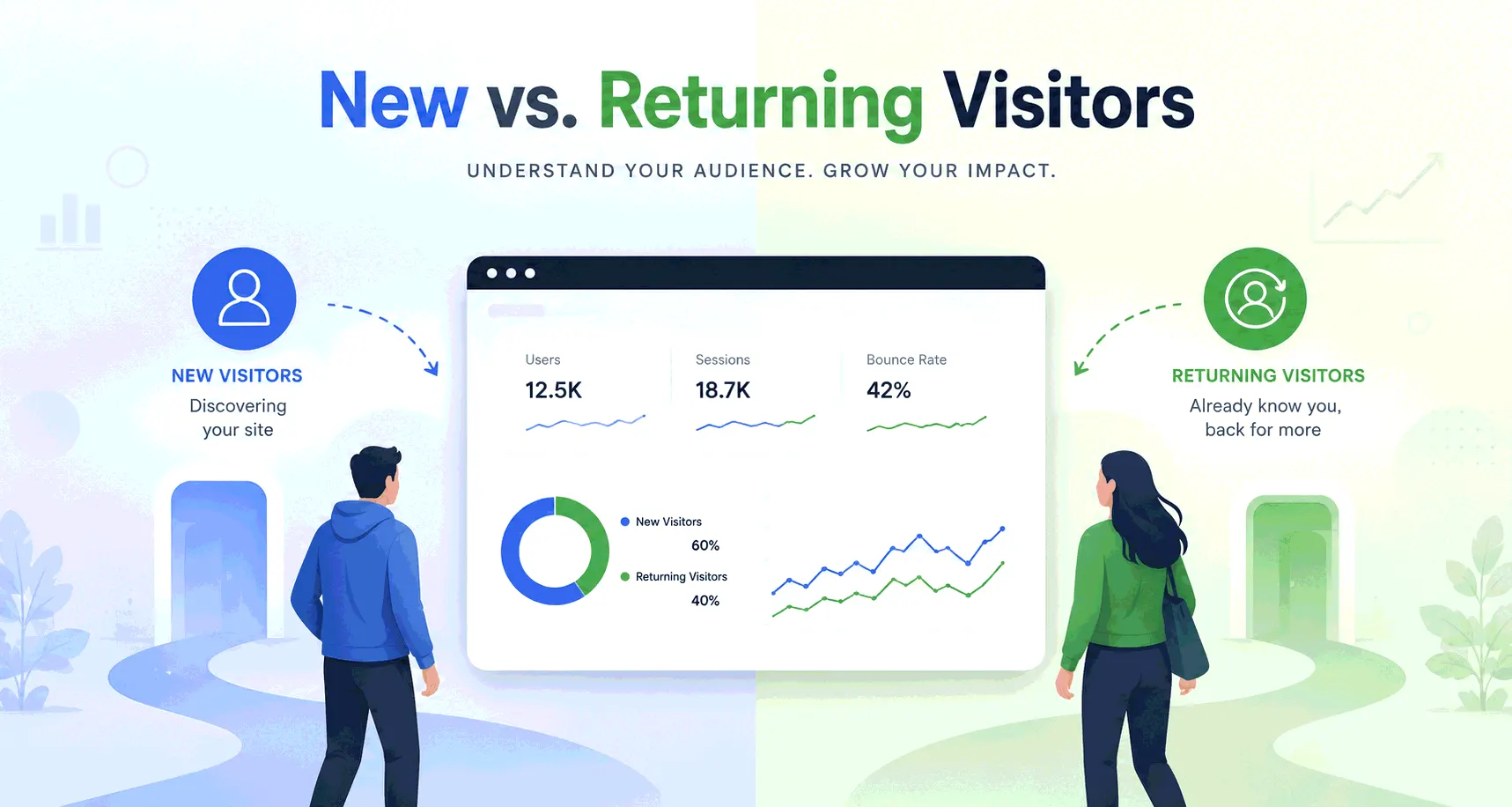
How to see the demographics of your website visitors
Age, gender, interests - analytics tools promise the who behind your traffic, and deliver less than the reports imply. What your analytics genuinely knows, where GA4's demographics come from, and the honest ways to learn more.
What analytics knows without asking anyone
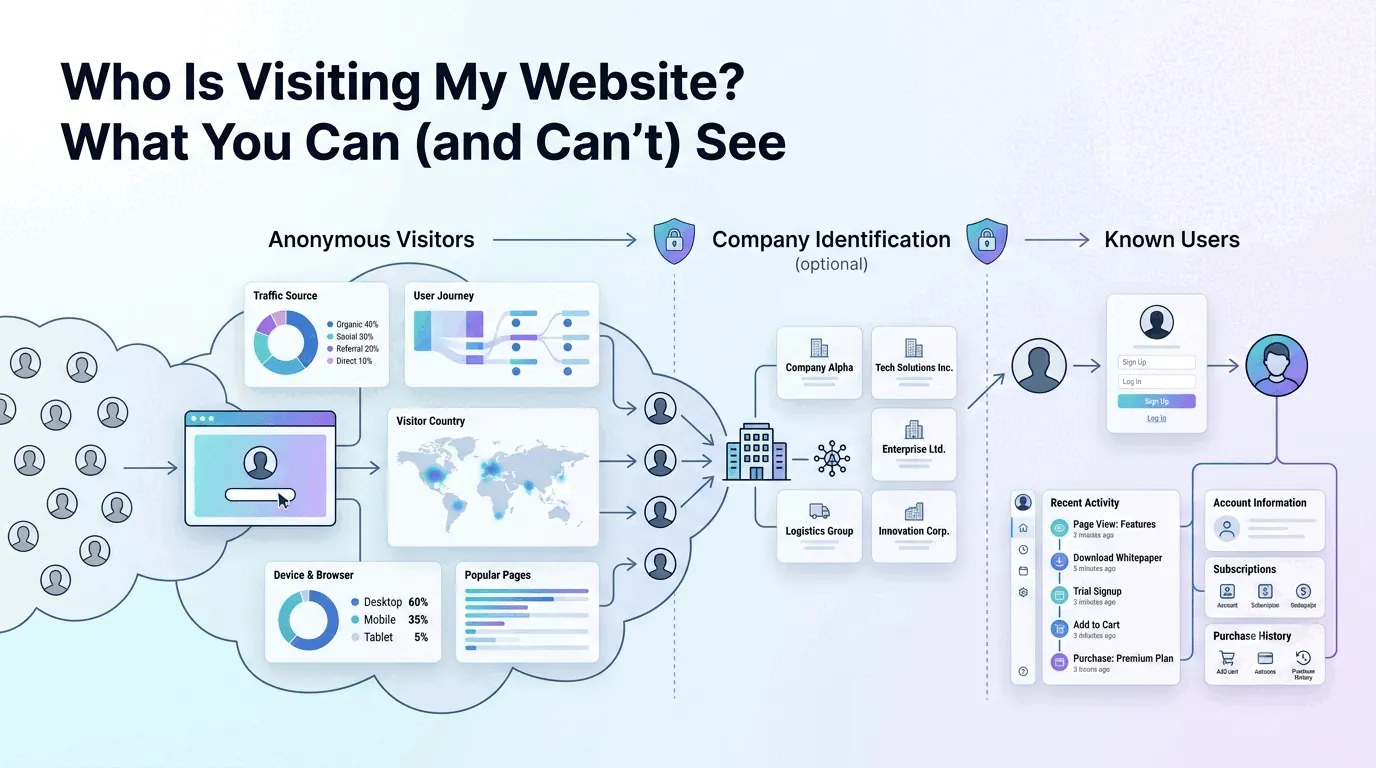
Some audience facts arrive with every visit, no special features required. The browser and device say whether your audience is on phones or desktops. The visitor's IP resolves to a country and usually a city before being discarded. The browser announces its language. The referrer says how people arrived. None of this is demographics in the age-and-gender sense, but it answers a lot of who-is-my-audience questions - a site with 70% mobile visits from three Spanish-speaking countries has learned something real about its readers without touching anything sensitive.
Everything past that point - age, gender, interests - can't be observed from a visit. It has to be either inferred by a company that already knows those visitors, or asked directly. Those are the two honest routes, and they're worth understanding before trusting any demographics report.
Where GA4's age and gender numbers come from
GA4's demographics reports run on Google Signals, a data-collection setting you switch on in the Admin area. Once enabled, Google enriches your reports with what it knows about visitors who are signed into a Google account and have Ads Personalization turned on: their age bracket, gender and interest categories, as Google's ad systems model them. You never see individuals - only aggregated segments, which is the point of the design.
Read those reports as what they are: Google's advertising profile of the subset of your visitors Google can identify and is allowed to describe. The profiles are models, not facts - ad-interest inference gets people wrong routinely - and the subset isn't your whole audience.
Why the demographics report covers only some visitors
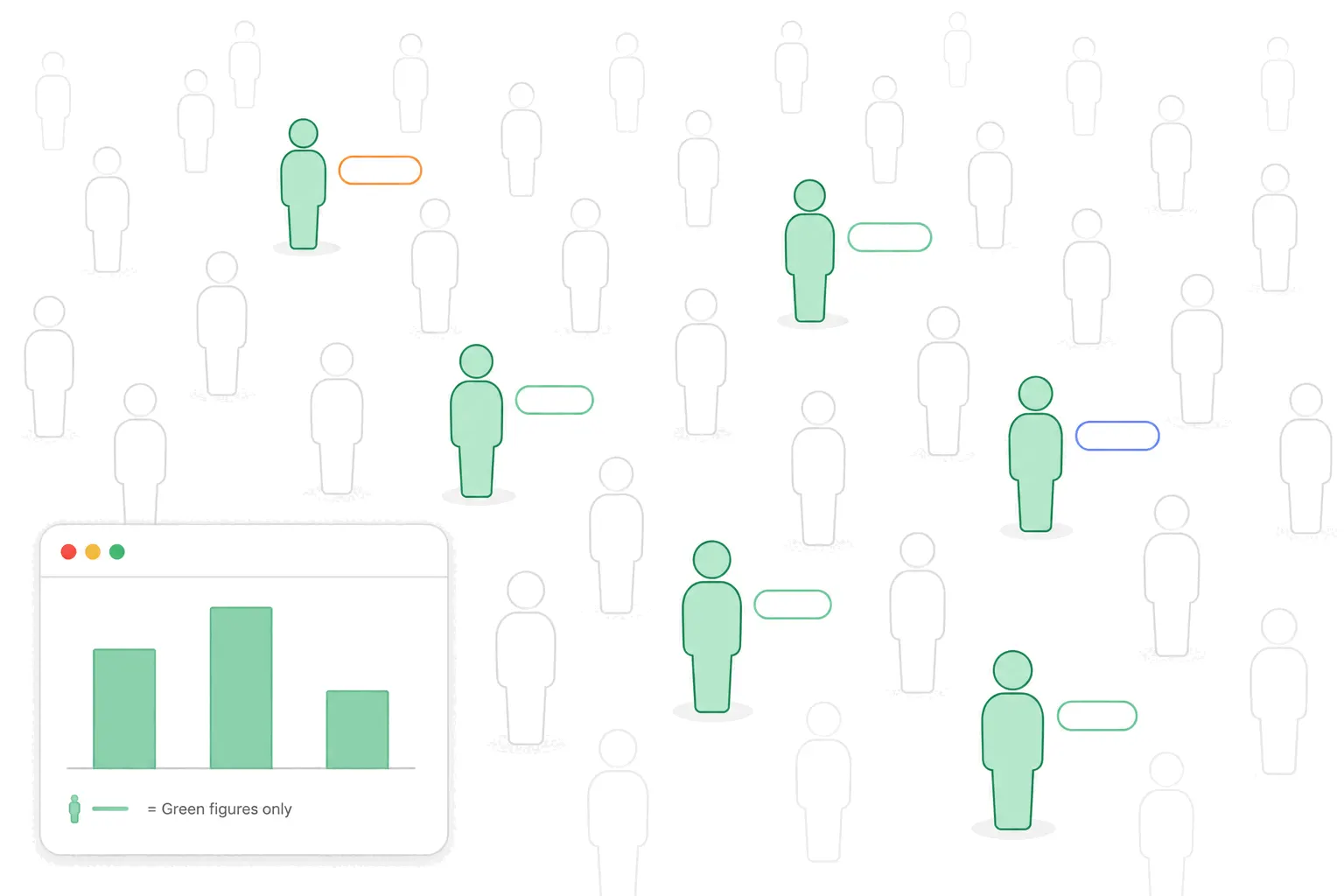
Two gaps sit between the report and reality. The first is coverage: visitors who aren't signed into Google, or turned Ads Personalization off, or declined your consent banner, contribute nothing to demographics - and Google doesn't publish what share of traffic that leaves. The second is thresholding: to keep small segments from identifying individuals, GA4 withholds demographic rows when user counts are low, which on a modest site can blank out much of the report. Expanding the date range brings some of it back.
The practical rule: treat GA4 demographics as a directional read on a partial sample. "Our identifiable visitors skew 25-34" is a fair sentence. Multiplying that skew against your total visitor count is not - the visitors Google can describe aren't guaranteed to resemble the ones it can't.
Ways to learn who visits without Google
What no tool offers is the thing people actually search for here: the identity of an anonymous individual visitor. That's not a product gap, it's a design of the web - the post on identifying visitors covers what is and isn't knowable at the individual level.
The non-Google routes trade reach for honesty - smaller samples, but answers people gave on purpose:
- Ask on the site. A one-question survey ("what best describes you?") converts a sliver of traffic into self-reported data that's actually true. A hundred answers beat a modeled report.
- Use what signup already tells you. Role, company size, use case - whatever your forms collect describes your converting audience precisely, and that's usually the audience that matters.
- Read your email and social audiences as a proxy. Newsletter platforms and social dashboards report subscriber and follower demographics; they describe your followers, not your visitors, but the overlap is real enough for direction.
- For B2B, identify companies instead of people. Reverse-IP tools match business visitors to their employer's network - a company name, not a person, and only for the minority of visits their databases resolve. Vendors' own coverage claims run under half of business traffic.
The consent question
Demographic profiling is personal-data territory. Google Signals only describes users who left Ads Personalization on, and Google requires consent disclosures for EU traffic - which in practice means your consent banner and privacy policy have to cover it if you enable it. The survey-and-signup route has the tidier story: people handed you the answer themselves, knowing why. Where exactly the legal lines sit varies by jurisdiction, so treat this paragraph as a map, not advice.
The practical takeaway
Start with what's free and solid: device, geography, language and source describe your audience more usefully than most teams expect. Add GA4's demographics if you want the directional read and can carry the consent overhead - just quote it as "identifiable visitors", never as your audience. And when a decision actually hinges on who your users are, ask them. The audience you can describe most accurately is the one that signs up - from that moment their answers, not a model's guesses, are your demographics.