How to track website visitors
Four ways to count the people on your site - the snippet, the cookieless hash, the server log and Search Console - how each one works, and what each one misses.

What visitor tracking can and can't do
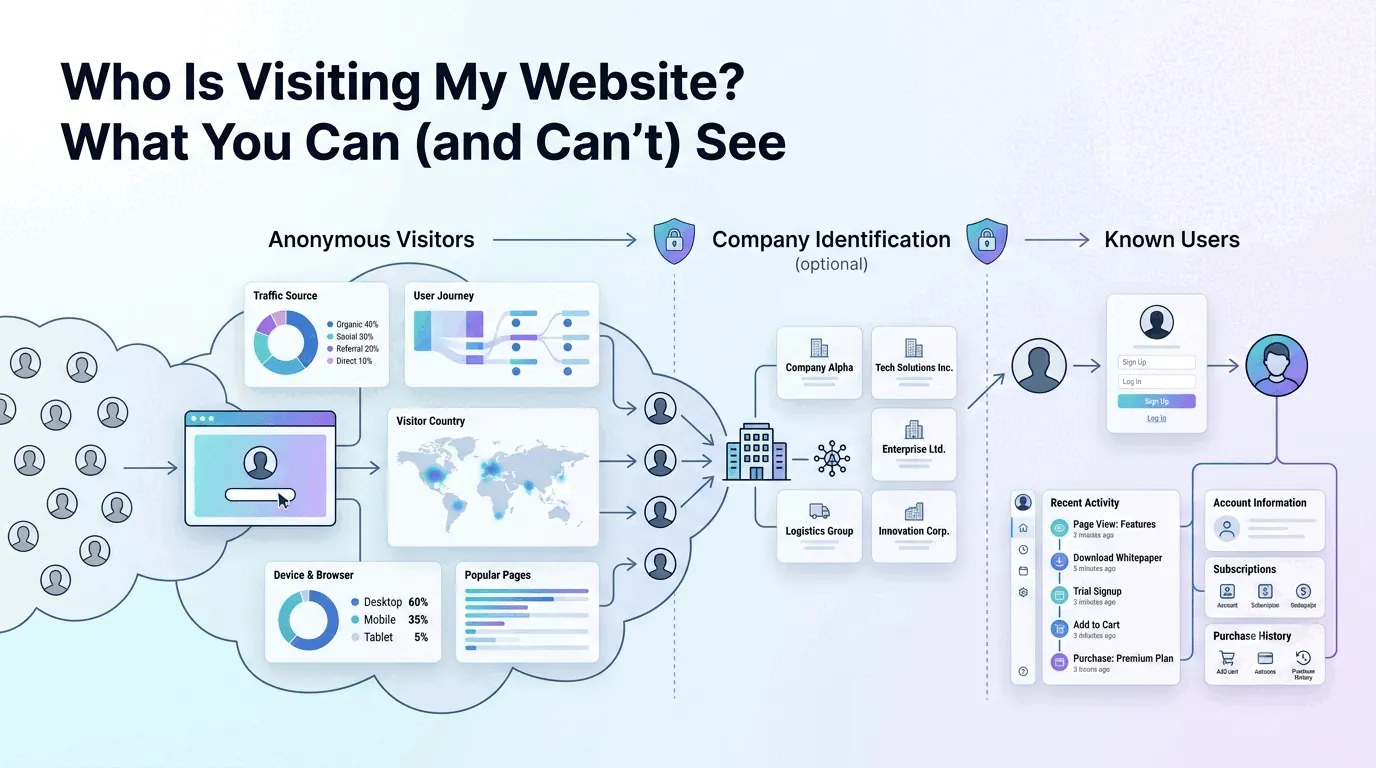
Tracking your website's visitors means counting and describing them in aggregate: how many came today, which pages they read, where they arrived from, what device they used. It does not mean learning who they are - names and identities aren't on offer for anonymous visitors, whatever some tools imply. And it's about your own site; sizing up someone else's traffic is estimation, a different game entirely.
There are four real methods. Most sites end up using the first plus one other.
Method 1: a tracking snippet
The standard route. You paste a small script into your pages; each time a page loads, the script sends a beacon - a tiny request carrying the page URL, referrer and screen size - to the analytics tool, which turns the stream of beacons into visitors, sessions and pageviews.
With Google Analytics the setup runs: create a property in Admin, add a Web data stream with your URL, and take the measurement ID (it starts with G-). The tag gets installed either through your platform's built-in field (most website builders have one), by pasting the snippet into your site's head, or via Google Tag Manager. Then open the Realtime report and visit your own site - if you appear within a few minutes, it works. GA4's enhanced measurement adds scroll, outbound-click and file-download events without extra setup.
Lighter tools use the same beacon mechanism with less ceremony - one script line, a dashboard, done. The mechanism is identical; the difference is how much the tool asks of you afterwards.
Method 2: cookieless counting
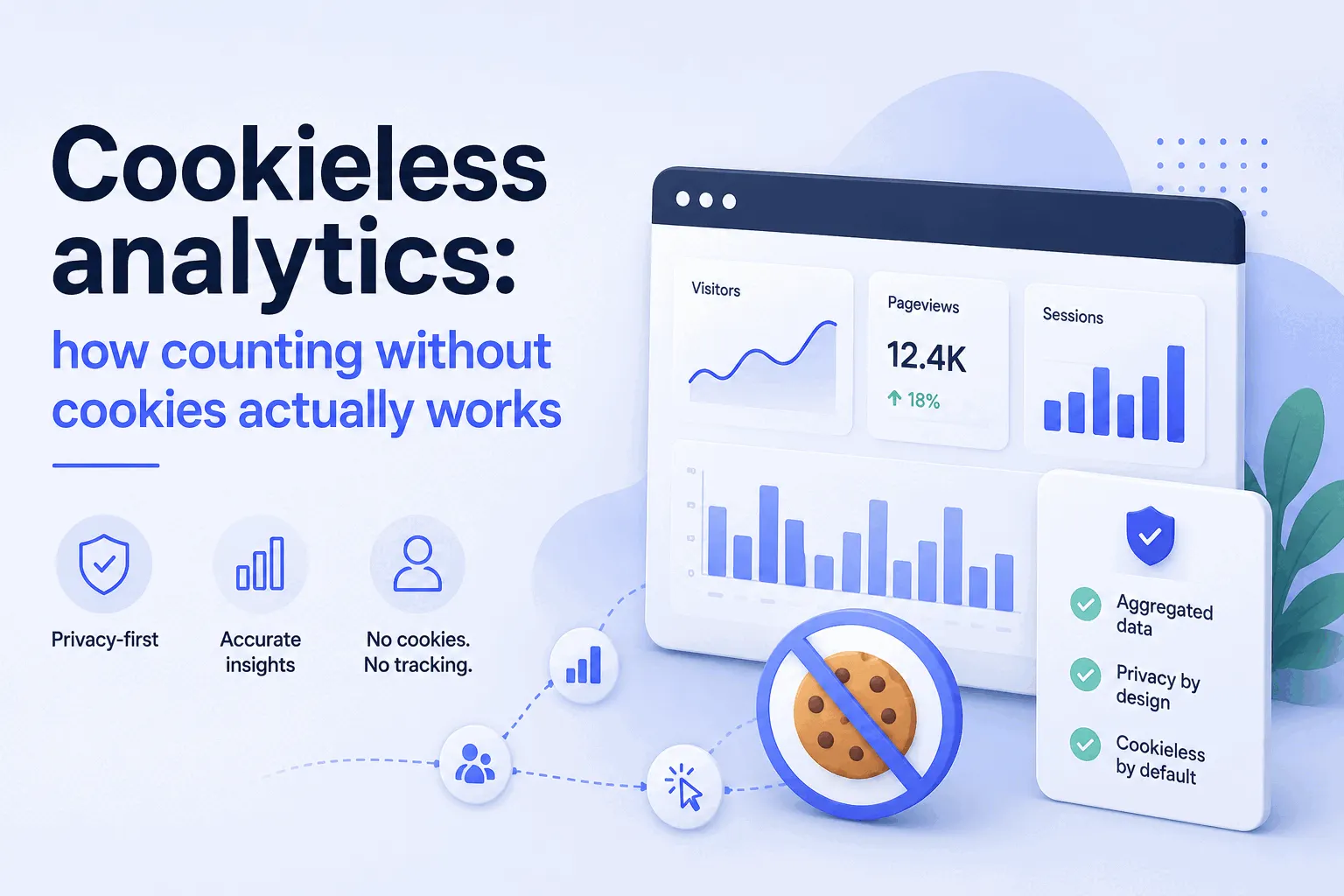
Tools like Plausible and Fathom count visitors without storing anything in the browser. Instead of a cookie, they compute a hash from the visitor's IP address and browser details plus a salt that's thrown away every 24 hours - so the same person counts once per day, and yesterday's visitor can't be connected to today's. How that works in detail has its own post.
The trade is deliberate: you give up returning-visitor tracking across days and get a setup that doesn't store identifiers in the browser. These vendors run without consent banners on that basis; how far that holds depends on the jurisdiction, and regulators haven't settled every question.
Method 3: the server log you already have
Every web server writes a line per request into its access log - visitor tracking that predates analytics tools and requires installing nothing. Free analyzers like GoAccess turn the log into a report on your own machine, so the data never leaves your server.
Logs see things snippets can't: bots, crawlers, and the visitors whose ad blockers eat JavaScript beacons. They also drown in what they see - raw log counts run far above snippet counts because every crawler hit looks like a request, and separating humans takes filtering work. The practical use is as a second opinion: when your analytics number looks wrong, the log says whether requests actually stopped or just stopped being measured.
Method 4: Search Console, the zero-install view
If your site is verified in Google Search Console, you already have partial visitor data with no script at all: clicks from Google search results, measured on Google's side before your page even loads. Ad blockers can't remove it, and it comes with the search queries analytics tools lost years ago.
It's a keyhole, though - search clicks only. Direct visits, links from other sites, social and email traffic are all invisible to it. Treat it as the free complement to a real counter, covering the one channel from outside your site.
What every method misses
No method sees everyone. Snippet-based tools lose the visitors whose ad blockers and privacy browsers block analytics outright - roughly a third of the audience on some sites, more on technical ones. Safari caps JavaScript-set cookies at seven days, so a weekly Safari reader looks like a new visitor over and over. Logs overcount instead: close to half of internet-wide traffic is bots, and a log treats each bot hit as a request like any other.
So pick one primary counter, know its blind spots, and read trends rather than absolute headcounts - the miss rate stays roughly constant, so the shape of the line survives even when the level is off.
Which setup fits which site
Matching method to situation:
- You mainly want to know if anyone visits - a lightweight or free analytics tool plus Search Console covers it in an afternoon.
- Content site living off search - snippet analytics for behavior, Search Console for queries; you'll use both weekly.
- Privacy-sensitive audience or consent fatigue - a cookieless counter, accepting the daily reset on visitor counts.
- Developer who owns the server - logs with GoAccess as the second opinion beside whichever counter you run.
- A store or SaaS where visits should become revenue - a tool that ties visitors to outcomes, not just counts.
The practical takeaway
Install one snippet-based counter and verify it in its live view; add Search Console because it's free and sees the channel your snippet can't. Bigdelta covers the counting side with one script - visitors, sources and devices in real time, first-party, free up to 100K pageviews a month - and the same script also powers heatmaps and session replays when counting stops being enough. Whatever you install, give it a week before drawing conclusions; a day of traffic mostly measures the day.