Best session replay tools in 2026
Nine tools that record what visitors do on your site, compared on the things that actually differ: what's free, what's captured, what ships alongside the recordings, and which one fits which team. Every price checked on the vendor's own page.
What actually separates replay tools
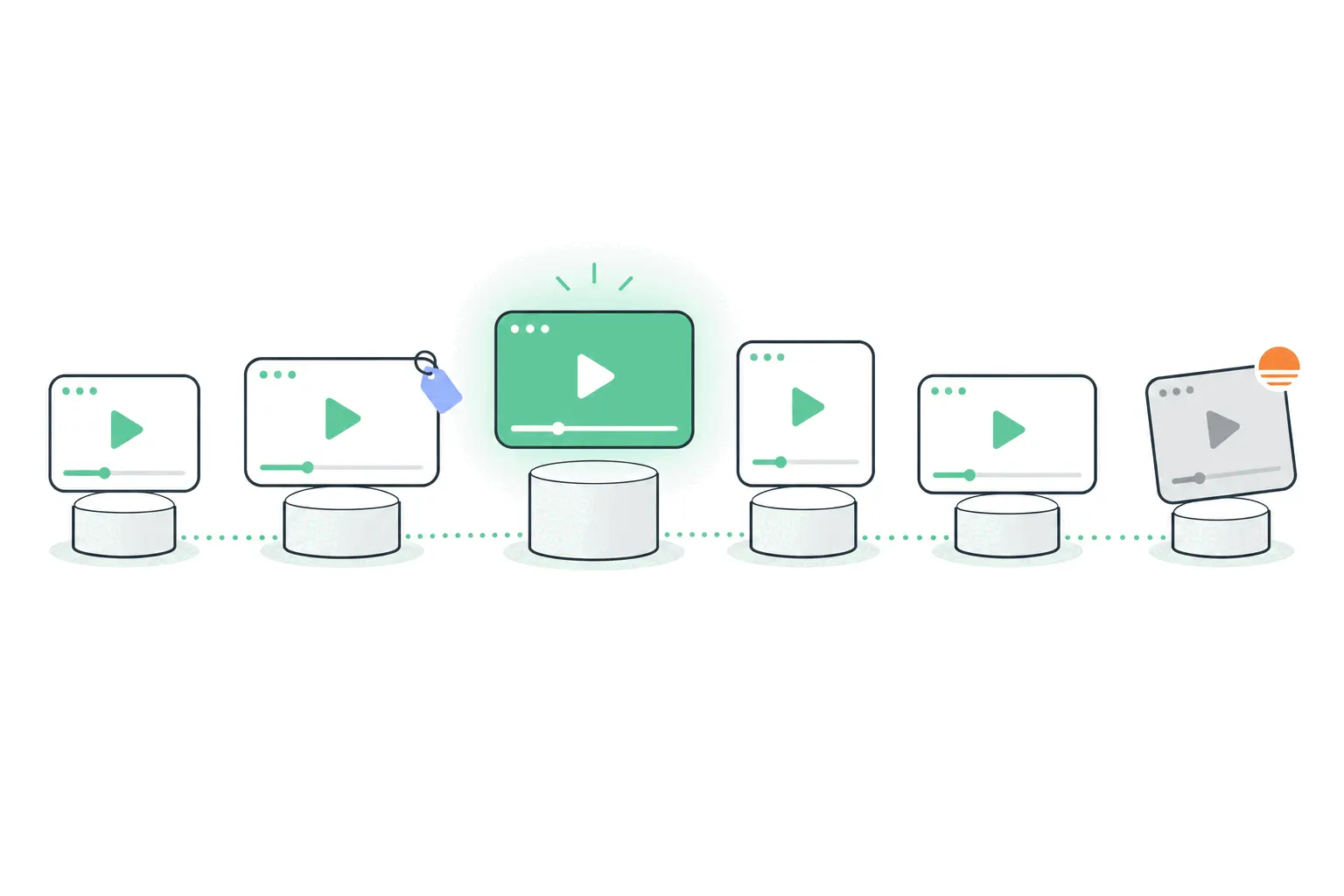
Every tool on this list does the same core trick: a script watches the page's changes, and later you watch a reconstruction of the visit. The differences that matter live around that core. What's free and where the meter starts, because replay pricing is usually per session and grows with your traffic. What ships alongside the recordings - heatmaps, funnels, product analytics, error tracking - since replay alone rarely justifies a tool. Whether it flags the sessions worth watching with frustration signals, or leaves you to dig. And the privacy posture: what's masked by default, and where the data lives.
Prices and tiers below were checked on each vendor's own pages on September 9, 2026 - the category moves, so treat anything older skeptically, including other listicles. And it has moved: in the last two years the biggest brand in the space stopped existing as a standalone product, another fixture announced its shutdown, and free tiers widened dramatically as vendors chase the top of the funnel. A tool recommendation from 2024 is describing a different market. Where a vendor hides pricing behind a demo call, we say so instead of guessing.
One warning before the list, because it still catches people: Smartlook, a fixture of older roundups, is being discontinued - folded into Splunk, with the platform scheduled to shut down September 30, 2027. Whatever a 2024 listicle told you, don't start something new on it.
Microsoft Clarity: free, no meter at all
Clarity remains the category's anomaly: session recordings, heatmaps and frustration signals - rage clicks, dead clicks, quick-backs - at no cost, with no session cap and no paid tier waiting behind the free one. Microsoft runs it as a data play rather than a revenue product, and for a site owner that trade is usually acceptable and worth making consciously.
The limits are product-shaped rather than metered. Clarity is replay-and-heatmaps, not analytics: no revenue joins, funnels are basic, and your visitor counting still lives elsewhere. Retention is short by default, and the recordings sample at scale. As a first replay tool, or a permanent one for a simple site, it's the obvious starting point - which is exactly why every comparison, including this one from a competitor, has to concede it.
Contentsquare, where Hotjar went
Hotjar - for years the default answer in this category - no longer exists as a standalone product. Its pages now redirect to Contentsquare, which absorbed the brand and folded the tools into its experience-analytics platform. The consumer-friendly surprise: Contentsquare advertises a free tier of 200,000 sessions a month including replay, heatmaps, surveys and funnels - a dramatic widening of Hotjar's old free allowance, presumably to feed the enterprise funnel above it.
That upper floor is the catch. Paid pricing isn't published - it's a book-a-demo product with enterprise DNA - so the path from generous free tier to paid commitment is a sales conversation, not a checkout page. For a small team that expects to stay within the free allowance, that may never matter. For one that expects to grow into paying, going in without a published price list deserves a raised eyebrow.
Fullstory: the enterprise option with a real free plan
Fullstory sells to enterprises - the reference customers are airlines and household brands - but its free plan is genuinely usable: 30,000 sessions a month, twelve months of retention, replay and basic analytics included, up to ten users, no card required. That's enough for a mid-sized site to run seriously, and more retention than most free tiers offer.
Everything above it is contact-sales, and the paid tiers hold back the analytical depth (dashboards, AI features, higher limits) that is Fullstory's actual pitch. The honest read: an excellent free plan attached to a product whose real customers have procurement departments. Use the free plan on its merits, and budget a sales cycle if you'll outgrow it.
LogRocket and PostHog: replays for builders
Two tools aim at the people who build the product rather than the people who market it. LogRocket pairs every recording with the technical context underneath - console logs, network requests, stack traces - which makes it a debugging instrument that happens to look like a replay tool. There's no permanent free tier (a 14-day trial, then published pricing from around $176 a month), and it's worth that only if engineers are the audience.
PostHog comes at it from the product-analytics side: recordings ship inside a much larger toolbox - events, funnels, feature flags, A/B tests - with a free allowance of 5,000 recordings a month and usage-based pricing after. It's built by developers for developers, self-hostable, and famously transparent about pricing. The trade is the learning curve: non-technical users tend to find the toolbox heavy, and the recordings are a feature of a platform, not the product.
Mouseflow and Lucky Orange: the mid-market pair
Two long-running independents fill the space between Clarity's free simplicity and the enterprise suites. Mouseflow offers 500 free sessions a month and paid plans from about $25, with a wide menu of heatmap types and funnels alongside the replays. Lucky Orange skips a free tier (a 7-day trial, then plans in the low $30s) but bundles unusually broadly - replays, heatmaps, live chat, surveys, announcements - which suits small ecommerce teams wanting one tool for the whole conversion conversation.
Neither will win a feature war against the platforms above. They win on being straightforwardly priced, quickly learned, and sufficient. For a small store choosing between them, the honest tiebreaker is which extras you'll use - Mouseflow's analysis depth or Lucky Orange's engagement widgets.
OpenReplay: for teams that keep their data
OpenReplay is the open-source answer: self-host the whole replay stack on your own infrastructure, and the recordings never leave your servers. For products in regulated industries, or teams whose privacy review chokes on third-party DOM capture, that's not a nice-to-have - it's the difference between allowed and not.
The cost is operational: self-hosting means running, updating and scaling it yourself, which is real engineering time. A managed cloud version exists (from $199 a month) for teams that want the product without the ops. Choose it for the data-residency argument, not to save money - at small scale, it doesn't.
Bigdelta: replays joined to the rest of your numbers
Bigdelta - our tool, judge accordingly - takes the position that replays are most useful when they share a dataset with your analytics. One snippet records visits alongside the visitor counting: recordings capture behavior only (clicks, scrolls, taps, navigation), visitors stay anonymous unless they log in, and specific pages or internal users can be excluded from recording. The payoff is the filtering: find sessions by page, event, error or user attribute - watch the visits that abandoned at payment, or the ones that ended within seconds - without stitching two tools together.
The free tier covers sites up to 100,000 pageviews a month with replays included. Where it fits: teams that want analytics, replays, heatmaps and funnels as one dataset rather than as integrations. Where it doesn't: if you only want recordings bolted next to an existing GA4 setup, Clarity does that for free.
How replay pricing actually works
The category's pricing quirk deserves its own explanation, because it surprises people at renewal time: replay tools mostly meter by session, and sessions grow with your traffic. A tier that comfortably covered you at 20,000 visits a month becomes an overage conversation at 60,000 - so a growing site should price the tool at three times current traffic before committing, not at today's number. The models differ in how they fail: hard caps stop recording when you hit them (you lose footage, not money), overage billing keeps recording and charges (you lose money, not footage), and sampling tiers record a percentage and keep the price flat.
Sampling is the fine print worth reading twice. A tool recording 20% of sessions still supports every workflow in this post - patterns repeat, so a sample finds them - but it can't promise footage of the specific session behind a specific complaint. If watch-this-exact-user matters to you (support teams, bug hunts), confirm the tool records everything within your tier rather than a sample of it.
Six questions to ask before committing
Any vendor who can't answer these crisply on their own site is telling you something about the renewal conversation to come.
Whatever the shortlist, these separate the tools faster than feature grids:
- What's recorded by default, and what's masked? Inputs should be masked out of the box - confirm your setup didn't change that.
- How long are recordings kept? Retention ranges from weeks to a year across this list, and it decides whether replay is a review tool or an archive.
- Full capture or sampled, at your tier - and which sessions get dropped when you exceed it?
- Can you filter by the things you care about - exit page, conversion, error, frustration signal - or just browse by date?
- How does it behave with your consent banner? Recording before consent is the compliance failure mode.
- What does the price look like at three times your traffic?
Which one should you pick?
And whatever you shortlist, run the same two-week test that settles every tool debate: install two, watch ten recordings against one real question, and keep the one you actually opened twice.
By situation, with the reasoning above compressed:
- First replay tool, zero budget, keep GA4: Clarity. Unlimited and free is unbeatable until you need depth.
- Marketing team that wants surveys and funnels in the same place: Contentsquare's free tier - eyes open about the unpublished pricing above it.
- Mid-size product with real retention needs on a free plan: Fullstory's 30K sessions and twelve-month retention.
- Engineers debugging a web app: LogRocket if budget exists, PostHog if you want the whole product-analytics toolbox too.
- Small store, simple needs, published prices: Mouseflow or Lucky Orange.
- Data can't leave your infrastructure: OpenReplay, self-hosted, with the ops cost priced in.
- One dataset for analytics and replays together: Bigdelta.
The privacy line every tool shares
A closing note that applies to all nine: session replay records people using your site, and the legal and ethical duties don't vary by vendor. Inputs should stay masked (every serious tool defaults to this - verify it survived your setup), your privacy policy should say recording happens, and consent rules apply exactly as they do for any tracking - with a litigation history for the sites that got it wrong. The tool choice changes the features, not the responsibilities.