Best ecommerce analytics tools in 2026
Eight tools compared by the question they're best at answering - from the reports already in your store admin to profit trackers, attribution platforms and behavior analytics. Pricing checked on every vendor's own pages, September 2026.
How to read this list
Two notes before the tools. First, platform fit decides more than features here: several of these are Shopify-only, and a WooCommerce store can cross them off immediately. Second, prices below are what each vendor published on the date checked, and two vendors publish no prices at all - noted where it applies, because a pricing page that says "book a demo" is itself information about who the product is for.
Shopify's built-in analytics: start here if you're on Shopify
The reports already in your store admin are genuinely good at the commerce layer, and they're included on every plan. The overview dashboard covers sales, sessions and conversion, backed by eleven report categories from acquisition through inventory to fraud, refreshing within about a minute. Live View puts current visitors, carts and orders on a map, and the ShopifyQL editor lets any plan build custom reports, with organization-level analytics reserved for Plus. For a single-store merchant asking "how is the store doing?", this is the answer that requires zero setup.
Its limits define every other tool on this list: it sees only your Shopify store, it can't follow shoppers across your blog or landing pages elsewhere, its acquisition picture is thinner than a dedicated tool's, and it shows what shoppers bought but little about how they behaved on the way. The full breakdown of what it covers is in our Shopify analytics guide.
Google Analytics 4: free and thorough, work required
GA4 remains the free default for a reason: it tracks any site on any platform, its ecommerce events capture the full funnel from product view to purchase, and the acquisition reporting is deeper than any store platform's. Stores on Shopify get the event instrumentation nearly free through the official integration, and WooCommerce has an equivalent plugin.
The costs are effort and ceilings. Ecommerce tracking must be wired and verified rather than assumed, the free tier keeps fourteen months of history by default and samples explorations past ten million events, and nothing in it knows your costs, so revenue is as close to profit as it gets. GA4 answers "where do buyers come from and what do they do?" thoroughly, and answers "am I making money?" not at all.
Bigdelta: behavior and revenue in one view
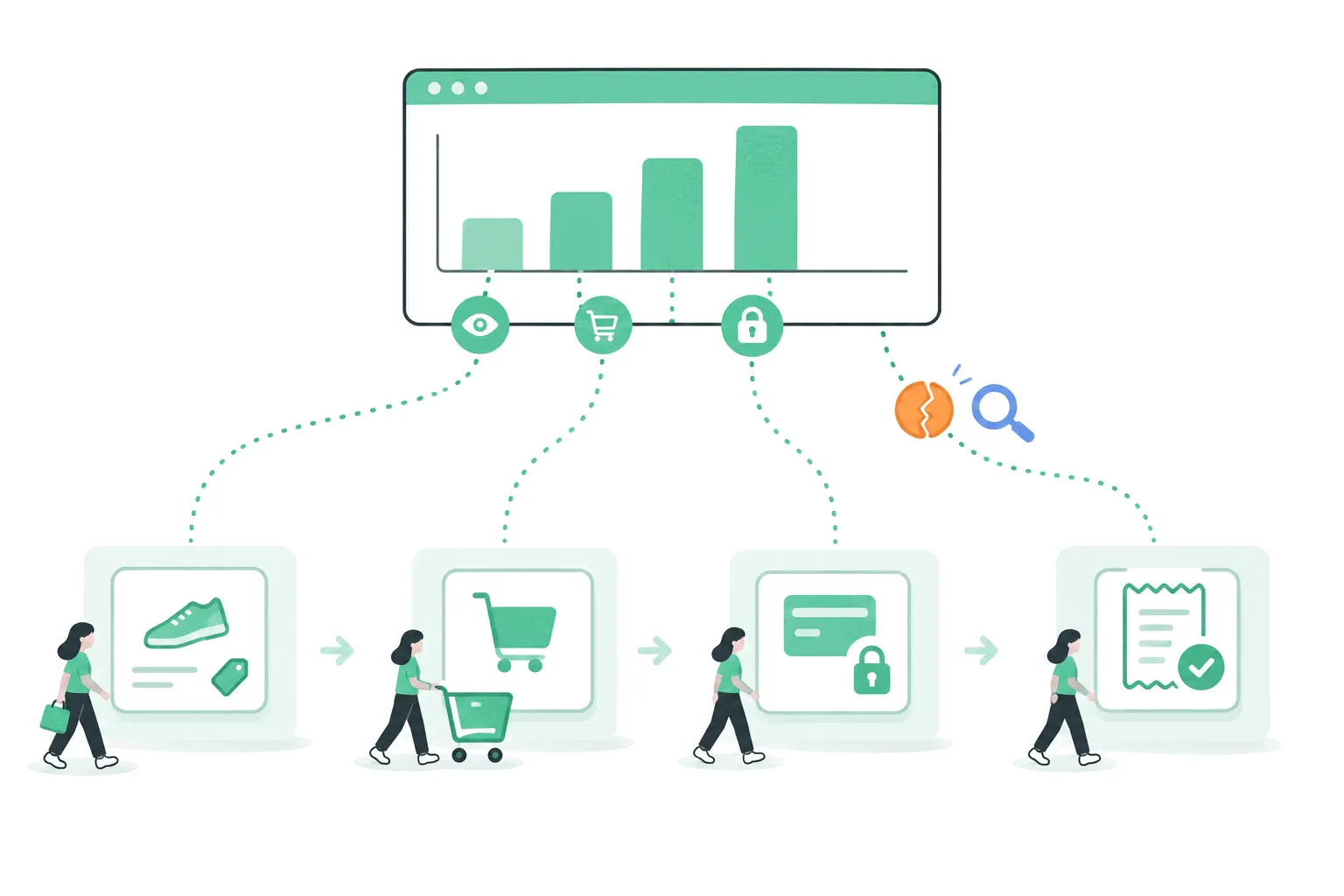
Bigdelta is ours, so judge accordingly. The pitch for stores is the join: visits, sessions and traffic sources appear next to the orders and revenue they produced, so each channel is ranked by the orders it drove rather than the clicks it sent, and conversion rates come computed instead of assembled across tools. The same install adds the behavior layer - heatmaps, session replays and checkout funnels - so when a funnel step leaks you can watch the replays behind it rather than guessing. Install is one snippet for Shopify, WooCommerce or WordPress, or the Shopify app from the App Store, with no changes to your checkout.
Fit and limits, honestly: it's web analytics with store data joined on, not an ad-spend attribution platform or a profit calculator, so the tools further down still own those questions. The free tier covers sites under 100K pageviews a month, which for most small stores means starting without a budget conversation.
Triple Whale: the ad-spend reconciler
Triple Whale is what Shopify DTC brands heavy on paid acquisition reach for. Its pixel and multi-touch attribution exist to answer one expensive question - which ad money actually produced orders - and it pulls Meta, Google, TikTok and Klaviyo into one operating dashboard with AI tooling layered on. There's a free tier for the basic dashboard, and paid plans start at $219 a month on an annual commitment, scaling up with store revenue.
The honest fit: Shopify-only, contract-shaped, and priced for stores whose monthly ad spend makes attribution errors expensive. A store spending modestly on ads will find the free tier's dashboard pleasant and the paid tiers hard to justify.
Lifetimely: profit and LTV, order by order
Lifetimely is a Shopify app that does the accounting analytics skips: landed cost, shipping, fees and ad spend subtracted per order into a live profit-and-loss view, plus customer lifetime value tracked by cohort - the number that decides how much a customer is really worth beyond the first order. Pricing runs on order volume, from a free plan covering up to 50 orders a month through $49, $149 and $299 tiers, with every feature on every tier.
The limit is the mirror of the focus: Shopify-only, Amazon data as a paid add-on, and nothing about on-site behavior or traffic. It answers "what did we actually earn, and from whom?" and leaves every other question to the rest of your stack.
Metorik: reporting for Shopify and WooCommerce
Metorik is the one tool here equally at home on WooCommerce, which alone earns it a place - Woo stores are chronically underserved by this category. It provides real-time store reporting, cost and profit reports, segmentation, exports and abandoned-cart emails, from $25 a month scaling by order volume with all features included at every tier and a 30-day trial.
The limitation cuts both ways: it bundles email marketing alongside analytics, which suits merchants consolidating tools and mildly annoys those who wanted only the reports.
Polar Analytics and Glew: the multi-source reporters
Both exist for the brand whose data outgrew one platform. Polar Analytics consolidates Shopify, Klaviyo, Meta, Google Ads and warehouse data into one reporting layer with incrementality testing on top, aimed squarely at mid-size and larger DTC brands - and publishes no prices, so budget for a demo call before you learn the cost. Glew covers the widest platform spread here, connecting Shopify, WooCommerce, BigCommerce and Magento among 170-plus integrations, from roughly $79 a month at entry with heavier managed tiers on custom pricing.
For a single-store, single-channel merchant, both are more machine than the job needs. They enter the conversation when "the business" stops meaning one store.
Choosing by the question you're asking
Match the tool to the question that's actually keeping you up. "How is the store doing?" is your platform's built-in reports, already answered. "Where do buyers come from and what do they do on the site?" is GA4 if you have the patience, Bigdelta if you want the behavior layer and revenue joined in one install. "Is the ad spend working?" is Triple Whale territory once the spend is serious. "What's the real profit, and what's a customer worth long-term?" is Lifetimely. "One report across several stores or platforms?" is Metorik first, Polar or Glew as the operation grows.
Most stores do well with exactly two: the platform's own reports plus one tool matched to their most expensive open question. Stacking more than that mostly buys reconciliation work, since every tool counts a little differently, and the benchmarks worth comparing against don't care which dashboard produced your numbers.
The practical takeaway
Prices and tiers above were read from each vendor's own pages on September 24, 2026, and this category moves - re-check before committing, especially the two vendors with sales-gated pricing. Start with what your platform already gives you, add one tool for your most expensive unanswered question, and let the second tool prove its keep before a third enters the conversation.