Website tracking tools: what each kind actually tracks
Tracking tools fall into five kinds that record different things. What analytics, heatmaps and replays, tag managers, product analytics and the specialised trackers each capture, and how few a site needs.
The five kinds
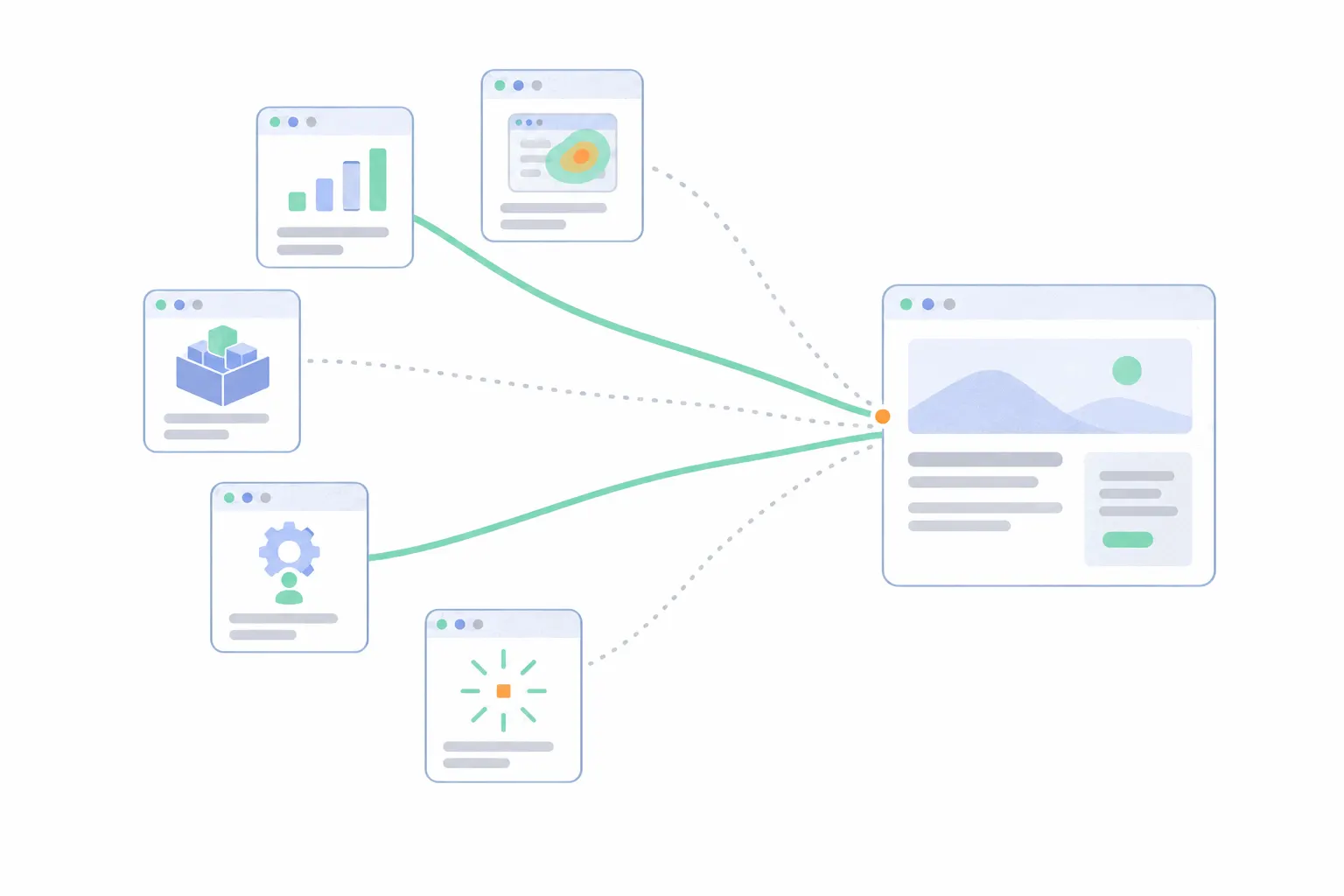
Nearly every tracking product on the market falls into one of five buckets, and plenty of products cover more than one from the same script.
- Web analytics tools count visits: how many people came, from where, and what converted.
- Heatmap and session replay tools record behaviour on the page: where visitors clicked, scrolled and got stuck.
- Tag managers track nothing themselves. They are containers that load and manage the other tools' scripts.
- Product analytics tools follow what signed-in users do inside an app.
- Specialised trackers cover one job each: form analytics, ad platform pixels and a few narrower cousins.
Web analytics tools
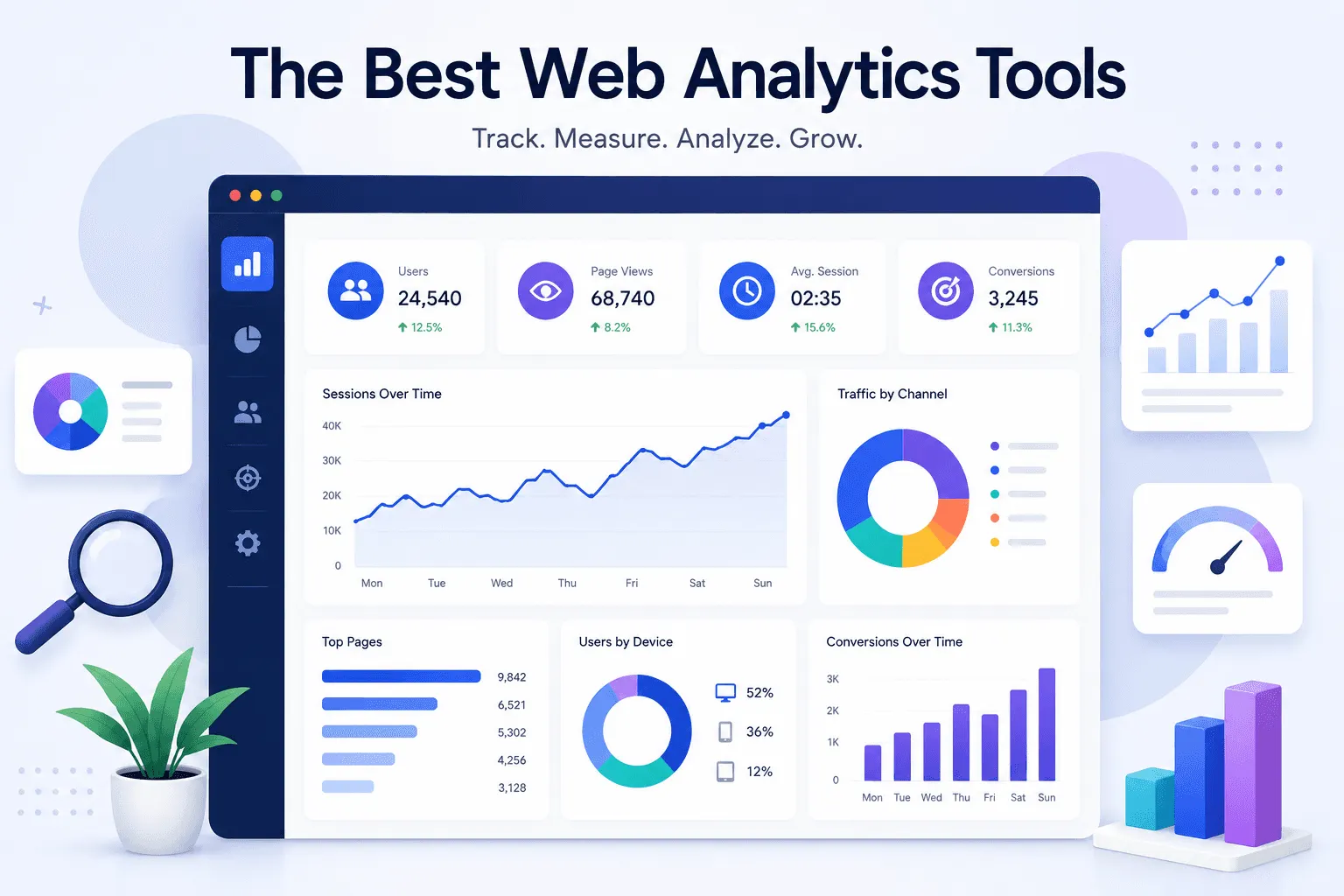
The foundation category. A web analytics tool records pageviews and visits, attributes each visit to a source, and counts the conversions that follow. Campaign tags, landing pages and referrers all land in the same reports. It answers the questions every site owner has: is anyone coming, where from, and is the site doing its job.
This is the one category almost no site should skip, and usually the first script installed. The market splits into the default, Google Analytics, and a field of lighter tools that trade depth for simplicity. The best web analytics tools compares the named options, and free website analytics tools covers what genuinely costs nothing.
Heatmap and session replay tools
Analytics counts what happened, and behaviour tools record where on the page it happened and what a visit looked like. A heatmap aggregates thousands of clicks, taps and scroll positions into one picture of a page. A session replay reconstructs a single visit so you can watch it. Between them they turn "this page underperforms" into "visitors tap the product photo and it does nothing".
These tools earn their place when a specific page matters and the numbers alone cannot say why it behaves as it does. They need traffic to be useful, since a heatmap built on thirty visits is noise. The named options are compared in best heatmap tools and best session replay tools, and several products appear on both lists because they are one tool doing both jobs.
Tag managers
A tag manager is the odd one out, because it tracks nothing itself. Google Tag Manager, the standard of the category, describes itself as a system for setting up and managing tags on a site without changing the site's code. The container it installs is one script that loads whichever other scripts someone configures from its dashboard: analytics, ad pixels, chat widgets.
It earns its place when tags multiply and the people who want them are not the people who edit the site. A marketing team running pixels across three ad platforms benefits. One person with one site and one analytics tool mostly gains a second dashboard to misconfigure, and can paste the snippet directly instead.
Product analytics tools
Product analytics tools pick up where web analytics stops: after the signup. They track events inside an app and organise the data around the user rather than the visit: which features get used, where a flow loses people, who returns the next week.
A content site or a shop rarely needs one. A SaaS product almost always ends up with one, and the boundary between the categories, along with the tools that straddle it, is drawn in web analytics vs product analytics.
The specialised trackers
Form analytics tools watch a single high-stakes element. They record which field visitors hesitate on, where they give up after starting to type, and how many abandon the form entirely, the measurement side of form abandonment.
Ad platform pixels are trackers you install for someone else's benefit as much as your own. Each platform's pixel reports conversions back to that platform so its bidding can optimise, which is one reason the platform's numbers and your analytics never quite agree.
Visitor identification tools sit at the edge of the category. They match visits to companies through the visitor's network address, which works at the company level for B2B sites and stops well short of naming individuals. How company identification works covers what they can and cannot see.
Rank trackers get sold alongside all of this but follow your site's position in search results rather than your visitors, and belong with SEO measurement instead.
How many tools does a site need?
Fewer than the category list suggests. One analytics tool plus one behaviour tool answers most questions a site owner actually asks, and every extra script after that adds page weight, another privacy-policy entry and another dashboard nobody checks.
The count of scripts and the count of categories are not the same thing, because some tools cover several categories from one install. Bigdelta, for example, runs analytics, heatmaps and session replays from a single snippet. However you get there, two scripts is a healthy setup for a small site, and five is a sign that nobody has audited the stack lately.
What every tracking tool shares
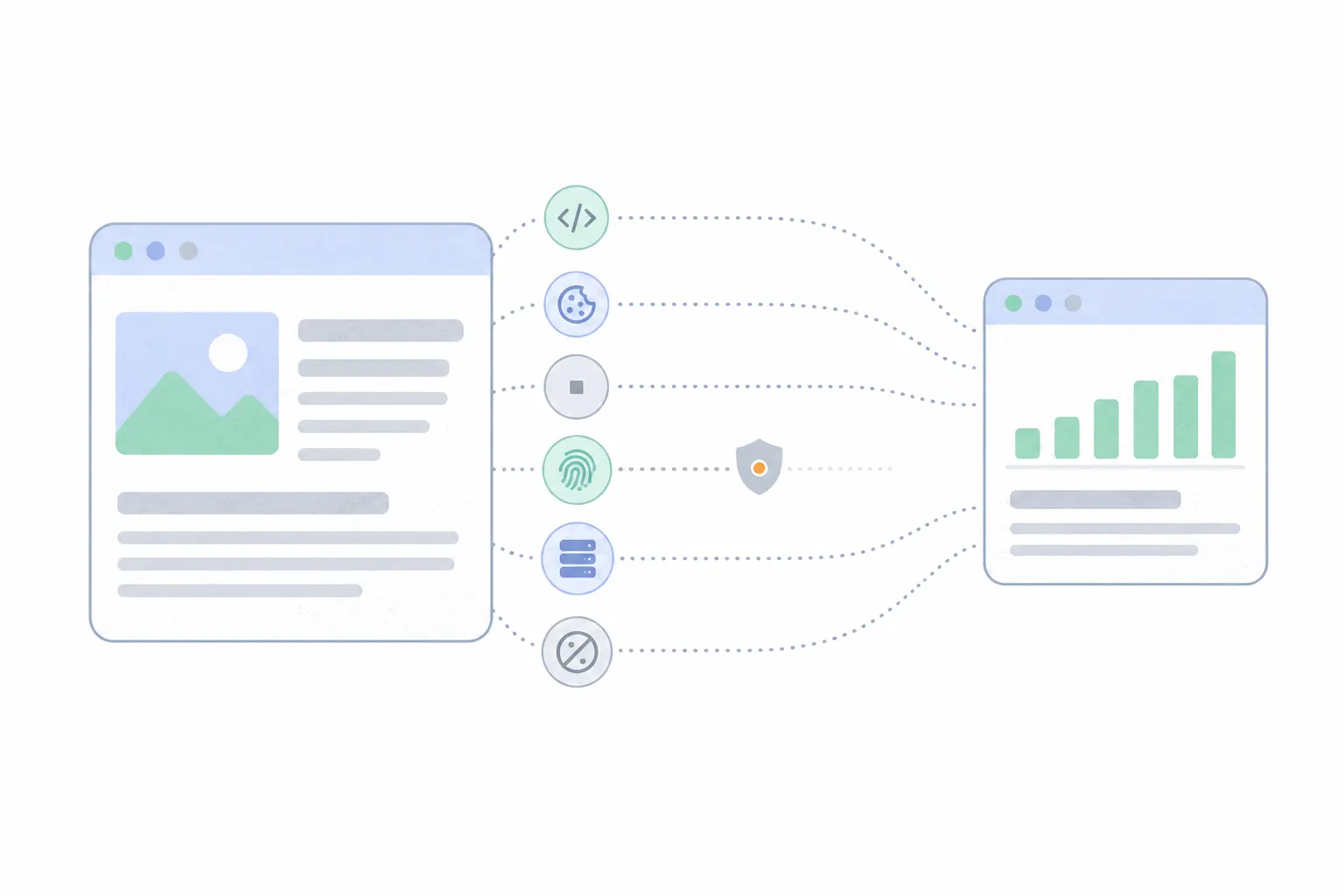
The install is the same everywhere: a script added to the site's head, through a plugin, a builder's custom-code box or a tag manager. How to track website visitors walks through that end of it.
They also share a blind spot. Ad blockers and privacy browsers stop tracking scripts of every category, so each tool sees a sample rather than a census, and dark traffic covers the size of the missing share. In the EU and UK, non-essential tracking also needs consent before it runs, whichever category the tool belongs to. A tool that can work without storing identifiers keeps that overhead down.
Which tools fit which site
Three common profiles cover most decisions.
Start with the analytics category, add the second tool when a real question needs it, and let every tool after that argue its way in. The stack that works is the one where you can name the question each script answers.
- A content site or blog: one analytics tool, plus a scroll-focused heatmap on the top articles once traffic justifies it. Nothing else until a specific question appears.
- An online store: analytics, a behaviour tool for the product and checkout pages, and the pixels for whichever platforms run its ads. Form analytics if checkout drags people through a long form.
- A SaaS product: analytics for the marketing site, product analytics behind the login, and session replay on the signup flow. A tag manager only once a marketing team asks for it.