How to use Google Analytics for SEO
GA4 on its own can't name a single keyword that sent you a visitor. Linked to Search Console and read in the right reports, it becomes half of a working SEO measurement stack - this is the half-hour version of doing that properly.
What GA4 knows about your organic traffic
GA4 sorts arriving traffic into channels, and Organic Search is the one SEO cares about: visits from non-ad links in search results. Google's channel definition is broader than many people expect, because it explicitly includes clicks from Google's AI Overviews and AI Mode - a visitor who clicked your link inside an AI-generated answer lands in Organic Search like any other searcher. What GA4 sees is the source and medium, google / organic for Google, bing / organic for Bing, and everything it can measure about the visit that follows.
What it doesn't see is the query. GA4 has no report, standard or hidden, that names the keywords behind organic visits - Google withholds that data from Analytics for privacy reasons, and has since long before GA4 existed. The keyword-shaped hole in GA4 isn't a configuration mistake on your site. It's the product, and the fix is the link described next. For the wider picture of what organic traffic is and how it's classified, there's a dedicated explainer.
Link Search Console first
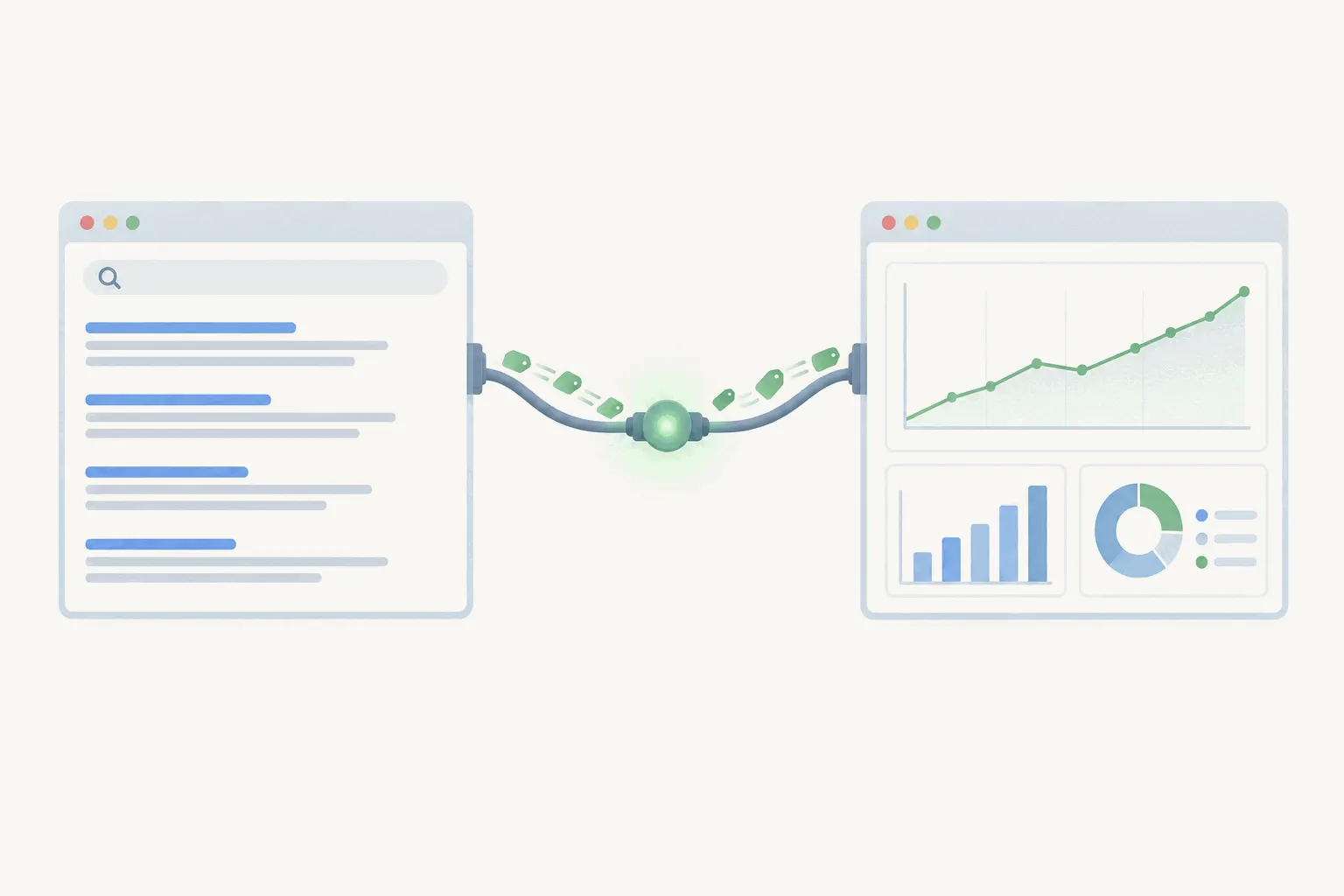
Google Search Console is Google's free tool for site owners, and it holds exactly what GA4 lacks: the queries your pages appeared for, impressions, clicks and average position. Linking it to GA4 puts a slice of that data inside Analytics, next to your behavior and conversion numbers.
The link unlocks two reports. Queries shows the search terms your site appeared for, with clicks, impressions, click-through rate and average position. Google organic search traffic shows landing pages with Search Console metrics and Analytics metrics side by side, which is the report that finally answers "this page ranks, but do those visitors do anything?" in one screen.
The link takes a few minutes, with two requirements worth knowing up front: you need the Editor role on the GA4 property and you must be a verified owner of the Search Console property.
- In GA4, open Admin, and under Product links choose Search Console links, then Link.
- Pick your Search Console property and the web data stream it should attach to. One data stream can link to one Search Console property.
- Confirm, then open Reports > Library, find the Search Console collection, and publish it - the reports exist but stay hidden from the left navigation until you publish them.
- Wait a day or two. Search Console data appears in Analytics about 48 hours after Search Console collects it.
The fine print on Search Console data in GA4
The integration carries Search Console's limits with it. History goes back 16 months, because that's all Search Console keeps. The data runs about two days behind. And the Search Console metrics are incompatible with GA4's segments and explorations - apply a segment and the Analytics metrics segment fine while clicks, impressions and position quietly return zero. The only dimensions that combine with Search Console metrics are Search Console's own, plus country and device.
None of that makes the link less worth having. It means the deep query digging still happens in Search Console itself, where the interface is built for it, and the GA4 side earns its keep by joining queries and landing pages to engagement and conversions. The two tools disagree on the numbers too, for reasons covered in their own comparison and summarized below.
The GA4 reports that earn a place in SEO work
Traffic acquisition, under Acquisition in the Reports section, is the workhorse. It's session-scoped, meaning every visit gets credited to the source that brought it, returning visitors included. Type google / organic into the search box above the table and the report becomes your organic dashboard: sessions, engagement rate, key events, all trending over whatever range you pick. Its sibling, User acquisition, credits only the source that brought each user's first visit - useful for asking whether SEO acquires new people, misleading if you read it as total organic traffic.
Landing page, under Engagement, is the other one. It shows where visitors enter, and entering is what organic traffic does - every ranking page is a landing page. Add Session source / medium as a secondary dimension, filter to organic, and you have per-page organic performance: which pages pull visitors in, how long those visitors stay engaged, and which pages convert them. Read next to the Search Console landing-page report, this is where content decisions come from, and it pairs naturally with the SEO metrics worth tracking if you're deciding what deserves attention at all.
Engagement and key events: judging the traffic
Rankings measure visibility. GA4's contribution is judging what the visits were worth, and it does that with two kinds of measure. The engagement metrics are the soft ones: GA4 counts a session as engaged when it lasts ten seconds, triggers a key event or views two pages, and the engagement rate of organic sessions is a fair first read on whether a ranking page satisfies the intent behind it. Bounce rate still exists as engagement rate's inverse, redefined from the old Universal Analytics version, so resist comparing it to any pre-2023 number.
Key events are the hard measure. Mark the events that matter to the business - a signup, a purchase, a lead form - as key events, and the Traffic acquisition report will show how many each channel produced. That single column is the difference between reporting that organic traffic grew and reporting what organic traffic did for the business, and it's the number that survives contact with anyone skeptical of SEO spend.
Where AI traffic lands
Two AI-shaped flows show up in GA4, and they land in different places. Referrals from assistants like ChatGPT, Gemini, Copilot and Grok get their own AI Assistant channel, identified by referrer. Clicks from Google's own AI Overviews and AI Mode, as noted above, stay inside Organic Search, indistinguishable from classic blue-link clicks. So GA4 shows you the assistant traffic as a separate line but cannot tell you what share of your Google organic clicks came through AI surfaces - Search Console doesn't split that either. If organic click-through is drifting while impressions hold, the AI Overviews effect is a candidate explanation you can't confirm from these tools, only suspect, and the organic traffic explainer covers what's actually known about that shift.
Why GSC and GA4 never match
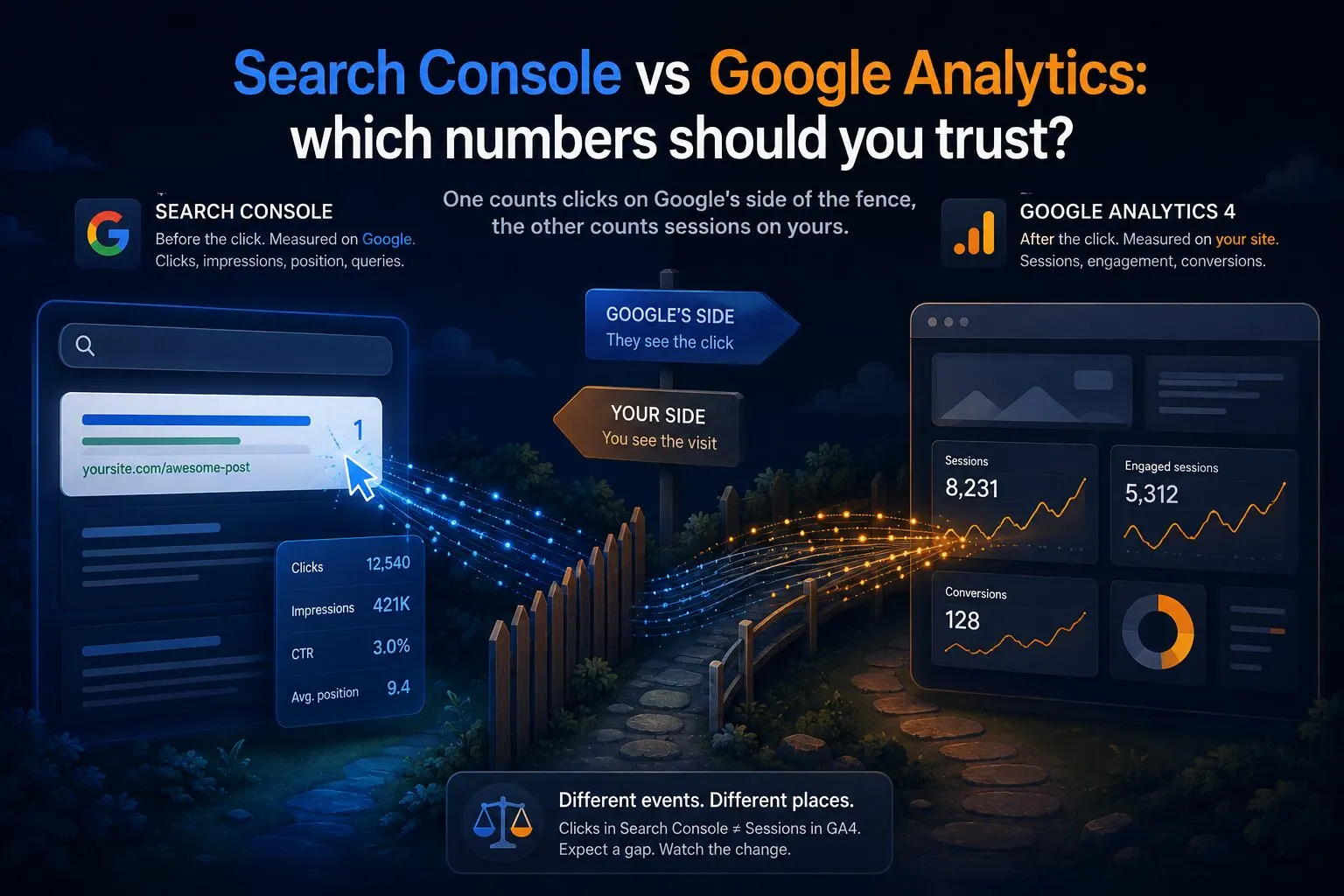
Put the Queries report next to Traffic acquisition and the totals disagree. They always will, and Google documents why: Analytics only measures visitors who run JavaScript, the two tools count against different URL sets, Search Console does its own bot and duplicate filtering, its daily boundaries follow California time while GA4 follows your timezone, rare and sensitive queries are withheld entirely, and the datasets lag by a couple of days. Clicks and sessions are also just different units - one person clicking twice is two clicks and possibly one session.
The practical rule: treat gaps of five to fifteen percent as the normal cost of two different measurement systems, and investigate only when the gap changes suddenly. A stable disagreement is two rulers marked differently. A moving one means something broke, and the full comparison has the diagnosis order.
A monthly SEO read in GA4
The whole setup above condenses to a short monthly routine. Open Traffic acquisition filtered to google / organic and compare sessions and key events to the previous period and the same month last year, since seasonality fools everyone at least once. Open the Landing page report with the organic filter and look for pages whose engagement or key events moved. Open Queries and scan for rising impressions on terms you haven't targeted - that's demand telling you what to write next. Twenty minutes, three reports, done.
If the routine keeps growing instead of shrinking, that's usually the tool's complexity rather than your discipline. A simpler analytics setup can cover the traffic-and-conversions half of this workflow, with Search Console staying exactly where it is for the query half - it's free, and nothing else provides its data.
The practical takeaway
GA4 alone shows organic volume and behavior with a keyword-shaped hole in the middle. Link Search Console, publish the two reports it unlocks, and read three things monthly: Traffic acquisition filtered to organic for the trend, Landing page for which content performs, and Queries for what searchers actually typed. Judge the traffic by key events rather than sessions, expect the two tools to disagree by a stable margin, and spend the time saved on the pages the reports point at.