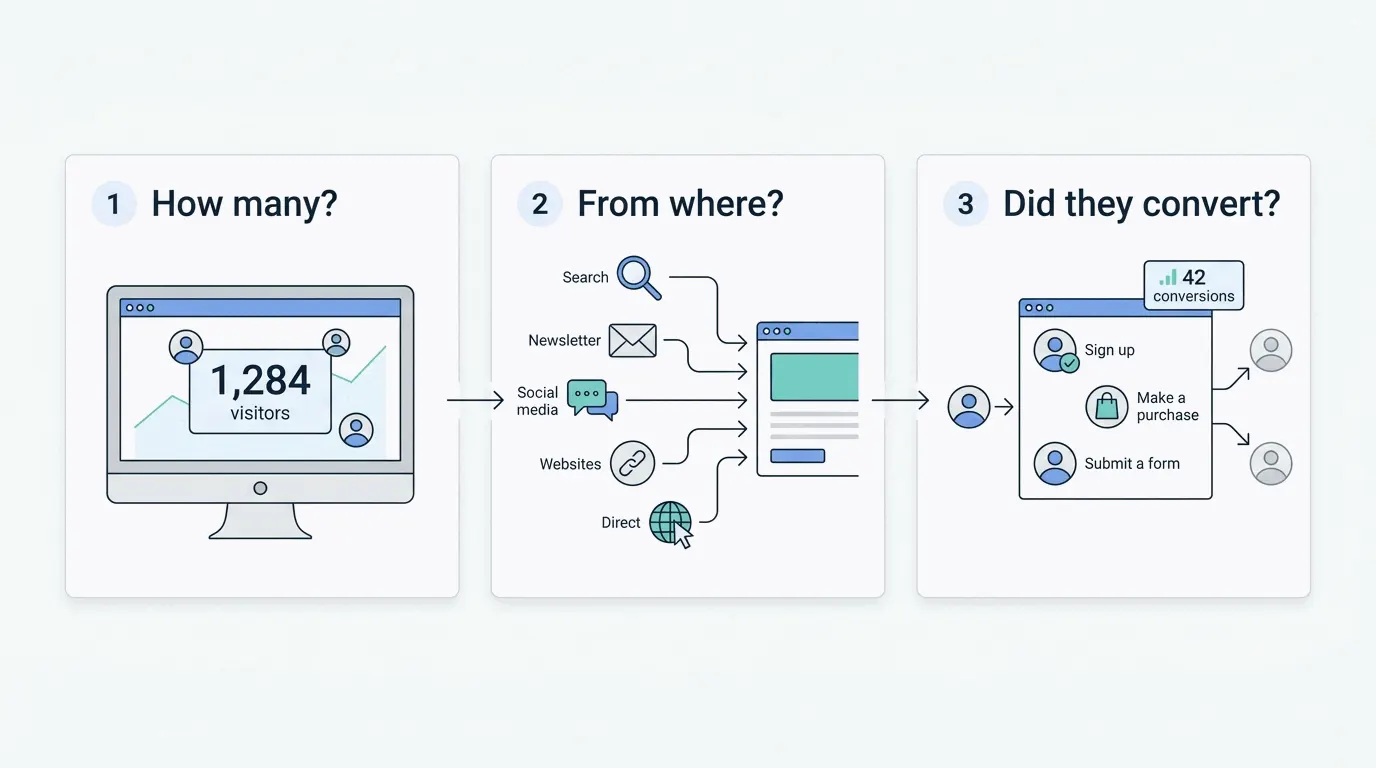
How does web analytics work?
What happens between a visitor opening your page and a number changing on your dashboard - the whole pipeline in plain English, including the steps where counting goes wrong.
The short version
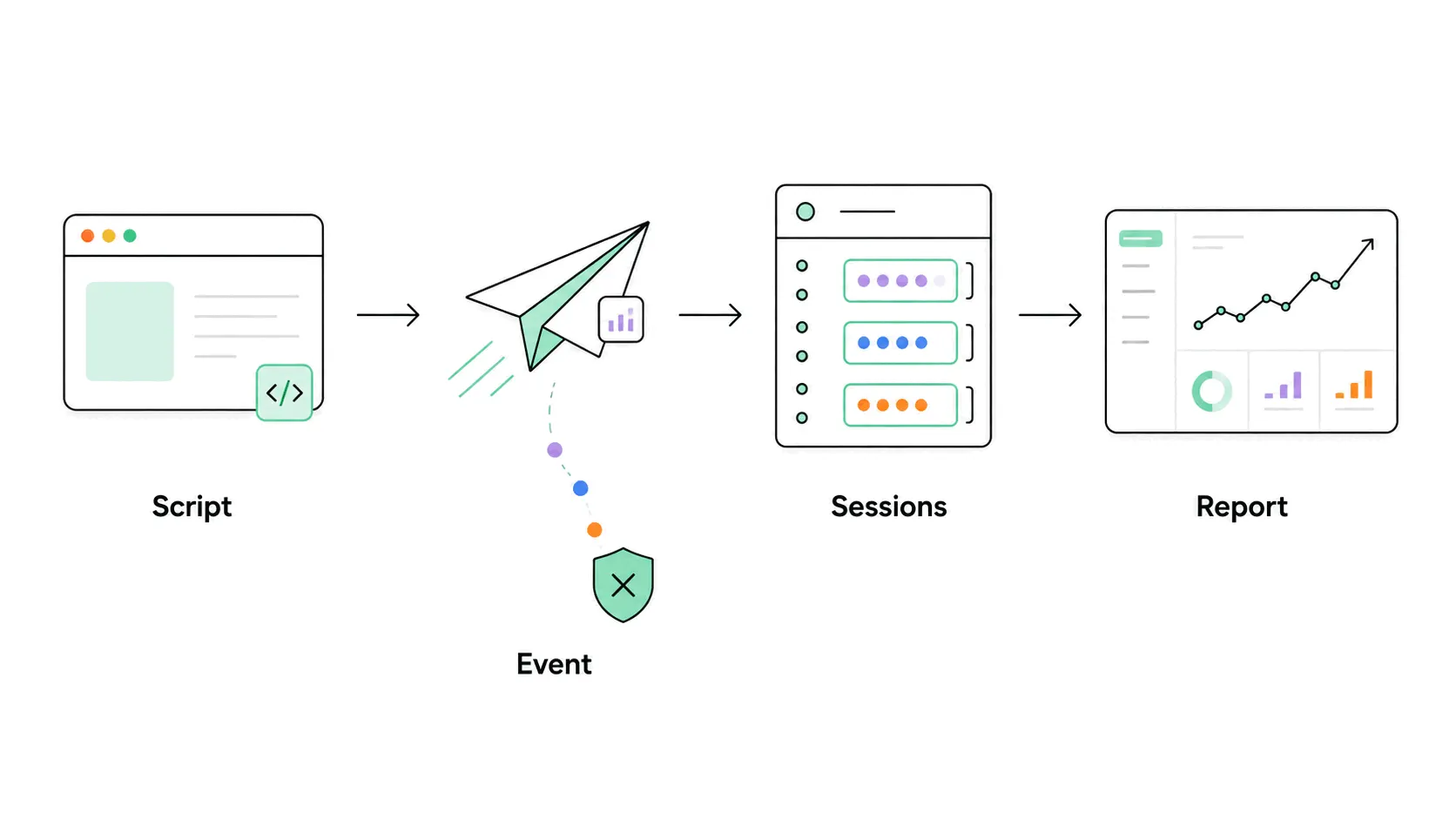
Nearly every analytics tool works the same way underneath. A small piece of JavaScript on your page notices things happening and reports each one to a collection server as an event - "someone loaded /pricing at 9:14 from a phone". The server stitches events from the same visitor into sessions, and adds sessions up into the tables and charts you see. That is the whole trick. Everything else - the metrics, the channel reports, the funnels - is arithmetic on that pile of events.
This post stays on the mechanics. If you want the what-and-why first, what web analytics is covers that side.
Step 1: a script tag notices the visit
Installing analytics means pasting a snippet - usually one script tag - into your site's HTML. When a page loads, the script wakes up and gathers what the browser will tell it: the page URL, the visitor's screen size, browser and language, and the referrer, which is the address of the page the visitor came from. It bundles this into a pageview event and sends it to the analytics server in the background, a payload of a few hundred bytes the visitor never sees.
The referrer is the load-bearing field. It is how a visit gets credited to Google, a newsletter or a forum - and when it arrives empty, as it often does, the visit falls into the direct-traffic bucket. Marketers who need credit to survive that gap add UTM parameters to their links, which the script reads from the URL itself.
Step 2: recognizing the same visitor twice
Counting pageviews needs no memory; counting visitors does. The classic method is a cookie: on the first visit the script stores a random ID in the browser and sends it along with every later event, so the tool can tell one person's ten pageviews from ten people's one. Cookies used this way are what triggers consent banners in much of the world.
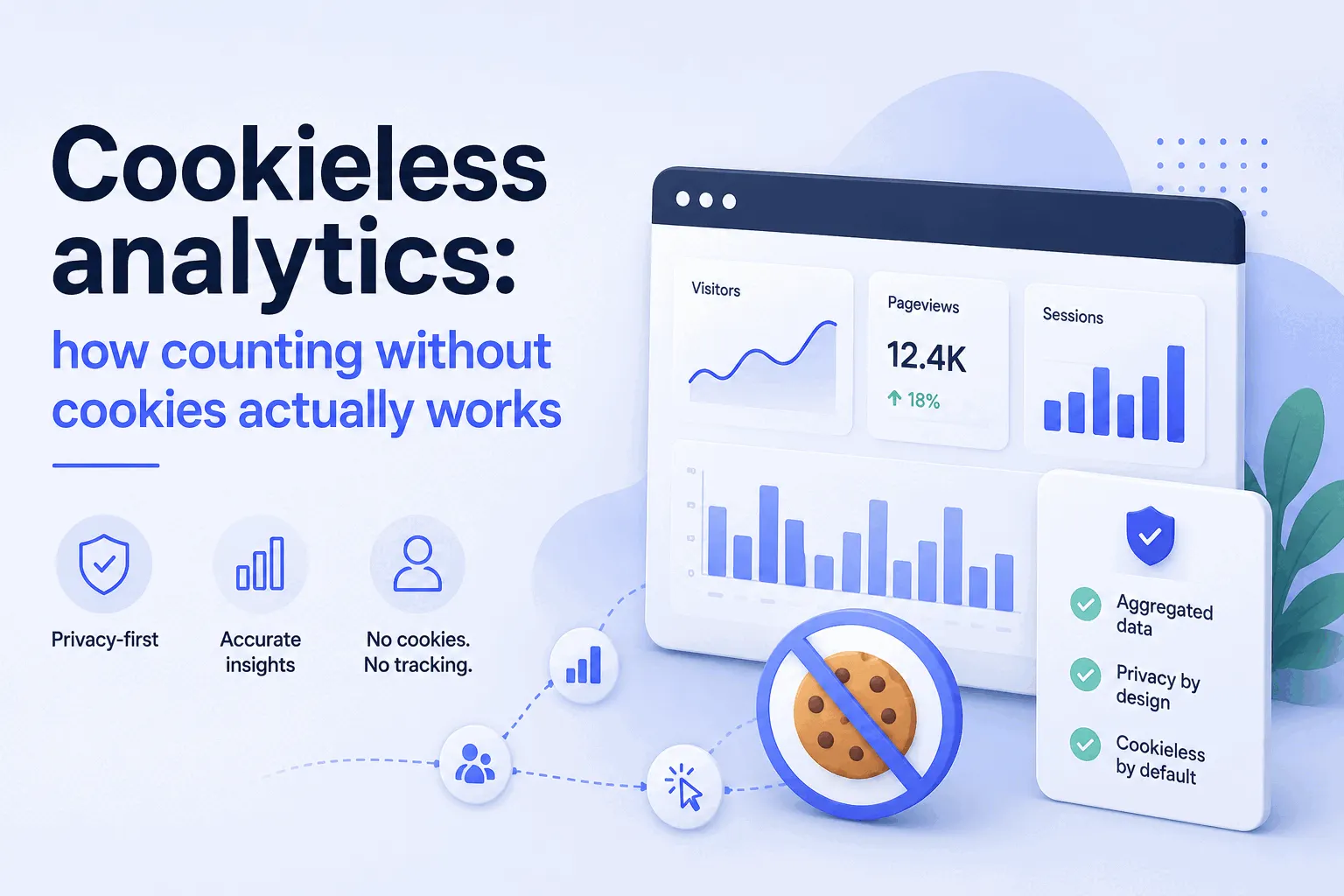
Cookieless tools answer the same question without storing anything, typically by hashing a few connection properties into a temporary identifier that expires within a day. The trade: no banner and less legal surface, but a returning visitor next week reads as a new one. Either way, "a visitor" is an approximation - the same person on a phone and a laptop counts twice everywhere - which is one reason visitors, visits and pageviews never quite reconcile.
Step 3: events become sessions
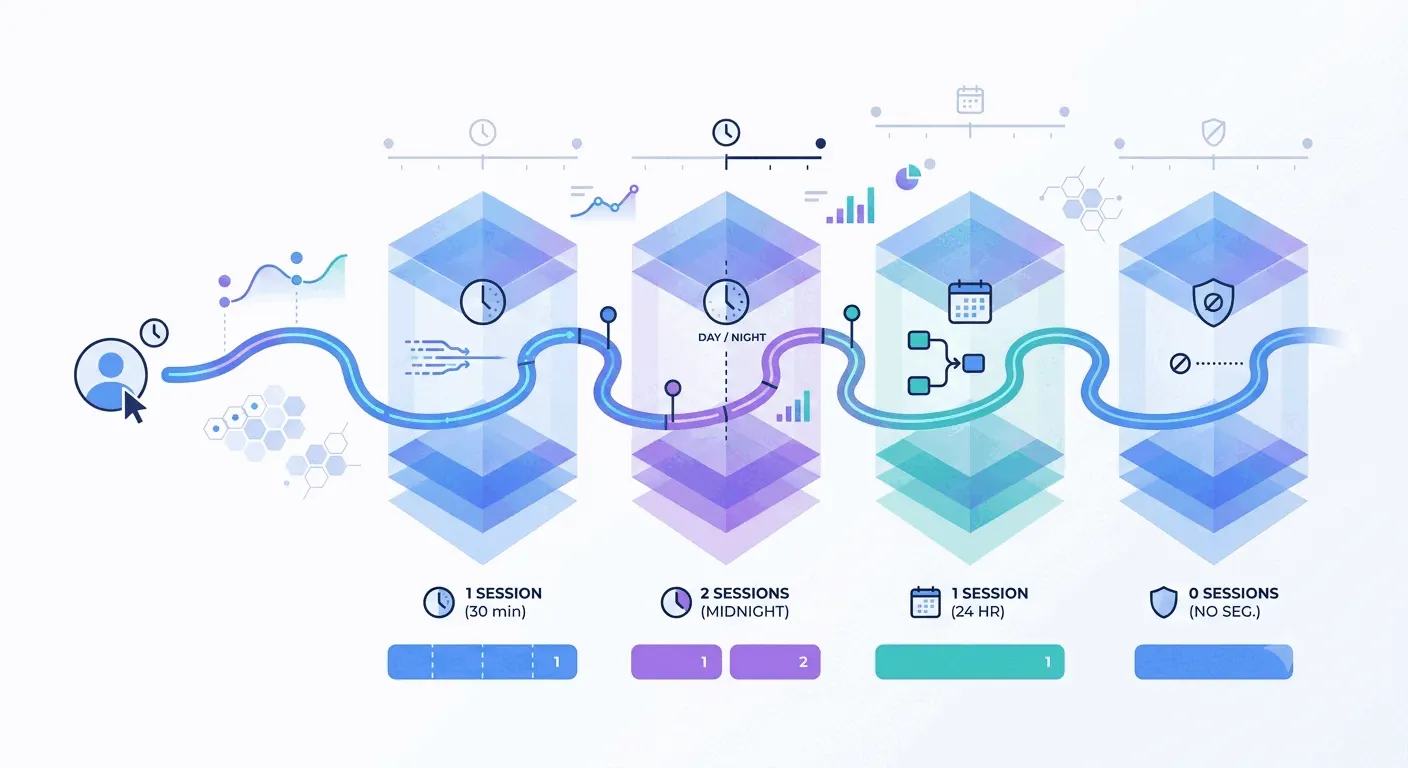
A session is the tool's guess at "one sitting". The near-universal rule: a session starts with a visitor's first event and ends after 30 minutes without another one. Come back after lunch and you have started session two. The rule sounds clean and frays at the edges - midnight rollovers, tabs left open, a campaign click mid-visit - and different tools patch the edges differently, which quietly changes every session-based metric downstream.
Step 4: sessions become reports
The last step is aggregation. The server groups events and sessions by whatever the report asks - day, page, country, device - and sorts referrers into named channels: search engines to Organic Search, known social domains to Social, everything tagged as paid to its campaign. Where those channel boundaries sit is a set of vendor choices, not a standard, and it is a second reason two tools on the same site report different numbers. Lightweight tools run this arithmetic close to live; heavyweight ones batch it, which is why a GA4 report can trail reality by hours.
Where the pipeline leaks
The script-in-the-browser design has a known failure mode: anything that stops the script stops the counting. Ad blockers and private browsers do exactly that, so a slice of your real audience never enters the data at all. Bots pull the other way, adding visits that were never people. The result is not a broken system, just a sampled one - trends survive, decimal points don't.
There is a variant that sidesteps the blocker problem: recording visits on your own server instead of in the browser. It counts everyone and sees less about each of them; the server-side vs client-side trade-offs are their own topic.
The same pipeline after signup
Products with logins run this exact machinery one step further: once a visitor signs in, the anonymous ID gets tied to a known user, and the events start recording feature use instead of page loads. At that point you have crossed from web analytics into product analytics - the split between the two is mostly about which questions the same event pile is asked to answer.
The practical takeaway
None of this needs configuring - the pipeline runs the moment the snippet is in and the first visitor arrives, and watching your own visit appear in a live view is the standard installation test. Any of the free analytics tools demonstrates the full chain within minutes of setup. Bigdelta runs it first-party with a cookieless option, free up to 100K pageviews a month - and the same script feeds its heatmaps and session replays, which are this pipeline pointed at behavior instead of counts.