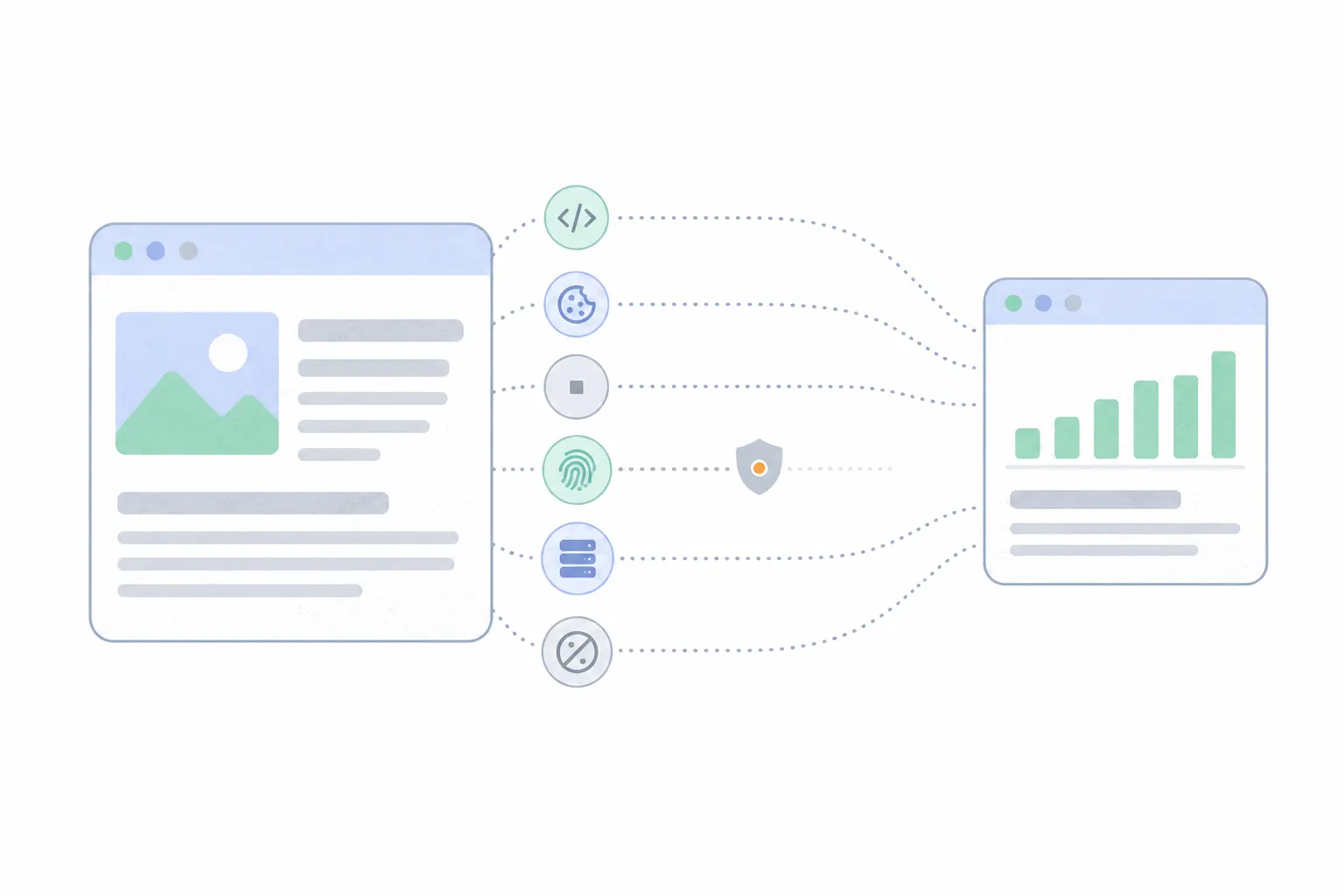
What is a tracking pixel?
An invisible one-pixel image whose loading tells a server an email was opened or a page was viewed. How pixels work, where they are used, and what blocking them changes.

What is a tracking pixel?
A tracking pixel is a tiny, invisible image embedded in a web page or an email so that its loading can be recorded. The same object goes by several trade names: pixel tag, web beacon, conversion pixel, and, in press coverage of email tracking, spy pixel. It is one method in the wider toolbox of website tracking, and the oldest one still in daily use.
The one-by-one size is convention rather than requirement. Any image the reader will not notice does the job, and as the sections below show, some of the best-known "pixels" today are not images at all. The name outlived the format.
How an invisible image reports back
Images in a page or an email are not stored inside it. They load from a server, each from its own address. When a browser or mail app meets an image tag, it requests the file from that address, and the pixel's server writes the request down before sending back its transparent square. Every load is one line in a log.
The address is where the tracking detail lives. Whoever built the page or the email writes information into the image's URL: which campaign, which message, which recipient. The request also carries everything a browser sends with any request: the IP address, which gives a rough location, the user agent, which names the device and software, the page the request came from, and any cookies already stored for the pixel's domain. Put together, the server learns that recipient 48213 opened Tuesday's newsletter on an iPhone in Berlin at 9:14. The reader saw nothing.
Tracking pixels in email
Email is where most people meet pixels, because email allows nothing else. Mail apps strip JavaScript from messages for security, so a script cannot run inside a newsletter. An image can still load, and that made the unique per-recipient pixel the standard way to measure opens: your copy of the message carries an image address that exists only for you, and when it loads, the sender's tool records an open with the time and device attached.
That measurement has become unreliable, from two directions at once. Apple's Mail Privacy Protection, offered when setting up the Mail app, downloads remote content in the background regardless of whether you ever open the message, and routes the download through relays so the sender sees neither your real IP address nor your timing. Apple states the goal plainly: senders should not learn whether you opened the email or be able to use your IP address to connect your activity across sites. For these readers, everything looks opened. Other mail clients do the opposite and block remote images until the reader chooses to load them, so those opens go uncounted. An open rate today is a blend of both errors, which is why email tools increasingly steer senders toward clicks and replies instead.
The ad platform pixel
The most famous pixel is the Meta Pixel, and it is a pixel mostly in name. Meta's developer documentation describes it as a snippet of JavaScript code that tracks visitor activity on your website. The image era ended, the name stayed, and the install code still includes a plain image fallback for browsers that run no scripts. Google, TikTok and the other ad platforms ship the same kind of tag under names like conversion pixel or base code.
An ad pixel has two jobs. The first is conversion tracking: it sits on your site and tells the platform when someone who saw or clicked an ad went on to buy, so the platform can report which ads pay. The second is audience building. Because the pixel's request carries the platform's own cookie, the platform recognises the same browser on every site that embeds its pixel, and can put it on lists like "visited the pricing page this month, did not buy". Those lists are what retargeting campaigns are aimed at. The cookie half of that mechanism, and what is happening to it, is covered in first-party vs third-party cookies.
Tracking pixel vs JavaScript snippet
The two are often confused because ad platforms blurred the names, but as instruments they are different. A pixel fires once, at load, and sees only what a single request can carry. It knows the page or message was opened and by which browser, and nothing after that moment. A script stays on the page and observes the visit as it happens: how far the visitor scrolls, what they click, how long they stay. Website click tracking covers that side.
This is why web analytics runs on scripts and email runs on pixels. On a website, where scripts are allowed, there is no reason to settle for the single-shot signal. In an email, where scripts are stripped, the pixel is the only instrument available. The pixel's remaining web role is the fallback: the one-line image that still counts a visit when a script is blocked or unsupported.
Tracking pixel vs cookie
The comparison people search for is pixel versus cookie, and the honest answer is that they do different jobs and usually work together. The pixel is the messenger: it makes the request that reaches the tracker's server. The cookie is the memory: it is the identifier stored in the browser that lets the server recognise the same visitor on the next request.
A pixel without a cookie can count events and read what is written in its address, but each request stands alone. A cookie without a pixel has no way to phone home from a page. Wired together, the pixel carries the cookie on every load, and single events chain into a browsing history. Most of what is written about cookie tracking is really about that pair.
Can you block tracking pixels?
Mostly, yes. On the web, content blockers work from lists of known tracking domains and simply never request images or scripts from them, so the pixel's server hears nothing. In email, the lever is remote images: most mail apps can block them by default and load them per message on request. Apple's approach is the odd one out, defeating the pixel with noise rather than silence, since every message looks loaded and none of the loads means anything.
For senders and site owners, blocking shows up as a gap between reality and the report. Web pixels undercount the way every tracking method undercounts, and dark traffic covers the size of that invisible share. Email opens, uniquely, can overcount at the same time, thanks to the background loads described above. It is the only common metric that errs confidently in both directions.
Do tracking pixels need consent?
In the EU and UK, pixels sit under the same consent rules as cookies. The UK regulator's 2025 guidance is explicit that the rules cover storage and access technologies generally: pixels, scripts, fingerprinting and local storage as much as cookie files. Non-essential tracking needs consent before it runs, which is why ad pixels belong behind a consent banner while purely functional loading does not. In the United States the model is mostly opt-out, under a patchwork of state laws. None of this is legal advice, and what a given site must show depends on what it embeds and where its visitors live.
What this means for your own site
Pixels belong to two businesses: cross-site advertising and email. If you run ad campaigns or a newsletter, you will host their pixels, and it is worth knowing exactly what they collect, because your consent banner has to answer for it.
Measuring your own site is a different job with a different tool. The question "is my site working" is answered by a first-party analytics script that watches whole visits, keeps the data with you, and builds no advertising profile. The website tracking post linked above maps that fuller toolbox, and pixels are the corner of it that was never really meant for you.