What is website click tracking?
Click tracking records where visitors click and tap on a site. The three forms it takes, what the data can tell you, and how to set it up without tagging every button by hand.
Defined click events
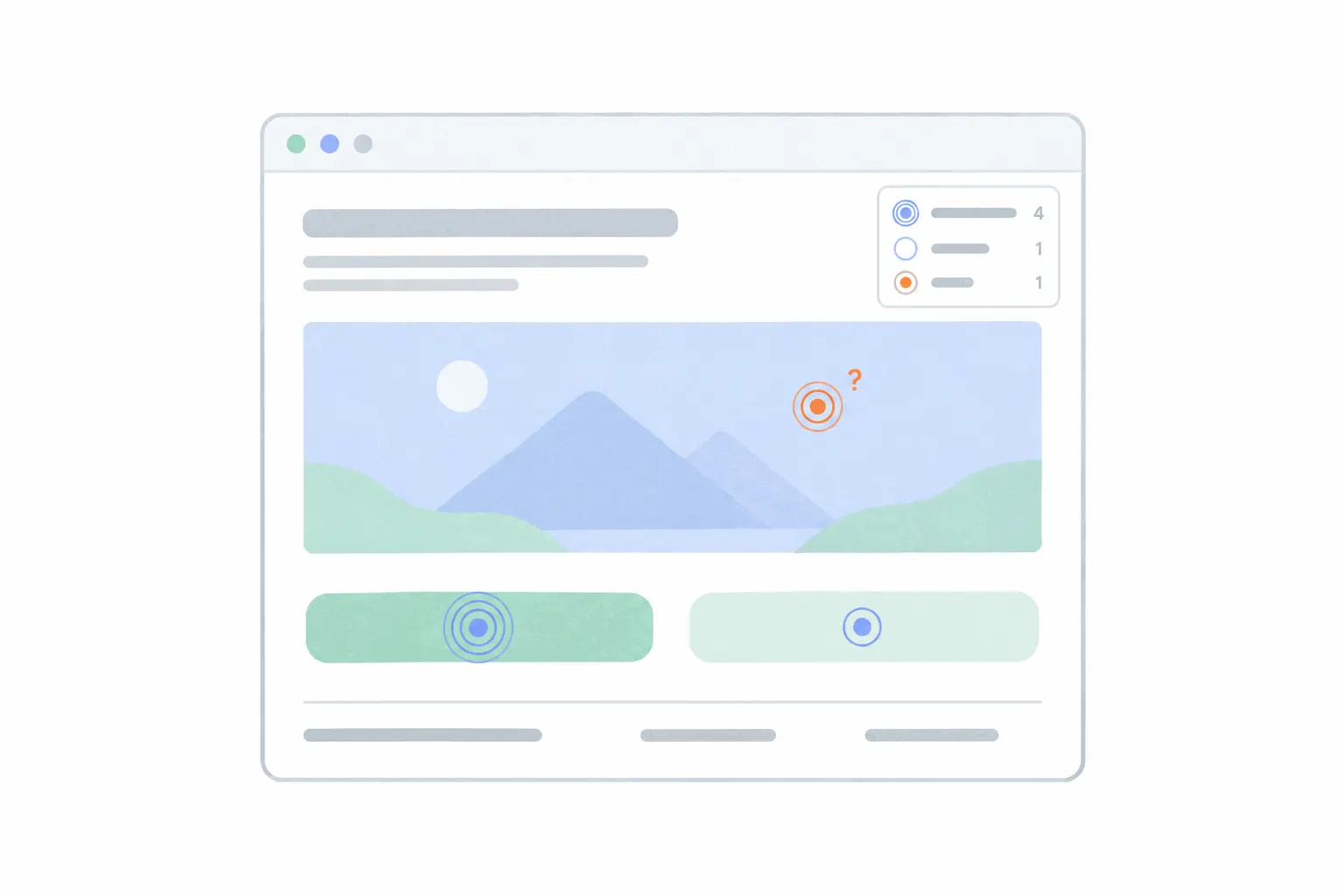
The deliberate form of click tracking is the click event. You pick an element that matters, the signup button, the add-to-cart, the call link in the footer, and tell your analytics tool to record clicks on it under a name. From then on that click is a number you can chart over time, split by traffic source, and treat as a conversion.
The catch is that only the clicks you defined get counted. Google Analytics is the clearest example: its automatic click event covers only links that lead away from your domain, so an ordinary internal button is invisible until someone sets up a custom event for it. Which clicks deserve that treatment is its own decision, and what events to track walks through it.
Autocapture: recording every click
The second form flips the default. Instead of defining clicks up front, the tool records every click and tap from the moment the script is installed, and you ask questions of the pile afterwards. One product analytics tool's documentation lists clicks on links, buttons, form fields and labels, all captured with no setup, and turned on by default.
The appeal is that nothing is missed. When someone asks how often the pricing toggle got clicked last quarter, the answer already exists even though nobody thought to measure it. The cost is noise. Every decorative click lands in the same pile, and the pile keeps growing, which is why autocapture vendors ship ignore-lists and filters for trimming what gets recorded. Bigdelta works this way too: events are captured automatically, so nothing needs defining in code, and the clicks you care about are named from the dashboard afterwards.
Click maps
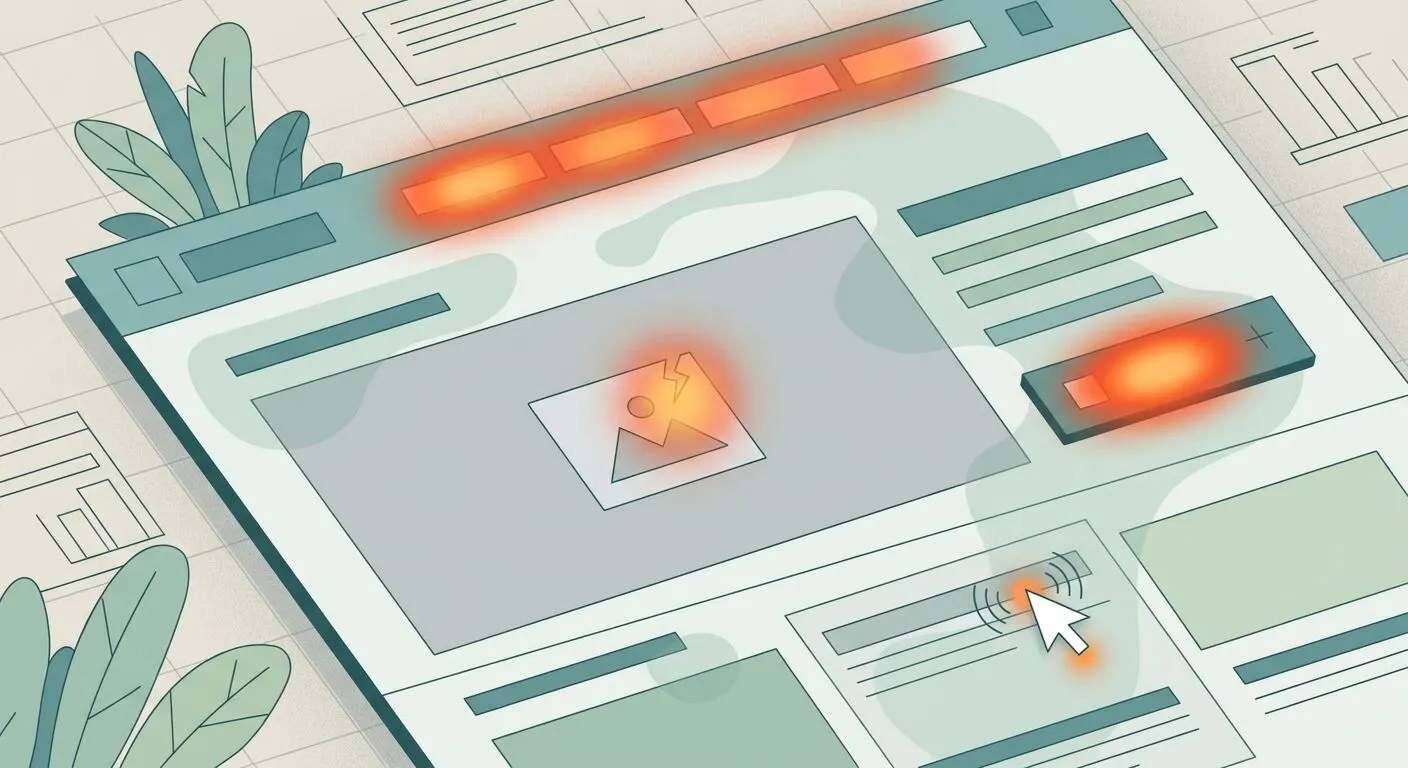
The third form is visual. A click map takes every recorded click on a page and paints it onto a screenshot, hotspots where clicks pile up, nothing where they don't. It answers a different kind of question, layout rather than count, and what a click map is covers how to read one without being misled.
How the script knows what you clicked
All three forms run on the same mechanism. The tracking script sits on the page and listens for clicks and taps anywhere on it. When one happens, it records which element was under the pointer, a button, a link, a heading, a stretch of empty space, along with where on the page it sat. No code is written per button. That is what makes modern click tracking cheap to run: one script covers every element, including ones added to the page next month.
The record is behavioural, not personal. A click says an element was used, not who used it, and any serious tool refuses to capture what gets typed into password and payment fields. The privacy questions that follow visitors across websites belong to a different kind of tracking than counting clicks on your own pages.
What click data answers
Three questions, mainly. The first is whether the things you built to be clicked are being used. A navigation item nobody touches and a footer link that quietly outperforms the hero button are both findings, and both are invisible without click data.
The second is what draws clicks that you never planned for. Product photos, headings that look like links, disabled buttons. Clicks that lead nowhere are frustration in miniature, and tools flag the patterns as dead clicks and rage clicks, which the frustration signals post covers in full. The behaviour is common enough to design against: Nielsen Norman Group's 2017 eyetracking study of 71 people found that when click cues are weak, people spent about a fifth longer finding what they needed.
The third is comparison. Change a button's label, position or colour, and the click counts before and after are the verdict. On bigger changes, comparing the clicks on two versions of a page is the cheapest form of testing there is.
How to set it up
The generic setup is the same across tools. Install the script once, in the site's head or through your platform's plugin, and every page picks it up. Then decide the handful of clicks that matter to the business and make sure each is recorded under a name, either by defining events or by naming them from autocaptured data. Last, test it: click your own button and watch the event arrive in the tool. An event that cannot be seen arriving is not set up.
Resist the urge to name everything. A site usually has three to six clicks that map to money or signups, and a report with six trusted numbers beats one with sixty ignored ones.
Click tracking in emails and ads
The same phrase covers a different mechanism outside your site. Email tools track clicks by rewriting every link in the message to pass through a tracking server, which logs the click and then redirects the reader to the real destination. Ad platforms count clicks on their own side before the visitor ever reaches you. Neither needs a script on your pages, and the numbers land in the email or ad tool, not your analytics. What connects those clicks to your website reports is the address they point at, which is what UTM parameters are for.
When clicks are not enough
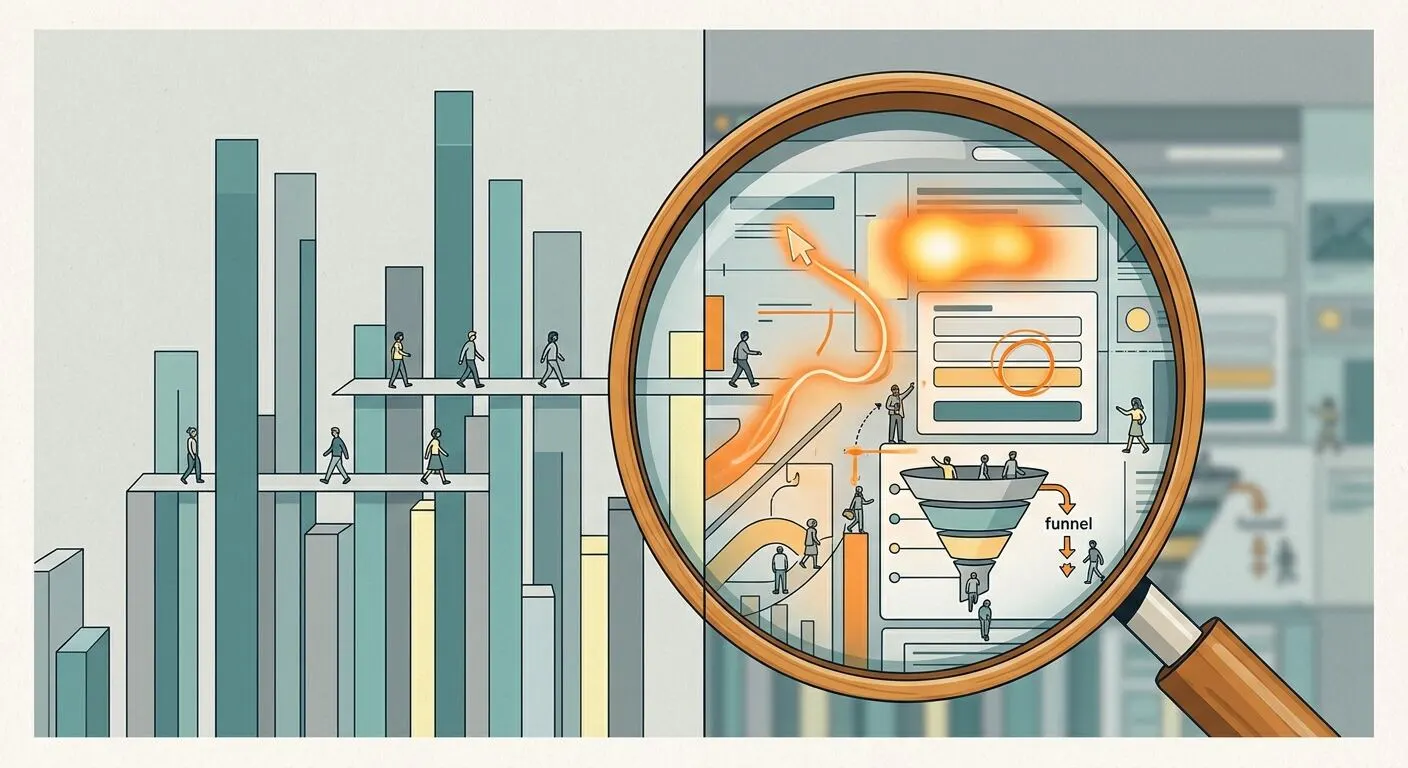
Click tracking tells you which elements were used and how often, and that is where it stops. The order things happened in, the hesitation before the click, the visit that ended in a rage click on a broken button, all of that lives in session replay, which records the whole visit rather than its clicks. The practical pairing is counts first, recordings second: let the click numbers point at an element, then watch a few visits to learn why.