First-party vs third-party cookies: what the difference means for your website
A first-party cookie is set by your own site. A third-party cookie is set by someone else's service running inside your page. That one difference decides what browsers block, which of your numbers get worse, and which parts of your setup keep working.

What a cookie is
A cookie is a small note that a website asks your browser to keep. On your next visit the browser hands the note back. The note usually holds a random ID, and the site uses it to recognise the same browser again. Cookies are how a site remembers you are logged in, what is in your cart, and which language you picked. They are also how an analytics tool knows the person on page three is the same person who landed on page one. Mozilla's developer documentation lists three jobs for cookies: session management, personalisation, and tracking.
Who sets the cookie is the whole difference
Every cookie belongs to a domain. A first-party cookie belongs to the domain in the address bar, your site. A third-party cookie belongs to some other domain your page loaded in the background: an ad network, an embedded video player, a chat widget, a social button.
A visitor opens yourshop.com. The page loads a script from an ad platform. That script stores a cookie, and the cookie belongs to the ad platform's domain, not yours. Tomorrow the same visitor opens a news site that loads the same script, and the browser hands back the same cookie. The ad platform now knows one browser visited both sites. That cross-site recognition is what a third-party cookie is for, and it is the only thing about it browsers object to.
What first-party cookies are for
First-party cookies do the necessary work. A login cookie keeps you signed in between pages. A cart cookie remembers what you added before checkout. A preferences cookie holds your language or your "don't show this again" choice. Your own server sets most of these, and browsers leave them alone.
Analytics cookies are usually first-party too. The standard setup drops a cookie on your domain with a random visitor ID, and that ID is how the tool counts one person across several visits. Google's documentation describes its main analytics cookie as first-party with a two-year default lifetime. Ad platforms also set first-party cookies on your domain to remember which ad click brought someone in. When a browser blocks third-party cookies, none of this is what gets blocked.
What third-party cookies are for
Third-party cookies recognise one browser across many unrelated sites, and the main customer for that is advertising. Google's own cookie page says its advertising cookies are set on third-party domains and used to show its ads on sites it does not own. Retargeting works the same way: the platform's cookie sees you look at a pair of shoes on one site, then serves you those shoes on ten others.
Embedded video players and comment widgets can do the same from their own domains. None of it is malicious by default, but all of it is cross-site, and cross-site is the line browsers drew.
Side by side
- Who sets it. First-party: Your own domain. Third-party: Another domain loaded in your page.
- What it is for. First-party: Login, cart, preferences, your own analytics, remembering an ad click. Third-party: Recognising the same browser across sites: ad targeting, retargeting, cross-site measurement.
- Blocked by. First-party: Nobody outright. Safari shortens script-set ones to 7 days. Third-party: Safari (all), Firefox (walled off per site), Chrome in Incognito or when the user opts out.
- What you lose. First-party: Returning-visitor counts and attribution windows get shorter. Third-party: Retargeting audiences shrink, cross-site attribution breaks.
What browsers do today
Safari has blocked every third-party cookie by default since Safari 13.1 in March 2020, with no exceptions according to WebKit's documentation. It also goes further on first-party cookies. Any cookie created by a script, rather than by your own server, is deleted after seven days of browser use with no return visit. If the visitor arrived from a domain Safari classifies as a tracker with tracking parameters in the link, that window drops to 24 hours. Cookies your own server sets directly keep their normal lifetime.
Firefox turned on Total Cookie Protection for all users in June 2022. It does not delete third-party cookies. It keeps a separate cookie jar for every site you visit, so a cookie an ad network sets while you are on one site is a different cookie on another. The practical result is the same as blocking.
Chrome is the one people have wrong. Google announced in 2020 that it would phase third-party cookies out, reversed in July 2024, said in April 2025 that it would not ship a new prompt asking users to choose, and in October 2025 retired most of its replacement "Privacy Sandbox" technologies. As of September 2026, Chrome allows third-party cookies by default in normal browsing, blocks them by default in Incognito, and lets any user switch them off. There is no removal date.
Browser share sets the split in your audience. StatCounter's August 2026 figures put Chrome at about seven in ten visitors worldwide. Safari and Firefox together are about one in five, and that fifth arrives with cross-site cookies already off. Mobile-heavy audiences see far more Safari.
What that does to your numbers
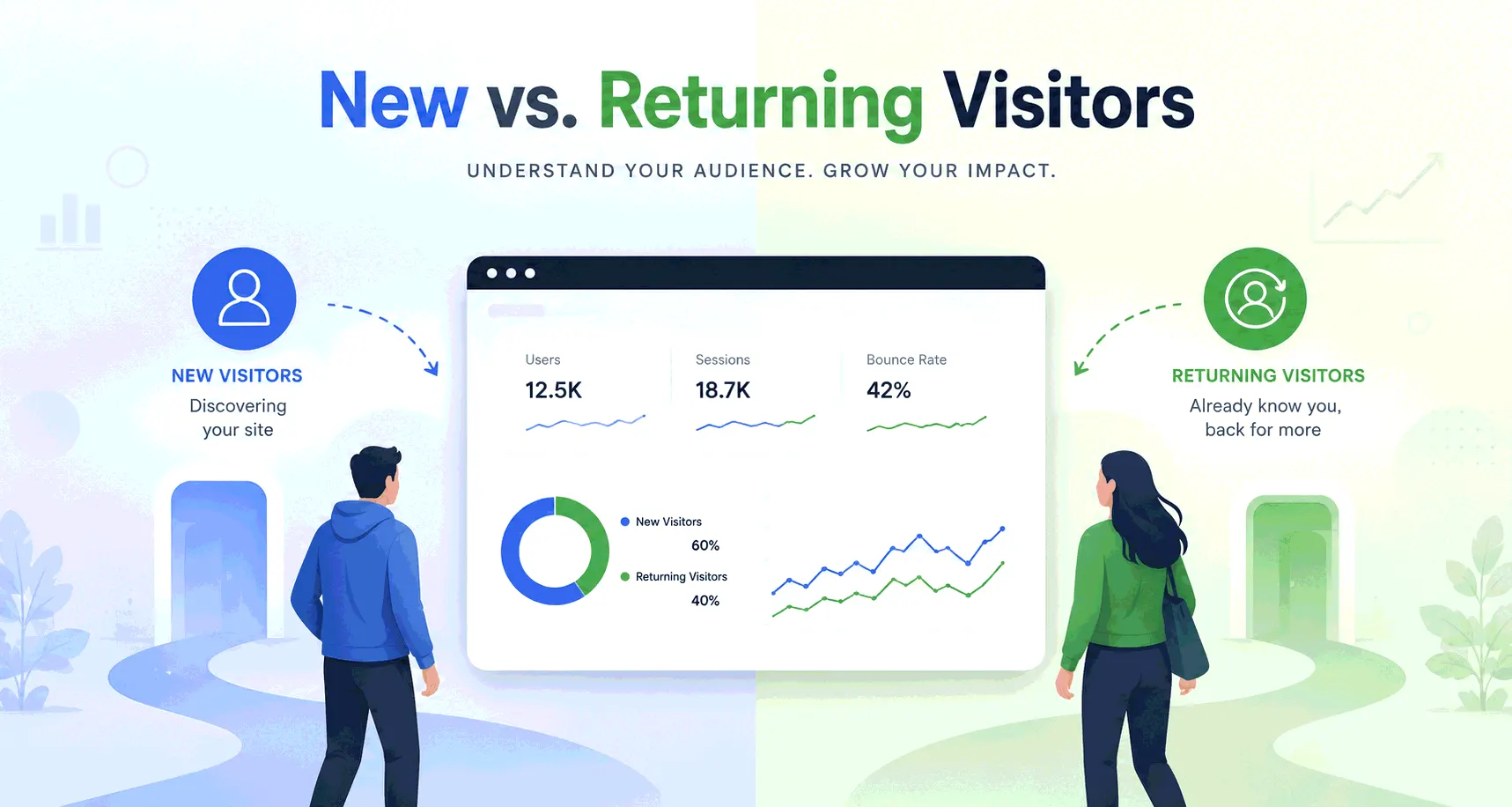
Your new vs returning split is the first casualty. On Safari the analytics cookie is gone after a week without a visit, so someone who reads your blog every ten days looks new every time.
Attribution windows shrink the same way. A Safari visitor who clicks an ad, leaves, and buys nine days later has lost the cookie that held the ad click. The purchase lands in your reports as direct or organic. This is one reason ad platform dashboards and analytics disagree, and one reason direct traffic is overcounted.
Retargeting audiences are smaller than your traffic suggests, because visitors on Safari and Firefox never joined them.
Cookie blocking is separate from ad blocking. An ad blocker stops the analytics script loading at all, so the visit is never counted, which is the dark traffic problem. Cookie limits let the script run but shorten its memory.
Consent is a separate question
"First-party" does not mean "no banner needed". European and UK rules ask whether you store or read anything on the visitor's device, and whether it is strictly necessary to deliver what the visitor asked for. Cart and login cookies pass. An analytics cookie serves you rather than the visitor, so in most of the EU it needs consent whether it is first-party or not. Advertising cookies always do.
The UK moved slightly in April 2026. The ICO's final guidance allows a narrow exception for cookies used only to collect aggregate statistics about how a site is used, provided the site still tells people and offers a simple way to object. In the ICO's words, the exception is about how the service is used, not who uses it. Cross-site tracking needs consent everywhere. The country-by-country detail, and how cookieless analytics sidesteps some of it, is in that post.
If you run an online store
Your cart and checkout run on first-party cookies your platform sets, so browser blocking does not touch them. The damage is in marketing. Retargeting is most exposed: the ad platform cannot recognise a Safari or Firefox visitor on its own network later, so "viewed a product, did not buy" audiences are missing those visitors.
Attribution is the second hit. Store purchases often come days after the first visit. On Safari the cookie that remembers the ad click lasts seven days if a script set it, and 24 hours if the visitor came from a tracker link with parameters attached. Sales after that stop being credited to the campaign. Some stores route ad events through their own server to escape the cap, and the costs of doing that are in server-side vs client-side tracking.
What to check first: compare the purchases your ad platform claims against the purchases your analytics tool credits to it, for Safari visitors only. The gap is your cookie loss.
If you run a B2B SaaS site
Login is safe. Your app sets its session cookie from its own server on its own domain, and no browser shortens that. Trial attribution is where the split bites. A typical buyer reads a comparison post from a search result, returns a week later from a colleague's link, and starts a trial two weeks after that. On Safari the analytics cookie from visit one is gone by visit two. Your reports show a "direct" trial, and the search click is never credited. The longer the sales cycle, the more of it falls outside a seven-day memory.
The durable link is the one you make yourself. Once someone signs up, your product knows who they are without any cookie. UTM parameters on every link you control carry the campaign in the URL, which no cookie limit can touch. Save the landing page and UTM into the signup record and attribution stops depending on the browser.
What to check first: pull trial signups by browser. If Safari trials skew to "direct" far more than Chrome trials do, the cookie cap is rewriting your source data.
If you run a blog or content site
Content sites are where third-party cookies are most visible, because so much of the page belongs to someone else. Every ad slot, embedded video, social button, and comments widget is a cross-site request, and where the browser allows it, each can set a cookie from its own domain and follow the reader elsewhere.
Ad networks are the obvious case. Personalised ads for Safari and Firefox readers cannot use a cross-site profile, so those impressions tend to earn less. Embeds you do control. A standard YouTube embed can use what someone watched on your page to personalise ads on other sites. YouTube's privacy-enhanced embed, served from youtube-nocookie.com, does not, and switching is a one-word change in the embed code.
Your newsletter is the good news. Email is first-party. Subscribers who click through are recognised by your own cookie on your own domain. The weak point is the referrer, which email clients often strip, so tagging newsletter links is what keeps those visits out of the direct bucket.
What to check first: open an article in Safari with the developer tools open and count the domains setting cookies. Each one you cannot name is an embed to read up on.
If you run a lead-gen or local service site
Your forms are safe. A submission goes to your own server and needs no third-party cookie.
Ad platform pixels are the biggest. A pixel placed to count form submissions sets a first-party cookie on your domain to remember the ad click, then tries to match the visitor on the platform's own network. The match is what Safari and Firefox refuse. Leads still arrive, but the platform under-reports which campaign produced them, so budget drifts toward channels that merely look better.
Call tracking swaps the phone number on your page depending on where the visitor came from, and stores that source in a cookie so a returning visitor sees the same number. That cookie is first-party and set by a script, so on Safari it lasts about a week. A homeowner who gets a quote, thinks for ten days, and calls back from an iPhone is shown the default number, and the call loses its source. The distortion concentrates in the slower, higher-value jobs.
What to check first: look at the share of "unknown source" calls or leads, split by device. If iPhone leads are unknown far more often than Android leads, that is the seven-day cap.
What to actually do
Keep your own cookies. Login, cart, and preferences are first-party, necessary, and untouched by any of this. Put campaign information in the URL wherever you control the link, so a visit is attributed on arrival rather than from a cookie that might be gone. Read returning-visitor and attribution reports as an undercount on Safari, and judge retargeting on your own records rather than the platform's claims.
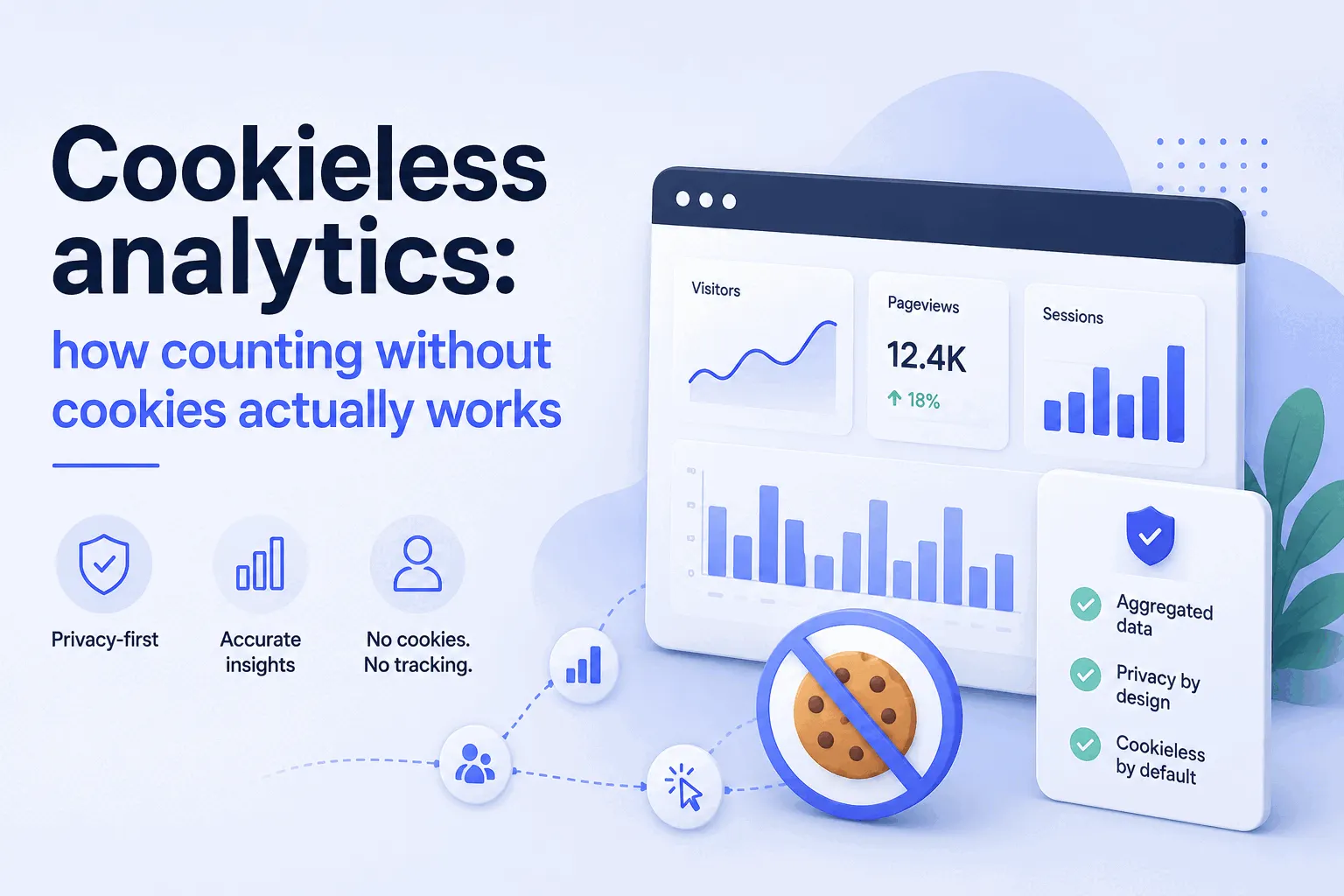
Some analytics tools, Bigdelta among them, describe themselves as first-party by design with no ad-tech pixels and a cookieless option, so counting never depends on a third-party cookie at all. Whether cookieless counting suits you comes down to how much you need to recognise returning visitors, and that trade-off is the subject of the cookieless post linked above.
First-party cookies keep your site working and are not going anywhere. Third-party cookies follow people across sites, and most browsers outside Chrome already stop that.