Why did my website traffic spike?
A sudden jump in visitors is either very good news or nothing at all - bots, spam and your own team produce spikes too. A short diagnosis that separates the two, finds the source, and tells you what to do before the wave passes.
Step 1: check whether the spike is real
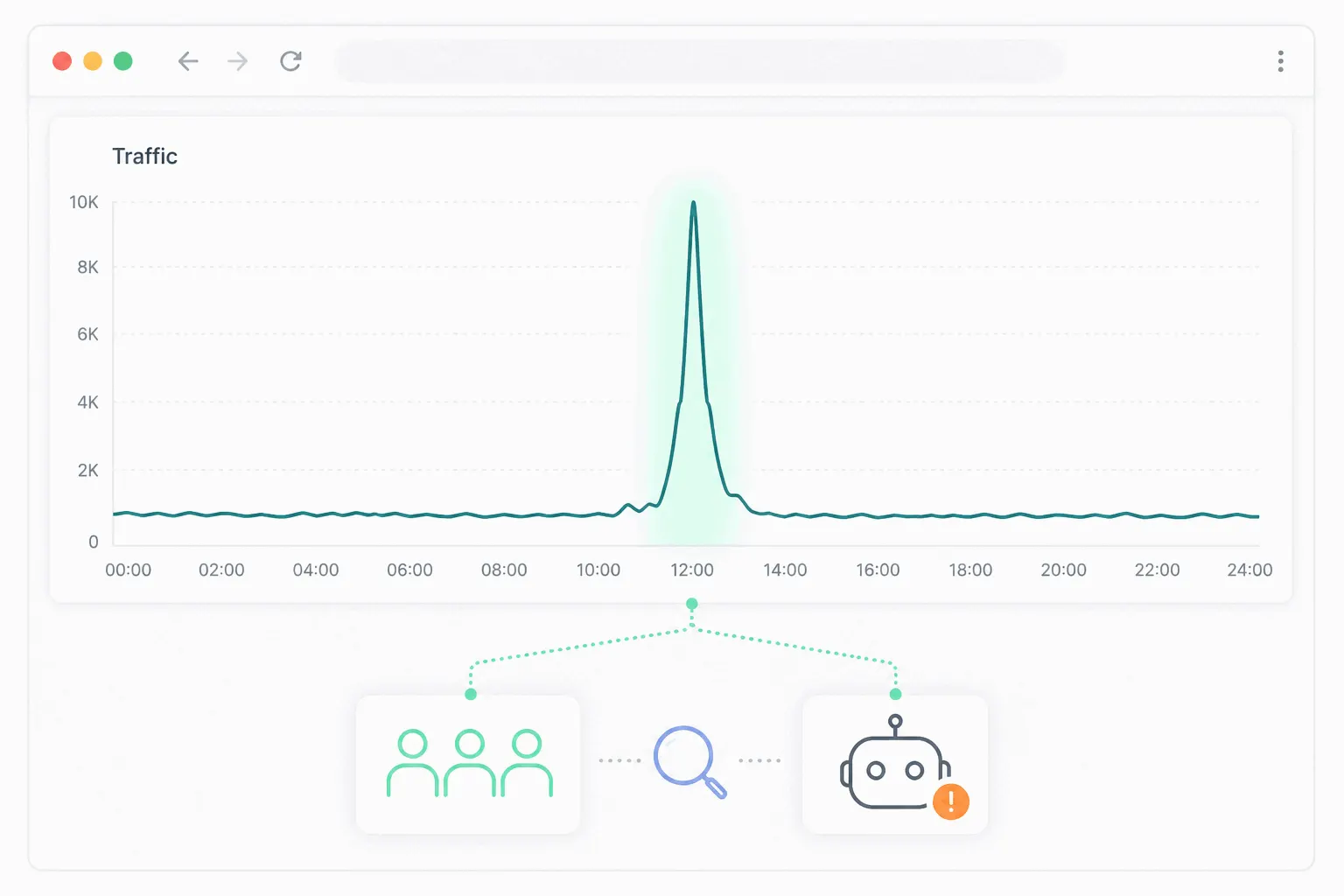
Before celebrating, rule out the visitors who aren't people. Imperva's 2026 Bad Bot Report puts automated traffic at roughly half of everything moving on the internet - an internet-wide figure, not your site's, but it explains why a bot wave is the most common false spike. Script-based analytics tools miss the simplest bots, which never execute JavaScript, but headless browsers run scripts like any visitor and land in your reports. GA4 excludes known bots automatically using Google's research and the IAB's spiders-and-bots list - and by Google's own admission you can neither disable that filter nor see what it caught, so anything that slips through is by definition an unknown bot.
The bot fingerprint is consistency where humans are messy: one country you've never had traffic from, one landing page, near-zero visit duration, a single browser version, traffic arriving at a steady rate through the night. Real audiences are ragged - they come from several sources, hit several pages, and sleep.
Step 2: rule out spam and your own team
Referral spam is the older cousin of the bot wave: hits carrying a fake referrer domain, sent so you'll notice the domain in your reports and visit it. If a "referring site" you've never heard of appears from nowhere, search for its name before crediting it - spammers show up in other people's complaints fast. In GA4 you can list unwanted referrals per data stream so those domains stop appearing as traffic sources.
The politest false spike is your own company. A team hammering the site before a launch, a staging script pointed at production, an internal dashboard auto-refreshing a page - all read as devoted visitors. GA4's answer is defining internal traffic by IP and filtering it with a data filter; lighter tools usually have an IP exclusion box that does the same job.
Step 3: find where it came from and where it landed
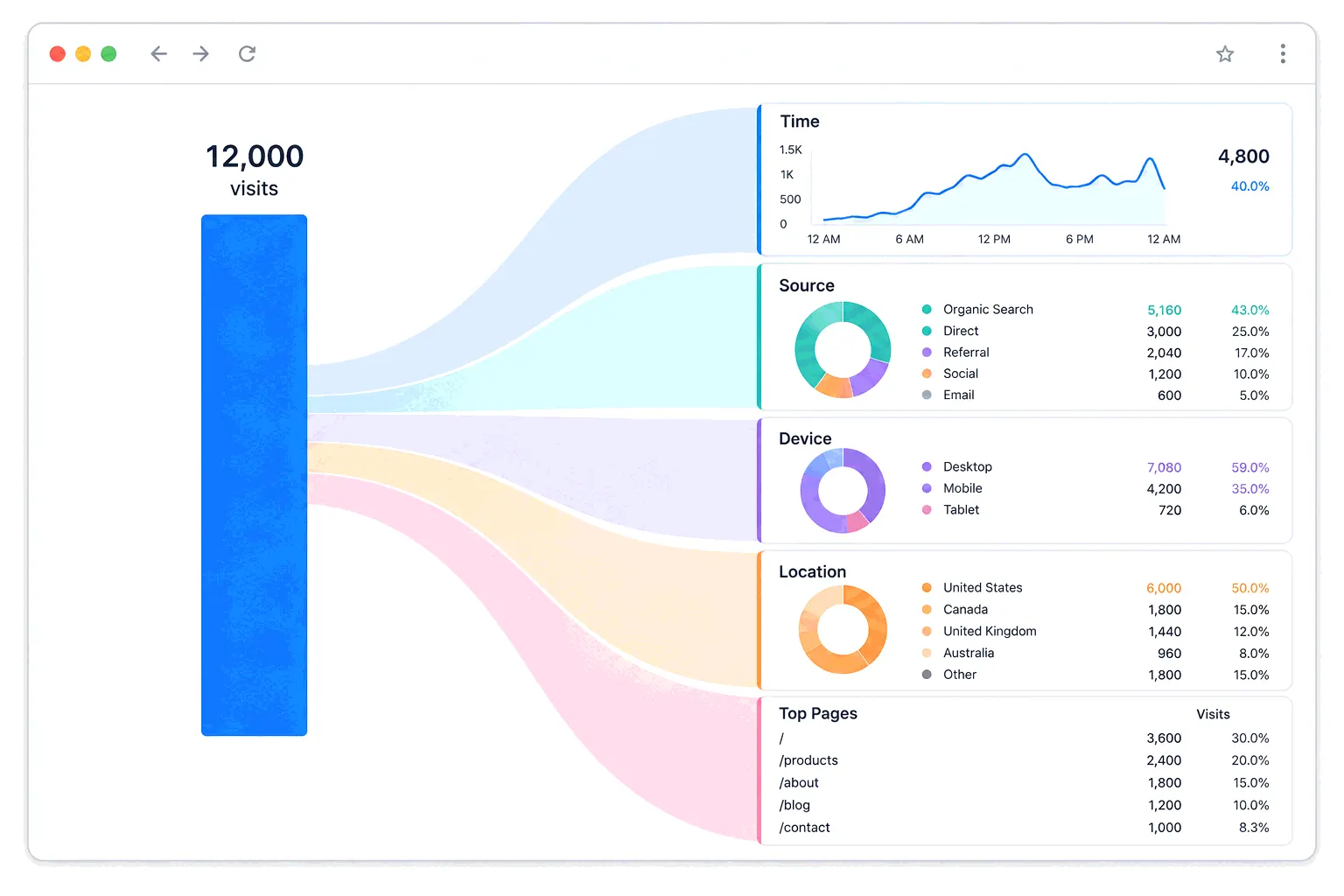
A real spike almost always has one source and one page, and your traffic report will name both. Open the source/medium breakdown for the spike window and compare it to a normal week: the channel that grew is your lead. Then check landing pages. A spike concentrated on one post says that specific URL is circulating somewhere; a spike spread across the whole site says something bigger - a mention of your brand, a burst of direct traffic from a newsletter or app where the referrer got stripped.
Step 4: confirm the actual cause
If none of the lookups land, sit on it for a day. A spike with no traceable source that vanishes as quickly as it came was almost certainly automation your filters didn't catch.
The report names the channel; confirming the story takes one lookup per suspect:
- Social or viral - search the page's URL and your brand name on the platform the referrer points to. Someone with reach shared you, and finding the post tells you who and in what tone.
- News or a forum thread - a referrer from a domain you recognize as press, Reddit, or Hacker News settles it. Read the thread before replying to it.
- A search ranking jump - open Search Console's performance report for the spike window; a query whose impressions and clicks jumped means a ranking moved, and it can move back.
- Your own marketing - an email send, a paid campaign someone launched, a partner linking you. Check the campaign calendar and ask the team before hunting further.
- A calendar effect - seasonality, an industry event, a date your content matches (tax week, Black Friday). Compare the same week last year.
- AI crawlers - bots fetching content for AI products have grown into a visible slice of many sites' raw hits. They mostly skip script-based analytics but flood server logs, so a spike that only your host's bandwidth graph sees, and your analytics doesn't, points here.
The malicious extreme
One spike variant is an attack: a flood of automated requests meant to overwhelm the site rather than read it. The tell is that the spike arrives with symptoms - pages slow to a crawl, the host emails about resource limits, real visitors report errors. That's a hosting and CDN conversation, not an analytics one: this is what rate limiting and DDoS protection exist for, and your provider's dashboard will show the request flood far better than any visitor report.
If it's real, spend it before it fades
Genuine spikes decay fast - a viral wave is usually mostly gone within days. While it lasts: make sure the landing page has somewhere to go next (a related post, a signup, anything better than a dead end), fix anything embarrassing on that page now, and note what worked while the evidence is fresh. A live view is the right lens during the wave itself; the postmortem belongs in your regular traffic analysis once the dust settles.
And if the diagnosis came up 'not real' - filter the bots and spam and move on without adjusting any plans. A fake spike only does damage when it sneaks into your baselines and forecasts as if it were demand.
The practical takeaway
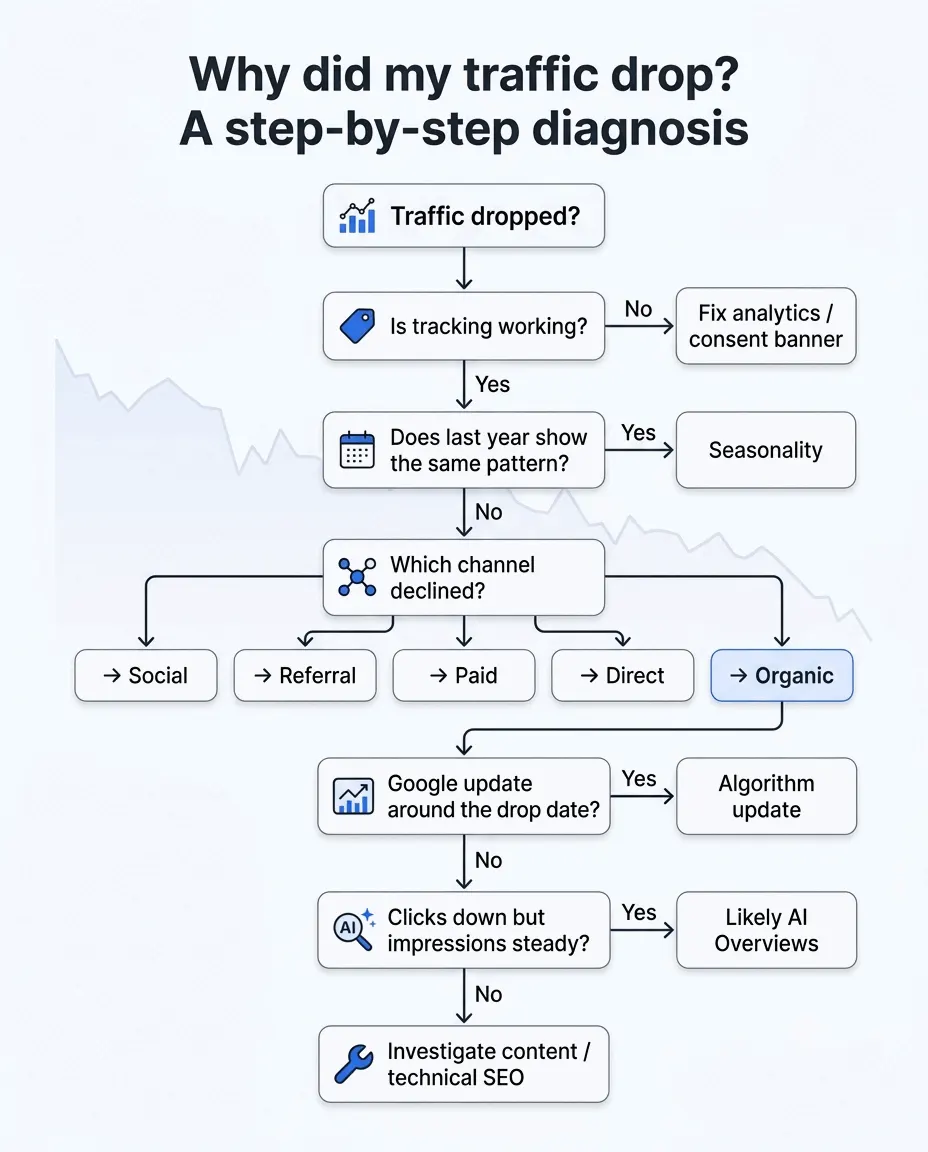
Treat a spike exactly like a drop, with the sign flipped: verify it's human, find the one source and one page behind it, confirm the story with a lookup, then act on it. The diagnosis takes ten minutes once you've done it twice. Catching the spike while it's happening is the harder part - Bigdelta sends traffic-spike alerts and shows the source and page breakdowns in real time, which turns the whole exercise into reading one screen while the wave is still worth riding.