How to see live traffic on your website
Watching visitors move through the site as it happens - where GA4 hides its live view, how fresh "real time" actually is, and the few moments when watching live genuinely helps.
Where the live view is in Google Analytics
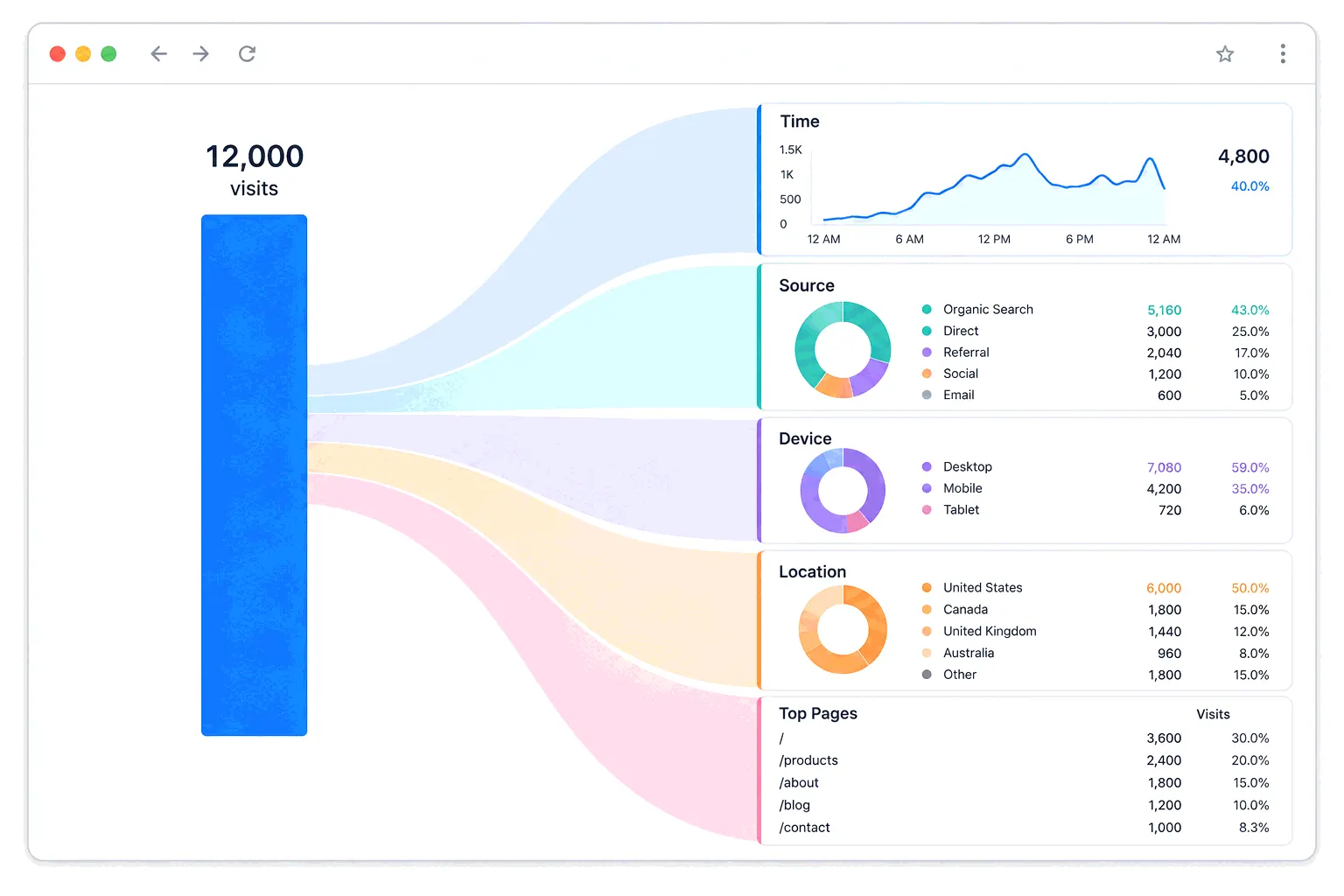
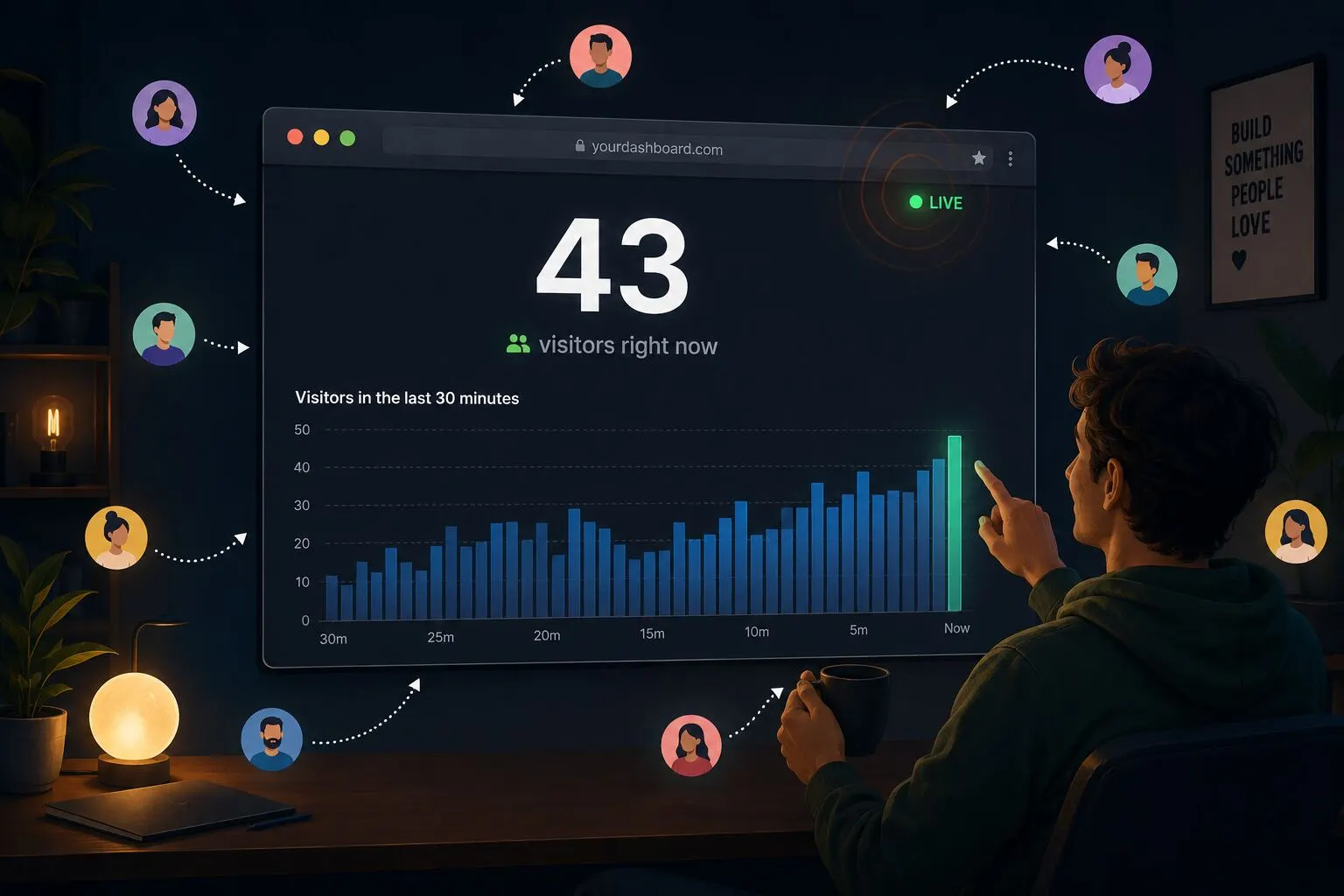
Reports → Realtime. The report shows active users over the last 30 minutes (with a separate count for the last five), broken down by page, by source and by event. It's the one corner of GA4 that doesn't make you wait: standard reports run hours behind, but Realtime typically shows a visit within a few minutes of it happening.
"Typically" is Google's word, not hedging. The Realtime report is documented as a best-effort service with no guaranteed freshness, its attribution is thinner than the standard reports', and brand-new visitors can be missing from some cards until processing catches up. It's a live sketch, not a live ledger.
Why the live view and yesterday's report disagree
GA4's standard reports lag on purpose: today's data arrives over 2–6 hours, a day settles in about 12, and numbers can keep shifting for up to 48 hours after collection. So at any given moment, Realtime is the only place "now" exists - and it will not match what the daily report eventually says about the same window, because the two count on different schedules with different processing. Comparing them and finding a discrepancy isn't a bug you need to fix.
Lighter tools treat live as the default
Simple analytics tools tend to invert GA4's arrangement: the live-ish view is the dashboard, not a separate report. Plausible's dashboard refreshes every 30 seconds and counts visitors from the last five minutes; Fathom updates in five-minute intervals. Bigdelta's web analytics dashboard updates in real time as visits arrive, and its workflows can flip the arrangement entirely - an alert when traffic spikes means the live view watches itself, and you only look when something's worth seeing.
When watching live actually helps
If launch day is the occasion, the first-week measurement checklist covers what to watch once the live thrill fades.
Real-time data earns its place in a handful of moments:
- Launch hour - the newsletter just went out, the post just hit a community site, and you want to see whether the wave is arriving and which page it lands on.
- Campaign checks - an ad or social push is running now, and a live source breakdown confirms clicks are actually reaching the site.
- Verifying your tracking - after installing or changing an analytics snippet, opening the site in another tab and watching yourself appear is the fastest end-to-end test there is. Google's docs recommend Realtime for exactly this.
- Incidents - traffic collapsing to zero in the live view is how tracking breakage and outages announce themselves before any report catches up.
What the live view can't tell you
The same blind spots as the rest of your analytics, plus one of its own. Visitors running ad blockers or strict privacy browsers never reach the live view at all, so the true current number is somewhat higher than any dashboard shows. And a live count has no memory: it can't say whether 43 visitors right now is a great Tuesday or a disaster, because that answer lives in trend analysis, not in the moment. The live number wiggles constantly; meaning moves slower.
Which is the honest case against leaving the live view open all day. It feels like monitoring, but nothing in a 30-minute window needs a decision from you - the launches, campaign checks and installs above are visits, not residence.
The practical takeaway
Know where the live view is, use it on the days it matters, and let alerts cover the rest. GA4: Reports → Realtime, trust it to a few minutes. Lighter tools: the dashboard itself. For every other day, the boring lagged reports - checked properly, compared honestly - are where traffic questions actually get answered.