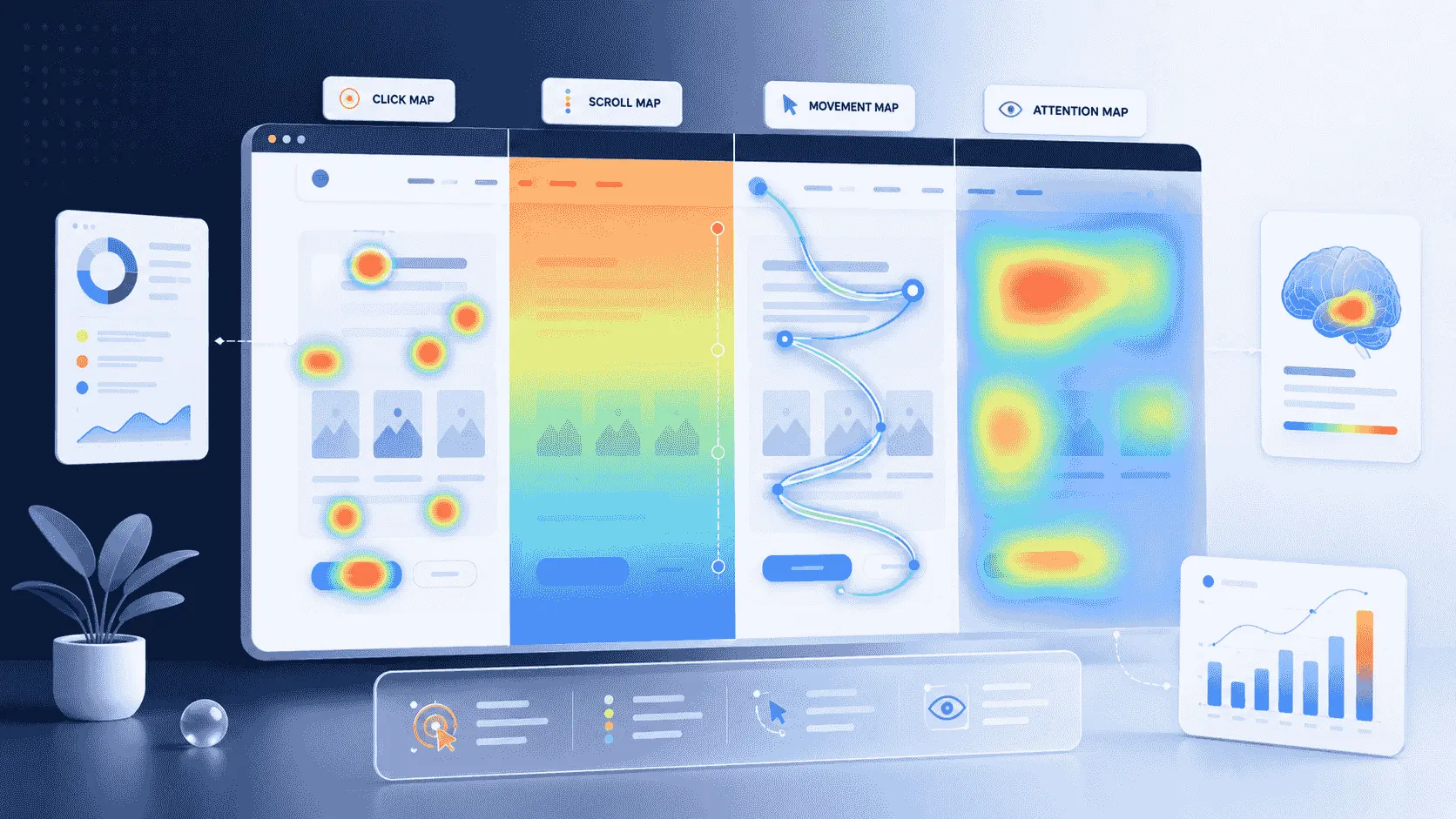
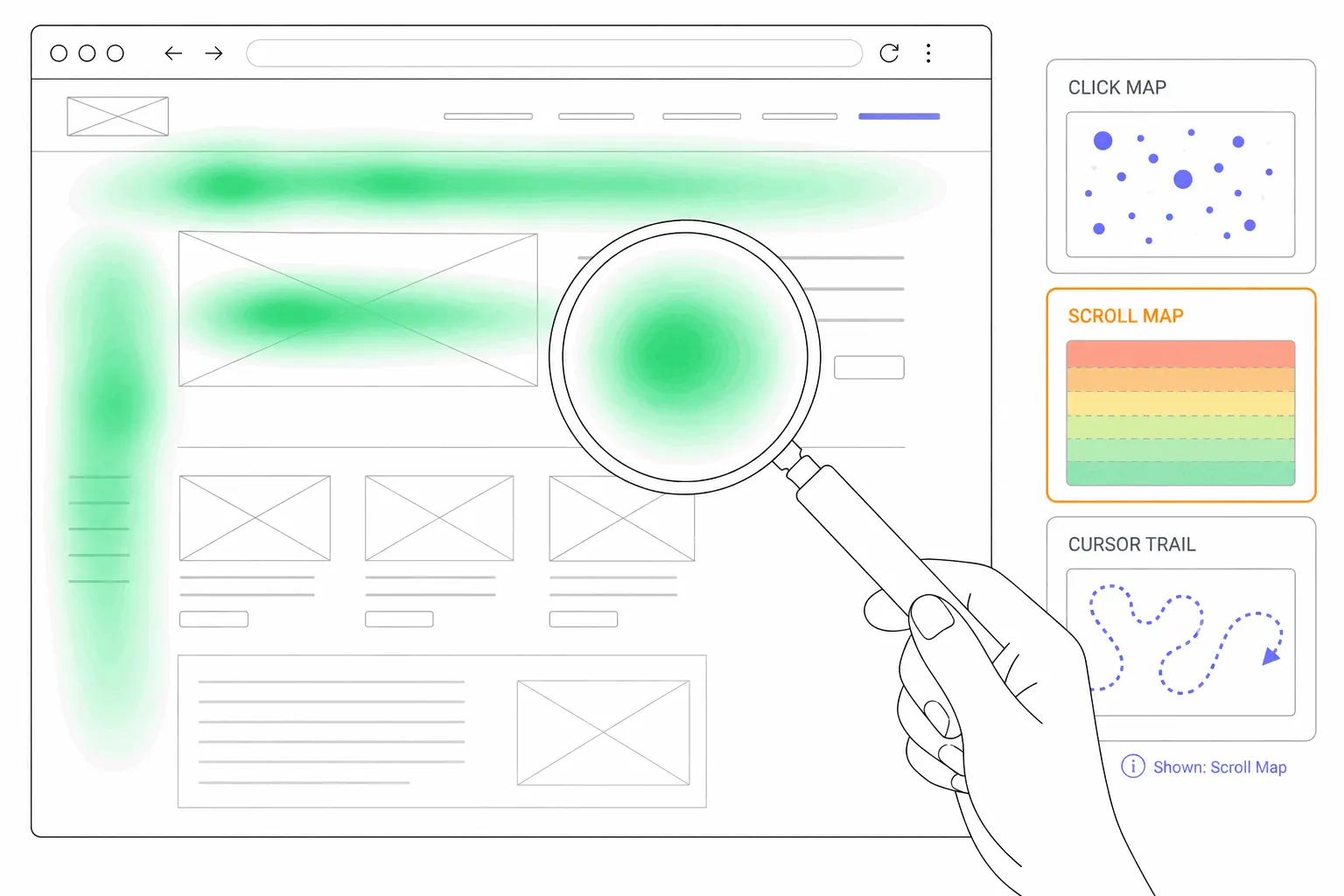
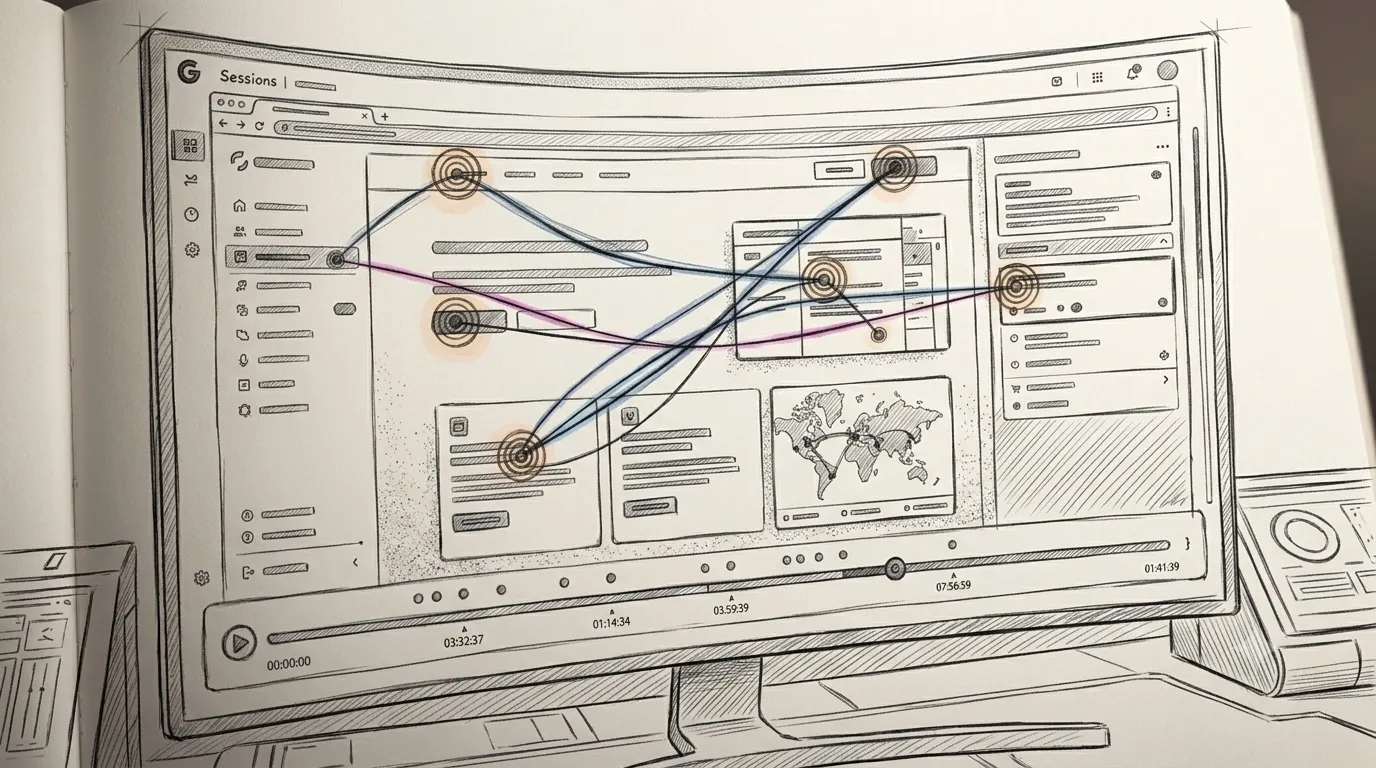
What is a real-time heatmap?
Tools sell heatmaps as live, then update them on a delay they rarely print. What real-time actually means for an aggregate map, the launch-day cases where freshness earns its keep, and why a full map beats a fresh one.
Two different things called "real-time"
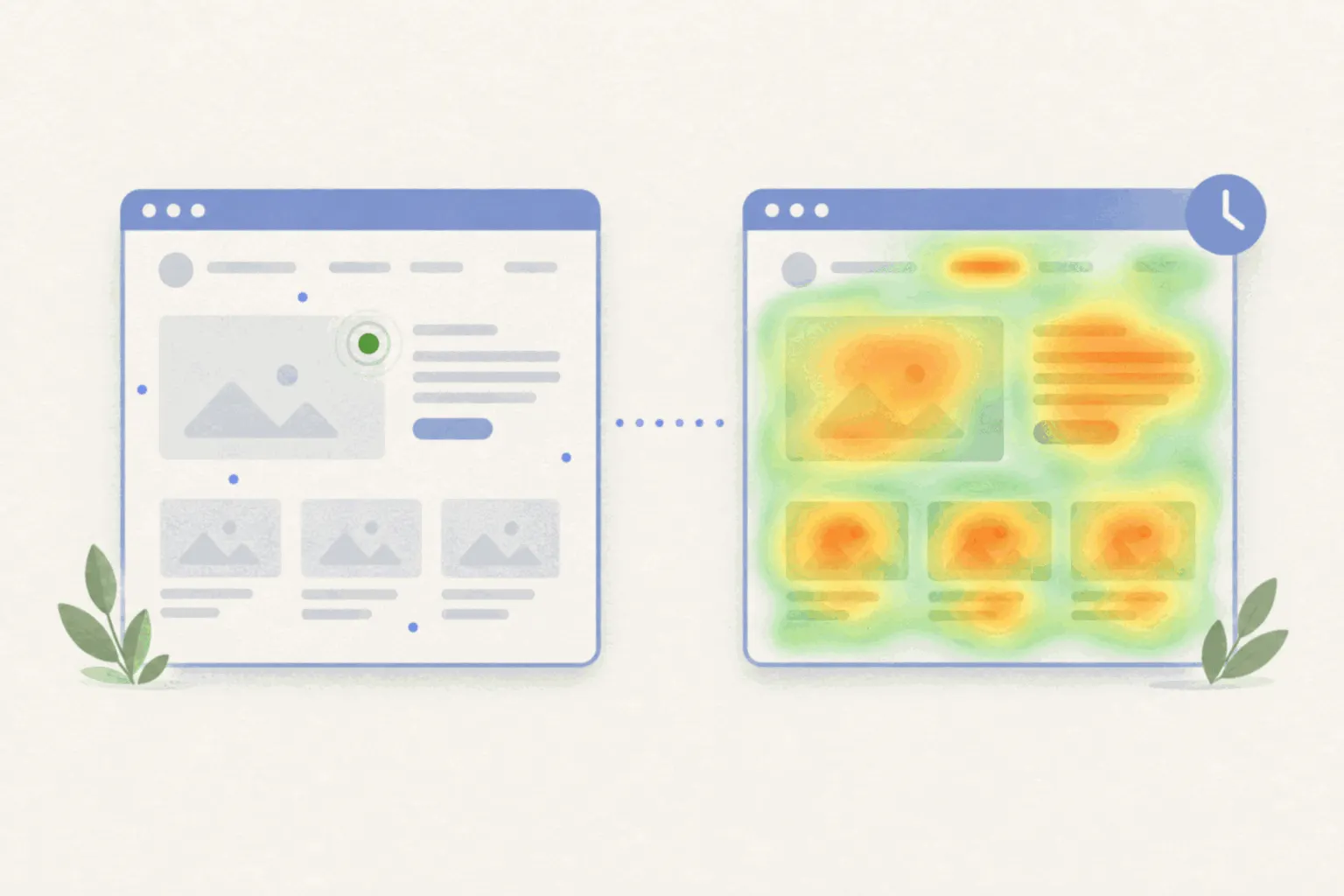
When a tool says real-time, it is usually describing one of two features, and they are not the same thing.
The first is a live view of individual visitors: a list of people on the site right now, sometimes with the option to watch a single visitor's session as it happens. That is genuinely immediate, and it is really session replay wearing a different name. It shows one person at a time, which makes it the wrong shape for the question heatmaps answer.
The second is the heatmap itself updating quickly. A heatmap is an aggregate: hundreds or thousands of visits averaged into one picture of where people click and how far they scroll. New visits have to be collected, processed and folded into that picture, and every tool does this on some delay. Marketing tends to blur the two features together, so a "real-time heatmap" often means a live visitor list next to a map that is minutes or hours behind.
How fresh is the map, really?
The honest answer varies by tool and is rarely printed where you would want it. Among the tools that do publish numbers, one widely used free tool states that clicks appear on its heatmaps within 30 minutes, while another updates its map view within a few seconds of interaction. Several others say "real-time" or "live" in their marketing and give no figure at all, and at least one concedes in its own documentation that a visitor can arrive and leave before showing up in the live view.
None of this is scandalous. Folding events from thousands of concurrent visitors into aggregate maps takes processing, and a delay measured in minutes is normal engineering, not a defect. The point is only that "real-time" on a feature list is a claim to check, not a specification. If freshness genuinely matters to your use of the tool, the number you want is minutes-until-a-click-appears, and you may have to ask support for it.
When the delay actually matters
Most heatmap questions are slow questions. Where should the signup button go, does anyone read the second half of this page, which links in the footer earn their place: the answers change over weeks, and a map that is a day behind answers them exactly as well as a live one. For this work, freshness is a non-feature.
A few situations are different, and they share a shape: lots of traffic arriving in a short window, on a page that might be broken.
A launch or a campaign going live sends a burst of visitors to a page that has never seen real traffic. If the button is misaligned on mobile or the form does not look clickable, a fresh map can surface it within the hour, while there is still budget left to benefit from the fix.
A flash sale or a live event compresses the whole opportunity into hours. There is no next week to learn from, so whatever the map can show mid-event is all the map will ever be worth.
An incident, a broken deploy, a payment form that stopped working. Here the fastest signal usually is not the heatmap at all but the live session view, watching an affected visitor directly, with frustration signals doing the pointing.
Outside those windows, a real-time map is a demo feature: pleasant to watch, rarely the reason a decision changed.
Fresh is not the same as true
The trap with a real-time heatmap is that it is new and therefore feels current, while the thing that makes a heatmap trustworthy is volume. Ten minutes into a launch, the map is drawn from a few dozen visits, and a map of forty visits is noise wearing a colour scheme. The hotspot that looks alarming at 9:15 often dissolves by lunchtime as more visitors average it away.
So even in the situations where real-time earns its keep, read the fresh map only for categorical problems: nobody is clicking the buy button, everyone is stopping at the broken image, the mobile map is empty because the page does not load. Those survive a small sample. Fine-grained judgements, this headline outperforms that one, the second section is losing attention, still belong to the patient map with a few thousand visits in it, whatever its age.
What to take from this
A real-time heatmap is an aggregate map with a short processing delay, usually sitting next to a live visitor view that is a different feature doing a different job. The delay is worth caring about on launch days, during short campaigns, and when something might be broken. The rest of the time, the map you want is the fullest one, not the freshest one, and the tool qualities that matter are the ordinary ones: which map types it draws, how it segments, and whether enough of your traffic is in it to trust.