How to check website traffic without Google Analytics
GA4 is the default, not a requirement. Lightweight cookieless counters, Search Console and server logs all measure visitors without it — what each route shows, what it misses, and what leaving GA4 actually costs.
You don't need Google Analytics to count visitors
Nothing about traffic counting requires GA4: any script that registers pageviews produces the same core numbers, and two of the routes below involve no script at all. The usual reasons for wanting out — the GA4 learning curve, the cookie-consent baggage, or just less Google in the stack — are covered in why people are leaving Google Analytics. Whatever yours is, the options split three ways: a lighter snippet, no snippet, or raw server data.
Lightweight analytics: a different snippet, not no snippet
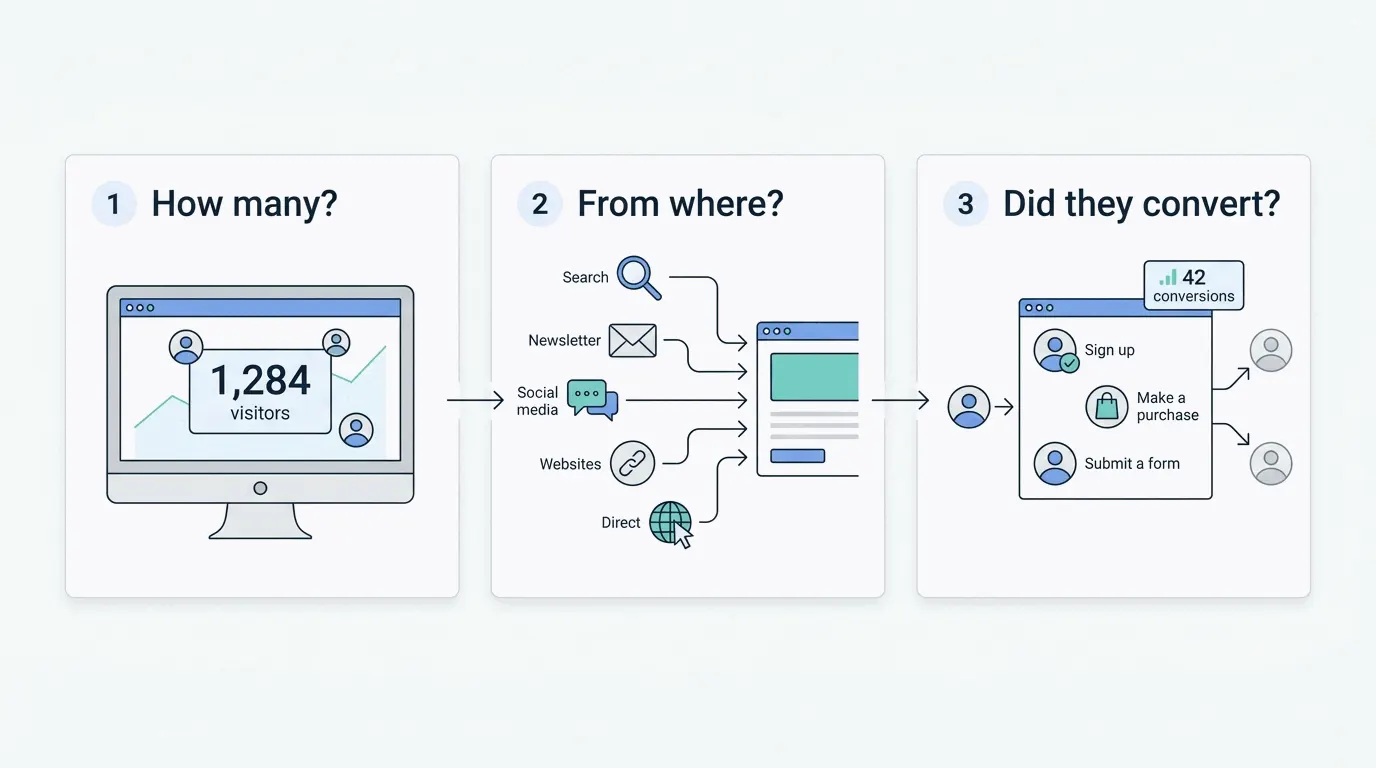
Tools like Bigdelta, Plausible and Fathom do what GA4 does at its core — count visitors, visits, pageviews and where they came from — behind a dashboard readable without training. Setup is one script tag and a couple of minutes. The counting is cookieless, which takes the analytics tool out of the cookie-banner conversation (how that works), and the numbers track GA4's within the usual tool-to-tool differences. The comparison shopping is in the Google Analytics alternative guide.
Google Search Console: traffic data with no snippet at all
Search Console is the zero-install option: verify you own the domain and Google reports how often your site appeared in its results and how many clicks it earned, keyword by keyword. Two limits keep it a complement rather than a replacement. It covers Google organic search only — no direct, social, referral or paid — and it reports Google's side of the click, not what visitors did on your site afterwards. Free, and worth setting up even alongside a full analytics tool.
Server logs and hosting dashboards
Every web server already records each request, and most hosts graph the totals. The trouble is that requests aren't people: crawlers, uptime monitors and asset loads all count, so log numbers run far above human traffic and say nothing about what a visitor read. Workable as a rough pulse when installing anything is off the table; a last resort otherwise.
What do you give up without GA4?
Leaving GA4 costs something real: it's free at any scale, it integrates tightly with Google Ads, and its explorations go deeper than most lightweight dashboards once mastered. Sites spending heavily on Google Ads often keep GA4 running alongside a simpler counter for exactly that reason. For the everyday questions — how many people came, from where, what they did — the lighter routes answer in an afternoon what GA4 answers after a training course.
The practical takeaway
The setup that covers most sites: a lightweight counter for exact on-site numbers plus Search Console for the search-side view — both free, no cookie banner in the picture. Add server logs only as a sanity check. And if you later need GA4-grade depth, starting simple locks nothing in; the tools coexist on one site without complaint.