Why your analytics numbers never match: GA4 vs ads platforms
Your Google Ads campaign reports 150 conversions. GA4 reports 80. The gap exists because each system answers a different question and counts conversions by different rules — attribution windows, view-through credit, modeled conversions, click dates. Here's why, and which number to use for what.

The short answer
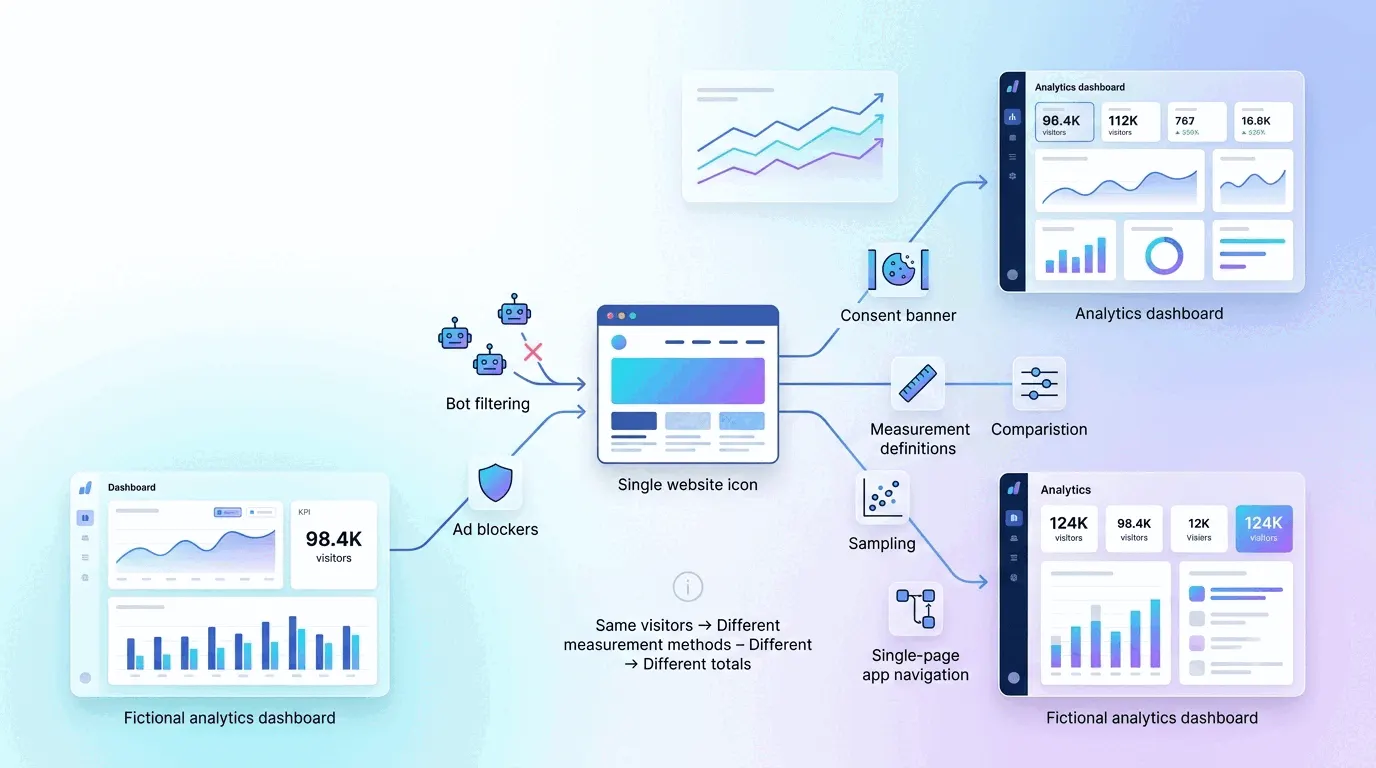
Analytics tools and ad platforms measure the same conversions using different rules, and the rules create a gap that almost always favors the ad platform. Meta counts view-through attributions — conversions from users who saw but never clicked an ad — while an analytics tool counts only what it observes on your site. Google Ads attributes conversions to the click date, while GA4 attributes them to the conversion date, shifting the same conversion across different days. Both ad platforms apply machine learning to estimate conversions they can't see directly. Combine this with iOS tracking restrictions, consent mode behavior, ad blocker loss, and timezone mismatches, and the gap compounds — analytics commonly reporting 20–50% fewer conversions than the ad platform for the same campaign.
The gap is real, predictable, and not a bug in either system. The useful question is which number to use for which decision.
View-through attribution: why Meta counts more
Meta's default attribution window is 7-day click and 1-day view. The click part is straightforward — a user clicks the ad and converts within seven days. The view part means Meta credits the ad for conversions from users who saw it but never clicked, if they converted within a day of seeing it.
This is not a scam. View-through attribution exists because display ads do work through impression alone: a user sees your ad at 2 PM, thinks they'll look it up later, searches for the product at 11 PM, and converts. Did the ad cause it, or would they have searched anyway? Meta gives the ad credit. Your analytics tool does not — it never saw the ad impression, only a visitor arriving from a Google search. When comparing the same conversion, Meta reports it and the analytics tool attributes it elsewhere, purely because Meta casts a broader net.
Click date vs. conversion date
Google Ads attributes conversions to the click date, not the conversion date. If someone clicked your ad on Monday and converted on Friday, Google Ads reports the conversion on Monday. GA4 reports it on Friday — the day it actually occurred. The same conversion lands in different weeks, months, or quarters in each system, and week-to-week comparisons quietly stop being comparisons of the same events.
Google Ads offers an alternative conversion-date view, but it's not the default, so most advertisers never see it. There's also processing lag: conversions can be reported up to 90 days after the click, so recent windows are always incomplete on the ads side.
Modeled conversions: observed vs. estimated
Both Google and Meta estimate conversions they cannot observe directly. When cookies are restricted, iOS blocks tracking, or users deny consent, the platforms can't identify the converter — so they model it, analyzing patterns in observed conversions and predicting what the unobservable traffic did. Google's modeled conversions are included in reported totals “only when there's high confidence the ad resulted in conversions,” though what counts as high confidence isn't published. Meta does the same without publishing its methodology.
A default analytics install counts only observed conversions. On an audience where 30% of conversions are invisible to observation, the ad platform might report 100 observed plus 30 modeled; the analytics tool reports the 70 it saw with its own losses applied. The modeled share represents real influence — but it's estimated, not verified, and the two totals will never reconcile.
Apple's restrictions and the modeling gap
Apple squeezed measurement from two directions. App Tracking Transparency restricts app-side tracking — it's Meta's in-app ad views and clicks that lose their link to your website conversion. On the web side, Safari's Intelligent Tracking Prevention does the parallel damage by capping cookies at seven days, or 24 hours after an ad click. A customer who takes two weeks to decide simply falls out of cookie-based attribution.
The response differs by system: Meta and Google apply aggressive modeling to compensate, estimating cohort-level conversion patterns for the users they can no longer match. Analytics tools model far less by default. So for an Apple-heavy audience, the ad platforms keep their numbers up with estimates while analytics reports only what survived — a gap that widens with the share of iPhones and Safari in your traffic. The same structural pattern shows up between any two measurement systems, which is why no two tools on the same site ever agree.
Click IDs, server-side fallbacks, and UTMs
When you run a Google Ad, Google appends a click identifier (GCLID) to your landing page URL; Meta does the same with fbclid. Your analytics reads the parameter and ties the visit to the specific ad click. But click IDs get lost — a redirect strips the parameter, a privacy browser removes it, cookies get deleted — and when that happens the analytics tool falls back to inferring the source from the referrer, a much weaker signal. Google Ads still has the click on its own books, so nothing is lost on that side.
Meta goes further with the Conversions API, which bypasses the browser entirely and sends conversion data from your server to Meta's. It survives ad blockers, cookie deletion, and fbclid loss. Analytics tools have server-side options too, but they require deliberate setup — so in practice the ad platform's server-side fallback is deployed far more often, and Meta counts conversions a default analytics install misses.
The usual insurance is adding manual UTM parameters alongside auto-tagging: they survive most of what strips a click ID, and any analytics tool can read them.
Consent mode and blocked pixels
Google's consent mode governs what happens when a visitor denies cookie consent. In basic mode, tags don't fire at all until consent is granted — the data is simply gone. In advanced mode, tags fire cookieless pings and Google models conversions to fill the gap. Either way, the ads side gets modeling to lean on while a consent-gated analytics property just records less. Ad blockers compound this: they remove analytics pixels and ad pixels alike, but only the ad platform has click records of its own to fall back on.
Timezones and shifted dates
Your Google Ads account timezone is set at account creation and can be changed at most once; your analytics property can sit in a different one. A conversion at 11 PM UTC lands on Wednesday in one report and Tuesday in the other — same event, different days, and daily comparisons quietly break. If the account timezone was ever changed, historical data was never recalculated, which makes the misalignment permanent for old date ranges.
Which number to use for which decision
For in-platform optimization, use the ad platform's number. It's the input to the platform's own bidding algorithms; optimizing a campaign against your analytics tool's lower count means undervaluing the channel by exactly the measurement gap.
For cross-channel comparison, use your analytics tool. It applies one conversion definition and one attribution model across ads, organic, email, and direct — the number is lower than any ad platform reports, but it's the only apples-to-apples view. Every ad platform claims disproportionate credit when measuring by its own rules.
For understanding true performance, read the gap itself. The difference between the two numbers tells you how much of reported performance is view-through, modeled, or lost to tracking — a 50% gap is a finding, not an error. And for judging whether your conversion rate is good, use the analytics number: published benchmarks come from analytics tools, not from ad platform reporting.
The practical takeaway
The gap between ad platform and analytics is structural, not accidental. Ad platforms answer “how much credit can this ad reasonably claim?”; analytics answers “what did we actually observe?” They're different questions, so they produce different numbers, and no amount of configuration makes them match.
Before investigating a discrepancy, make sure you're comparing like with like: same conversion definition, same attribution window, click date vs. conversion date accounted for, timezones checked. Most gaps shrink to the structural residue once those are aligned. If they don't, look for breakage — click ID loss, conversion tracking misconfiguration, or a consent banner silencing your tags. Then trust each number for its own job: the ad platform for its channel, your analytics for the whole picture.