UTM parameters: a practical guide
Five little tags decide whether 'is my marketing working?' has an answer. How UTMs work, the naming rules that keep data clean, and the one place never to use them.

What UTM parameters are
UTM parameters are tags appended to a URL that tell your analytics where a visitor came from: yoursite.com/pricing?utm_source=newsletter&utm_medium=email&utm_campaign=july-launch. Without them, analytics can only read the referrer — which says 'facebook.com' but not which post, and often says nothing at all: links from email apps, messaging apps and many mobile browsers arrive with no referrer and get filed under 'direct', the junk drawer of traffic sources.
There are five parameters. utm_source is where the link lives (newsletter, twitter, producthunt). utm_medium is the channel type (email, social, cpc). utm_campaign is the push it belongs to (july-launch, black-friday). utm_term and utm_content are optional refinements — the paid keyword, and which of two links or ad variants got the click. The first three do almost all the work; the last two earn their keep mainly in paid campaigns and A/B tests.
Naming rules that keep the data usable
UTM data degrades one sloppy link at a time — Facebook, facebook and fb become three sources, and every report needs mental arithmetic forever. The rules that prevent it:
- Lowercase everything, always — parameters are case-sensitive, and 'Email' ≠ 'email'
- Pick one canonical value per source and write it down — facebook, not fb; newsletter, not news-email
- Use hyphens, never spaces — spaces turn into %20 and haunt every report
- Make utm_medium a closed list — email, social, cpc, referral, and very little else
- Keep a shared spreadsheet of live campaign tags — the whole convention dies the day two people improvise
Where to use them — and the one place not to
Tag every link you place in territory you control: newsletters, paid ads, social posts, podcast show notes, partner swaps, the link in your bio. The test is simple — if the click could ever be misattributed, tag it. Links you don't control (someone else citing you) go untagged; that's what referrer data is for.
The one hard rule: never put UTMs on internal links, from one page of your site to another. Analytics treats a UTM click as a brand-new traffic source, so an internal tagged link ends the visitor's real session and rewrites their origin — the person who arrived from a Google ad now reads as 'homepage-banner', the ad loses credit, and both numbers are fiction. Internal navigation is what pageview tracking already handles.
Reading the results
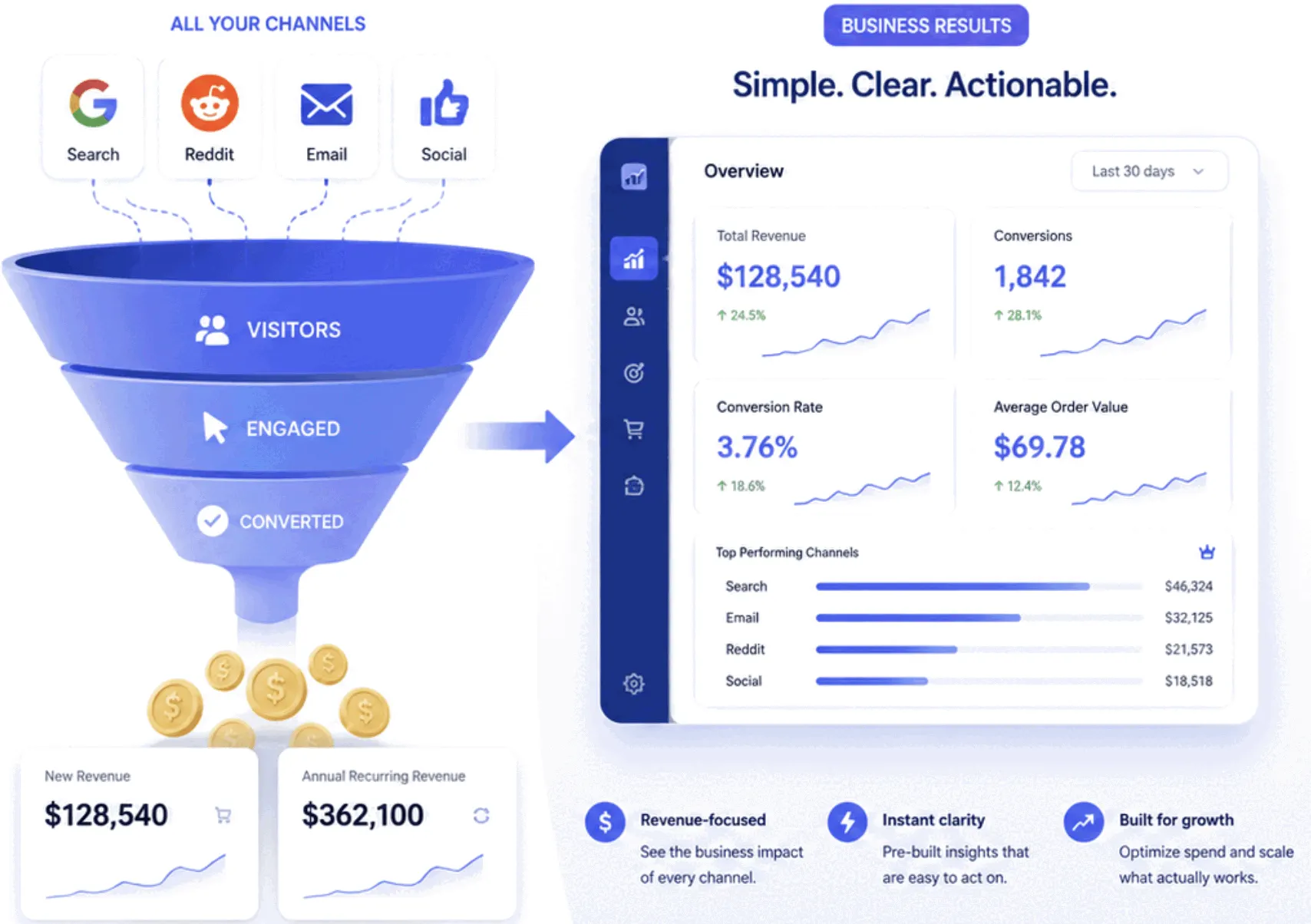
The payoff arrives when the campaign report stops ranking channels by visits and starts ranking them by outcome. Traffic-ranked, the newsletter looks mid-table; outcome-ranked, it's often the best channel you have, because a thousand visits from a viral post routinely produce fewer signups than eighty visits from an email to people who already care. The pattern repeats everywhere: bounce rate and conversion vary more between sources than any other cut of the data.
This is also where tying analytics to billing changes the question entirely. With revenue connected, utm_campaign columns end in dollars instead of visits — and 'which channel drives revenue' is the version of 'is my marketing working?' that the budget meeting actually asks. In Bigdelta, campaign tags flow through to revenue, so the july-launch line reads $2,300, not 4,100 pageviews.
The practical takeaway
Start embarrassingly small: three parameters, lowercase, one shared spreadsheet, tags on the newsletter and any paid spend. That alone converts the 'direct' junk drawer into named channels within a week. Resist parameter maximalism — five meticulous tags on every link is a convention nobody maintains, while source, medium and campaign on links that matter is one everybody does. The reports are only ever as clean as the laziest link in them.