A simple Google Analytics alternative that shows revenue
GA4 can answer almost any question — after a property, a data stream, a tag manager, and a weekend. Here's what a simpler tool needs to cover, and where the trade actually sits.
Why people go looking for an alternative
Nobody quits Google Analytics because it lacks features. People quit because of the distance between installing it and getting an answer. GA4 wants a property and a data stream before it wants anything else. Tracking a signup click means defining a custom event — in practice, learning Google Tag Manager, a second product with its own certification industry. Fresh events can take a day or two to reach standard reports, so the first evening is spent in DebugView wondering what broke. And the reports that finally appear speak in 'engaged sessions' and 'key events' — vocabulary designed for marketing teams with an analyst on staff.
Then there's the part GA4 doesn't advertise: on smaller sites, reports apply privacy thresholds and hide rows outright, so a site doing a few hundred visits a day opens a report and finds half of it missing. Add a consent banner — which GA's cookie-based tracking makes hard to avoid in the EU — and 30–50% of visitors may decline tracking entirely, quietly deflating every number on the dashboard.
The common outcome isn't anger, it's abandonment. The property gets checked twice, then nobody logs in again. An analytics tool nobody opens is measuring nothing, which makes 'free' an expensive price.
What a replacement actually has to cover
Stripping complexity only works if the essentials survive. A GA alternative that only counts pageviews is a downgrade, not a simplification. The realistic checklist:
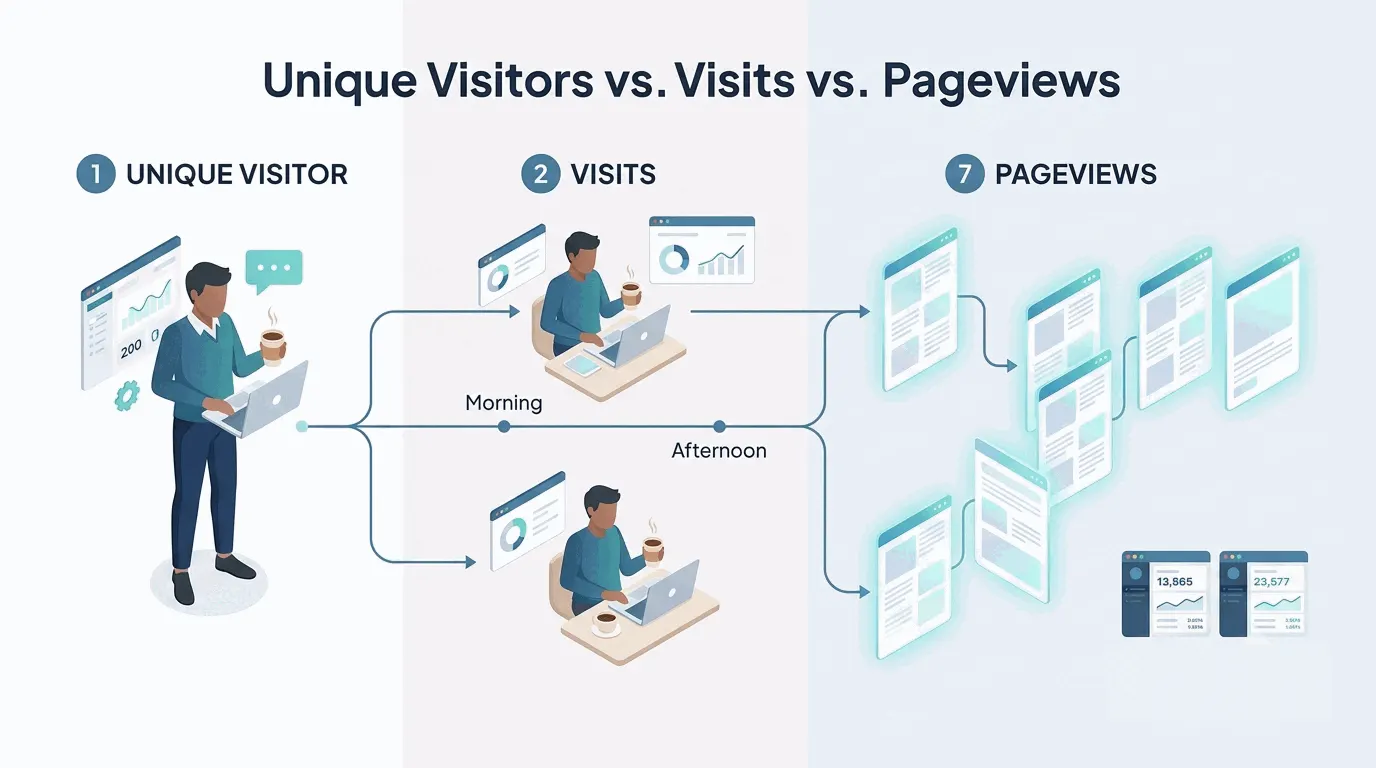
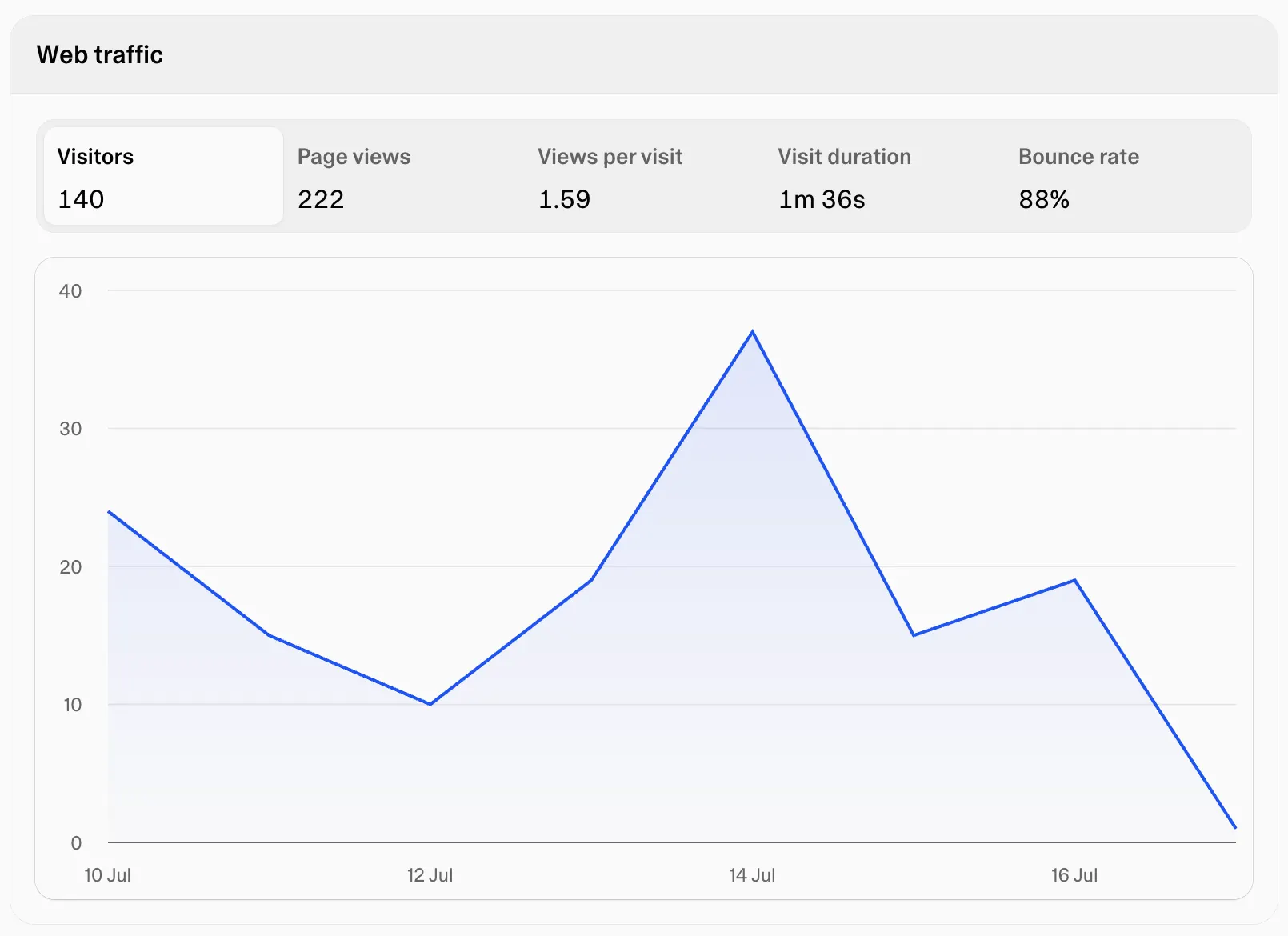
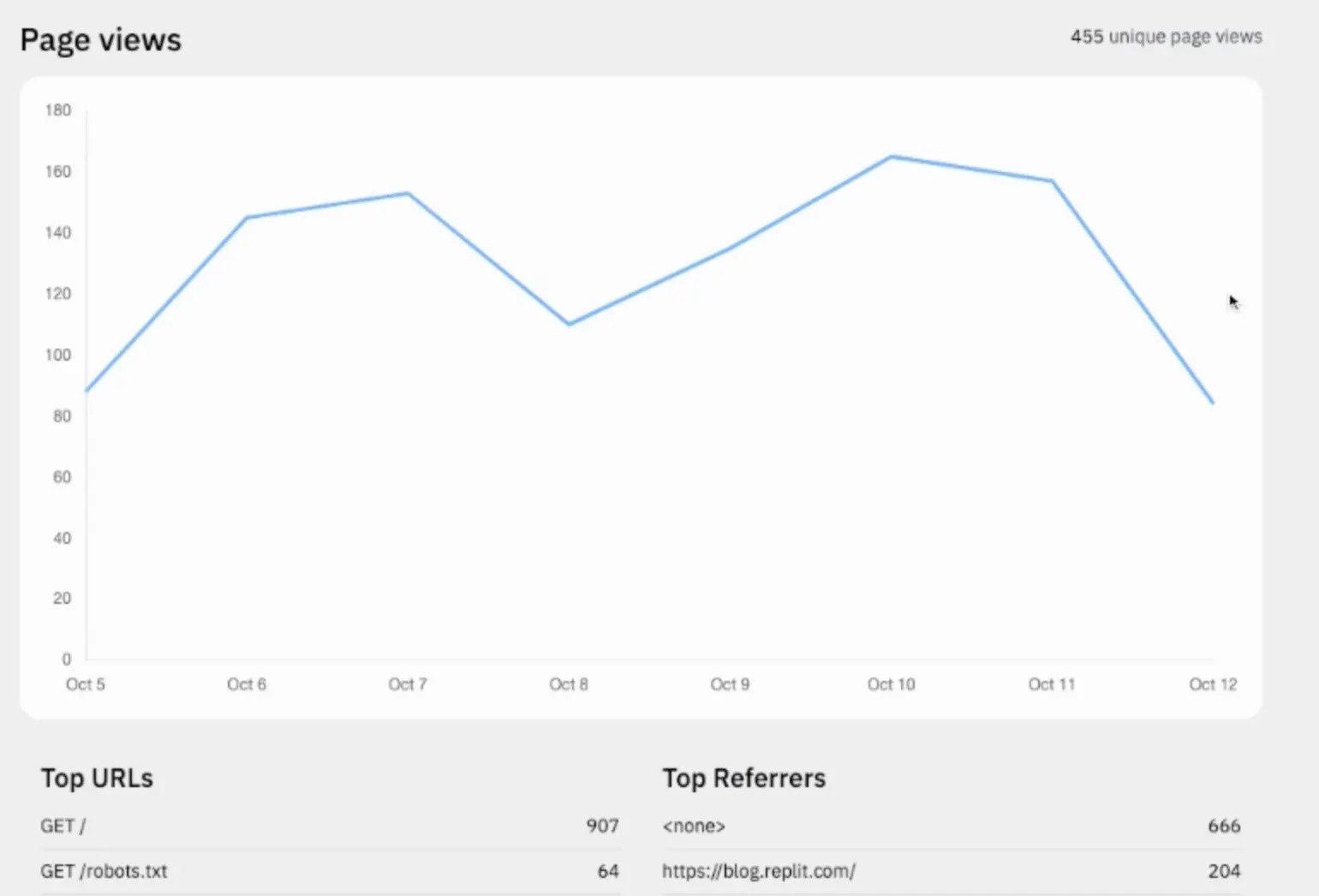
- Traffic basics — visitors, visits and pageviews, sources, devices, top pages
- Events — did anyone click the button, no tag manager required
- Funnels — how many people who landed made it to signup, and where the rest quit
- Campaign attribution — UTM tracking that shows which channel converts, not just which one sends traffic
- Revenue — what a visitor is worth, not just that they visited
- Cookieless operation — accurate numbers without a consent banner deflating them
The revenue gap
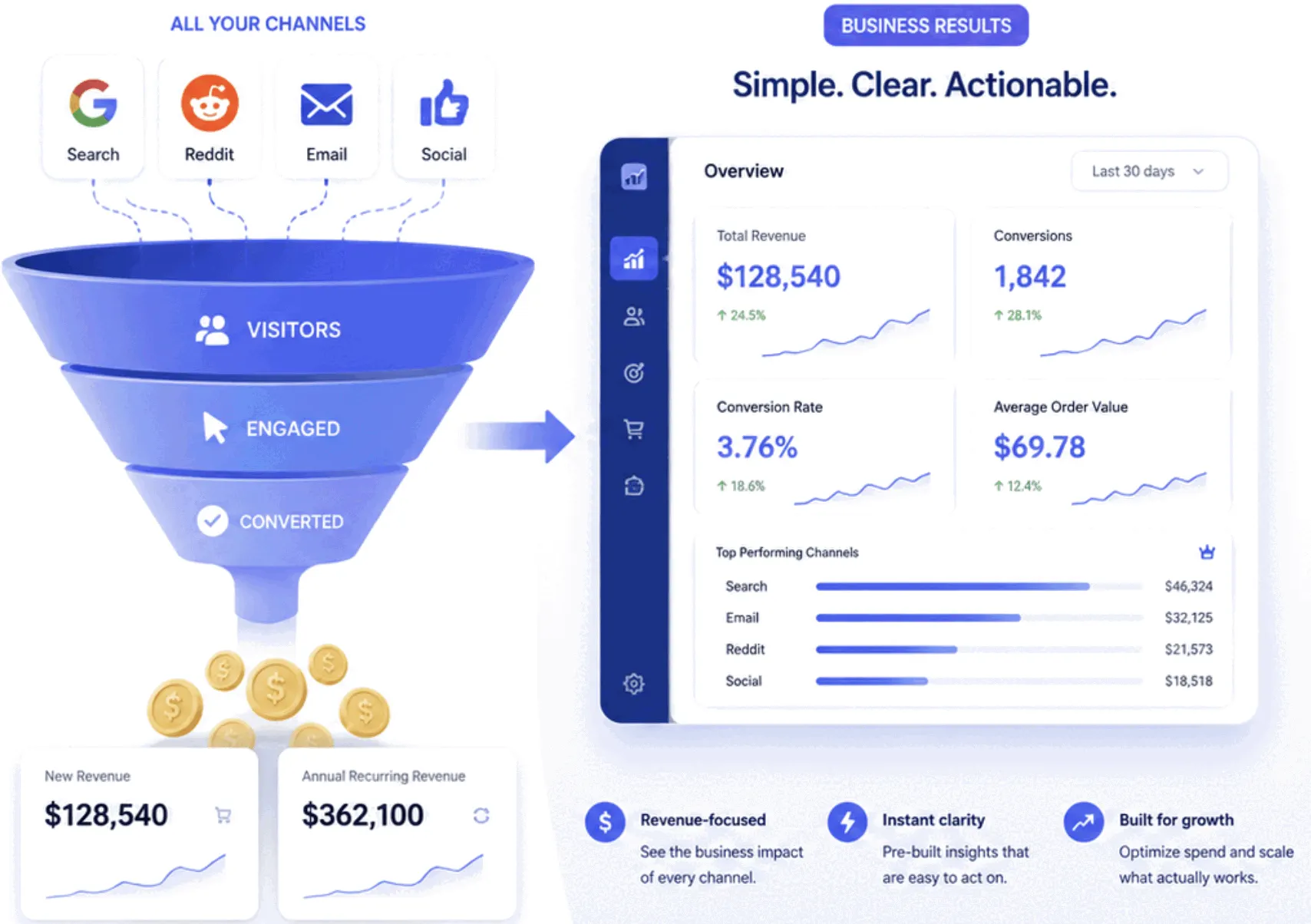
Here's the question that decides most tool choices, and almost no analytics tool answers it: how much money did the website make? GA4's answer is ecommerce event tagging — a schema of purchase events to implement, and revenue numbers that live in Google's world, disconnected from what actually lands in the billing system. Most privacy-friendly GA alternatives skip revenue entirely; they'll say a goal fired, not what it was worth.
This is the gap Bigdelta was built around. It connects web tracking to billing — Stripe, PayPal and friends — so a traffic source doesn't just have a visit count, it has revenue attached. 'Reddit sent 1,400 visits and $89' versus 'Google sent 300 visits and $2,100' is a different conversation than any pageview chart, and it's the conversation the marketing budget actually depends on.
Beyond that it covers the checklist above — events, funnels, sources — plus session recordings and heatmaps for the questions numbers can't answer. When a landing page converts badly, five replays of visitors scrolling halfway and leaving usually beat a week of staring at a bounce rate.
When to keep GA4
Honesty section: GA4 is free, and its depth is real. Teams that need BigQuery exports, audience segments synced to Google Ads, or analysts who already live in GA's mental model will eventually use what the complexity buys. If a dedicated person owns analytics and spends hours a week in it, GA4 rewards that investment.
The trade goes the other way for everyone else — founders, indie builders, small teams shipping between other jobs. There, the depth is mostly setup cost, and the deciding question is simpler: which tool will actually get opened next Tuesday?
The practical takeaway
Switching costs almost nothing because running both is free: add the Bigdelta snippet alongside GA, let them collect in parallel for two weeks, and see which one answers questions faster. The numbers won't match exactly — no two analytics tools agree, thanks to bots, adblockers and definition differences — but the trends will. Whichever dashboard gets opened voluntarily by week two is the answer. Historical data is the one thing that can't be migrated, so the parallel period is worth starting before the next launch, not after.