How to check a competitor's website traffic
You can't count visits on a site you don't own, so every competitor number is a model. The free tools that produce the estimates, the comparisons that survive their error bars, and the channels no estimator can see.

The quick answer
Paste the competitor's domain into SimilarWeb's free checker and the headline estimate appears: monthly visits, traffic sources, top countries. Run the same domain through Ahrefs' traffic checker or Semrush for the search side — estimated organic visits and the keywords driving them. About three minutes, no account needed for a single lookup.
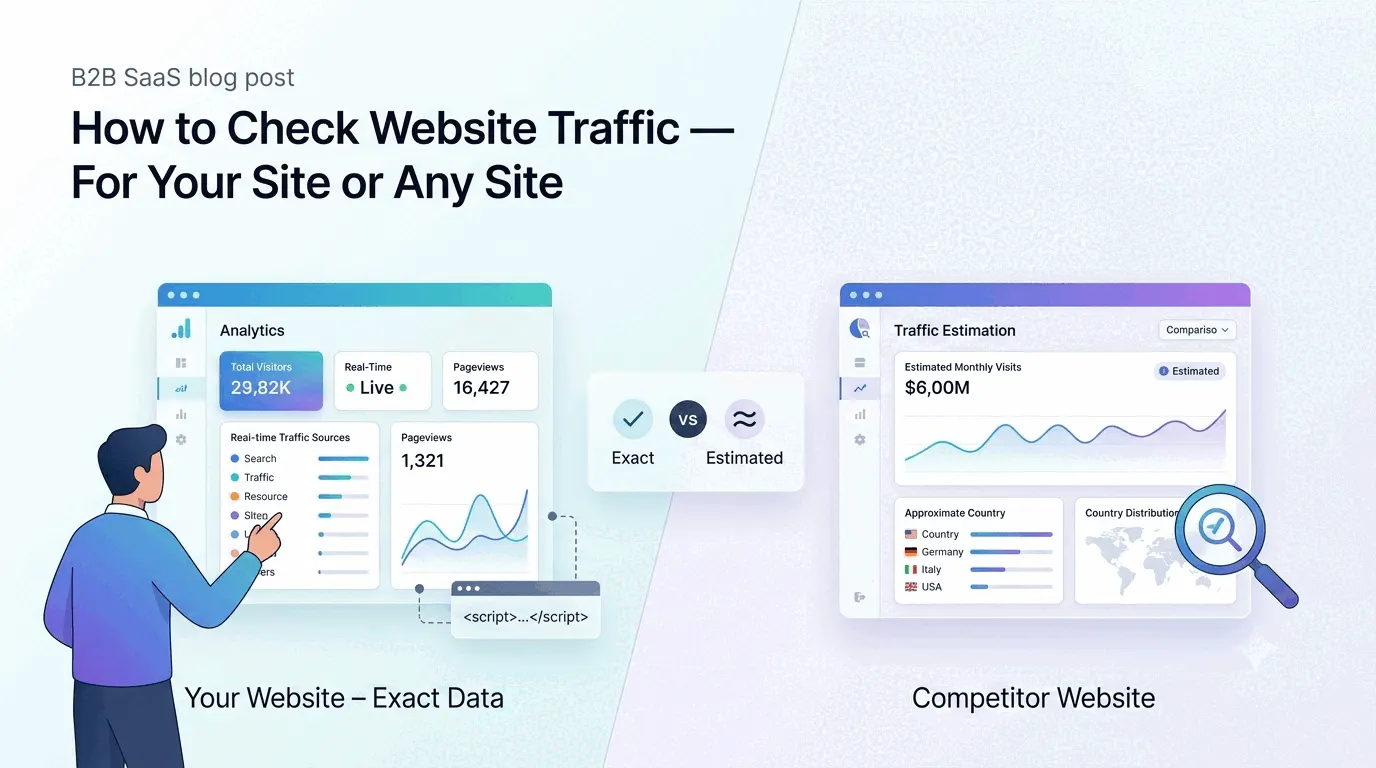
The catch is what those numbers are: models, not counts. No tool can see a site it doesn't run on, so the rest of this guide is about squeezing real conclusions out of estimated data. If it's your own site you're curious about, stop here and install a counter instead — exact numbers are free.
Which free tools show a competitor's traffic?
Three estimators cover the whole exercise:
- SimilarWeb — the overall picture: estimated total visits, the split between search, direct, social and referral, and where visitors sit geographically. The first lookup for any reasonably large site.
- Ahrefs' traffic checker — search only. It estimates organic visits from the keywords a site ranks for and lists the top pages doing the work. Less a traffic number than an X-ray of their SEO.
- Semrush — the same keyword-database approach with its own index, useful as a second opinion on the search side. Ubersuggest offers a lighter take on the same idea.
Trust the comparisons, not the counts
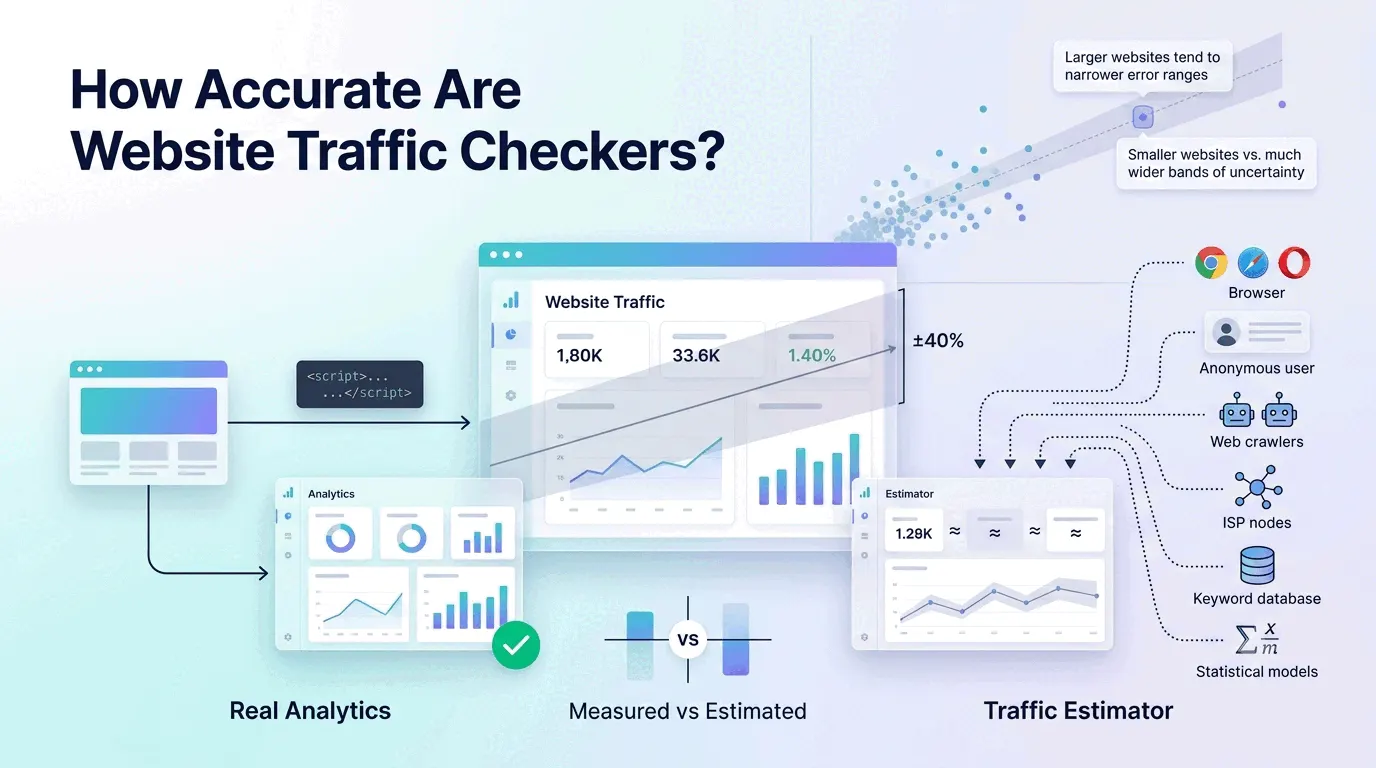
How close do the estimates get? Screaming Frog tested them against real analytics data on 25 sites: SimilarWeb averaged closest with big site-to-site swings, while Ahrefs and Semrush ran roughly 36% and 42% low. Below about 10,000 visits a month the estimates degrade into guesswork — the full numbers are in how accurate are website traffic checkers.
What survives that error is relative reading inside one tool. Competitor A being triple competitor B holds up even when both absolute figures are wrong, because the model's bias hits both sides. The same goes for direction — growing or shrinking over six months — and for channel and country splits. The number never to quote in a deck is the visit count itself.
What can't traffic estimators see?
Estimators lean on browsing panels and search data, which leaves whole channels dark. Visits from email, Slack, WhatsApp and native apps carry no referrer and surface nowhere — the same dark traffic problem your own analytics has, magnified. A competitor with a strong newsletter or community can be far bigger than their estimate suggests.
Outcomes are invisible too. Visits say nothing about signups, sales or revenue, and a rival with triple your traffic can still be converting a fraction of it. Traffic estimates rank marketing reach, not businesses.
A workflow that holds up
Pick the handful of competitors that matter, run them all through the same tool in the same week, and record the ranking and the channel splits — those are the deliverable, not the raw visits. Repeat quarterly with the same tool so the trend stays apples to apples. Where a competitor's split embarrasses yours — they pull most visits from organic search, you depend on paid — that gap is the actionable finding. Then benchmark your own side with real numbers: a counter on your site and a sense of what counts as a good amount.
The practical takeaway
Checking a competitor's traffic is free and quick: SimilarWeb for the shape, Ahrefs or Semrush for the search side. Read rankings, trends and splits inside one tool, ignore the absolute counts, and remember that whole channels and every outcome metric are missing. It's reconnaissance — useful, as long as nobody mistakes it for a count.