Session replay, explained (with examples)
A session recording is a reconstruction, not a video — a distinction that decides what it can show, what it must hide, and why it costs so little to run. How replay works, three real failure patterns, and the workflow that keeps it from eating afternoons.
A reconstruction, not a screen recording
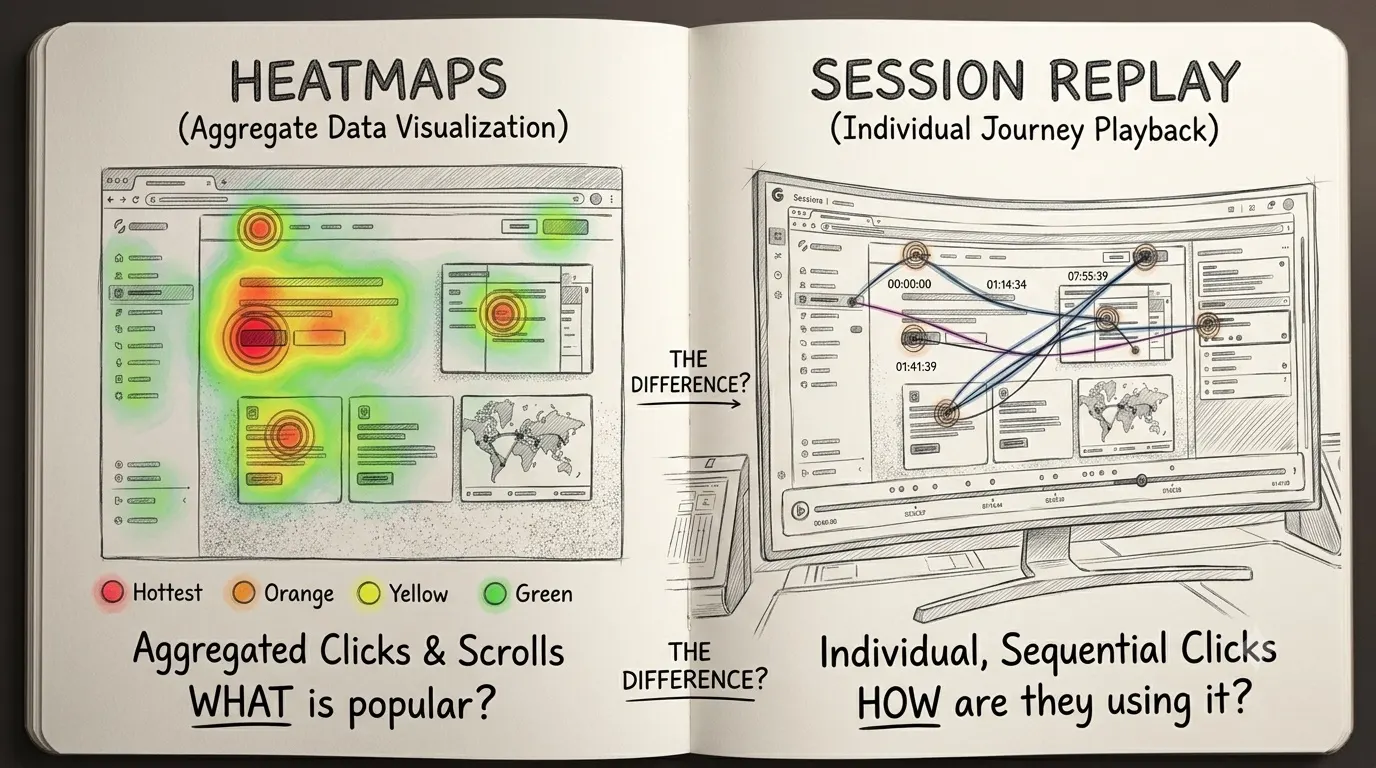
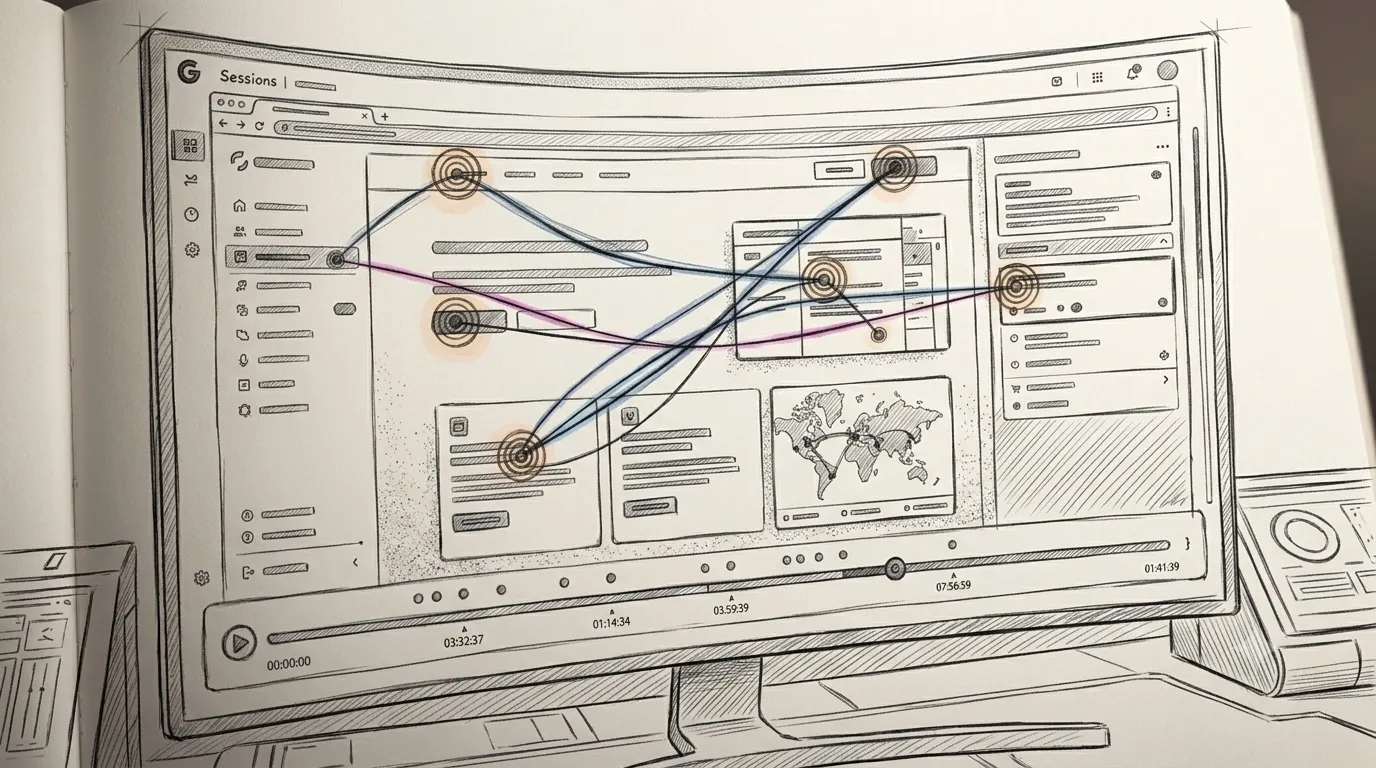
A session recording plays like a video of someone using your site. Under the hood it's a reconstruction: the tool snapshots the page's structure once, then logs the stream of changes — clicks, scrolls, inputs, page transitions — and the player re-runs that log against the snapshot, like a flipbook of the visit.
The distinction sounds academic and decides most of replay's properties. Because it captures events rather than pixels, a recorded session weighs kilobytes, runs without slowing the visitor down, and can mask sensitive text at capture time so it never reaches the server. It also means the player knows what happened, so recordings can be searched and filtered — 'sessions that rage-clicked', 'sessions that abandoned checkout' — instead of scrubbed through blindly.
Three recordings, three diagnoses
What replay is for, in three sessions that could come from almost any site. First: checkout has a coupon-code field. The recording shows a visitor reaching payment, pausing at 'Have a discount code?', going idle for four minutes — off in another tab, hunting — then returning and closing the page without paying. The hunt for a code turned into a reason to reconsider. Multiply by everyone who does this, and the fix — tuck the field behind a small link, or drop it — pays for the tool.
Second: a landing page shows a product screenshot with a prominent button in it. The recording shows the cursor clicking the screenshot's button twice, then three times, fast — a rage click on a picture. The visitor wanted the product; the page offered a photo of it. Third: a signup form. The cursor fills every field, hits submit, and the password field clears with an error about character rules that were never stated up front. The visitor retypes, fails on a different rule, and leaves. By every aggregate measure the form works; the recordings say otherwise.
What replay is bad at
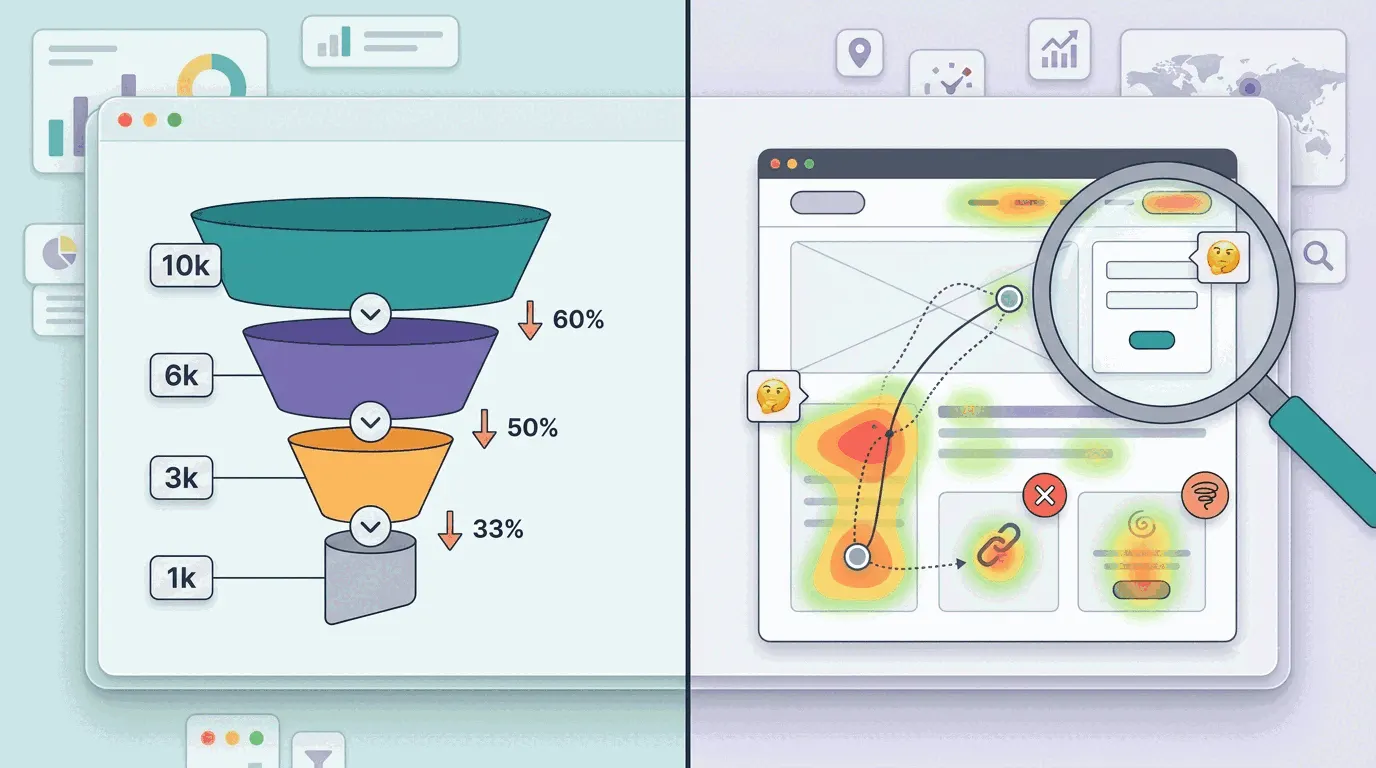
Replay answers 'why' questions and is nearly useless for 'how many' questions. Whether checkout abandonment is 40% or 70% is a funnel's job; recordings are samples, not rates. It's also time-hungry in the wrong hands: unfiltered recordings run at the pace of real life, and an afternoon of them yields three insights and a headache. And it needs traffic — on a site doing twenty visits a day the recordings are fascinating but prove nothing statistically; watch them anyway, as user research rather than measurement.
The subtler risk is anecdote bias. One vivid recording of a confused visitor outweighs a thousand fine sessions in memory, and teams have redesigned working pages over a single memorable replay. The rule that protects against it: three recordings failing at the same spot is a finding; one is a story.
Privacy: what gets recorded, what must never be
Recording sessions means handling visitor behavior data, and the tooling matured accordingly: any reputable replay tool masks keyboard input by default, replacing keystrokes with placeholders at capture time, and excludes password fields outright. The obligations on the site owner: keep masking on for anything sensitive — emails, card numbers, health data — and disclose recording in the privacy policy. Recordings are personal data under GDPR, with the same retention discipline as any other; most tools delete them after a set window for exactly that reason.
The test before shipping: watch a recording of your own session through signup or checkout. Anything readable in the replay that you wouldn't want a stranger reading over your shoulder needs masking before real traffic arrives.
The workflow that keeps it cheap
Numbers first, video second. Start from the funnel step with the worst drop-off, filter recordings to visitors who reached that step, spent real time there and didn't convert, and watch ten to fifteen. The same hesitation showing up three or four times is the finding; fix it, watch the number for two weeks, repeat. The full version of that workflow — including the heatmap pass that comes before the recordings — is in how to see where users get stuck.
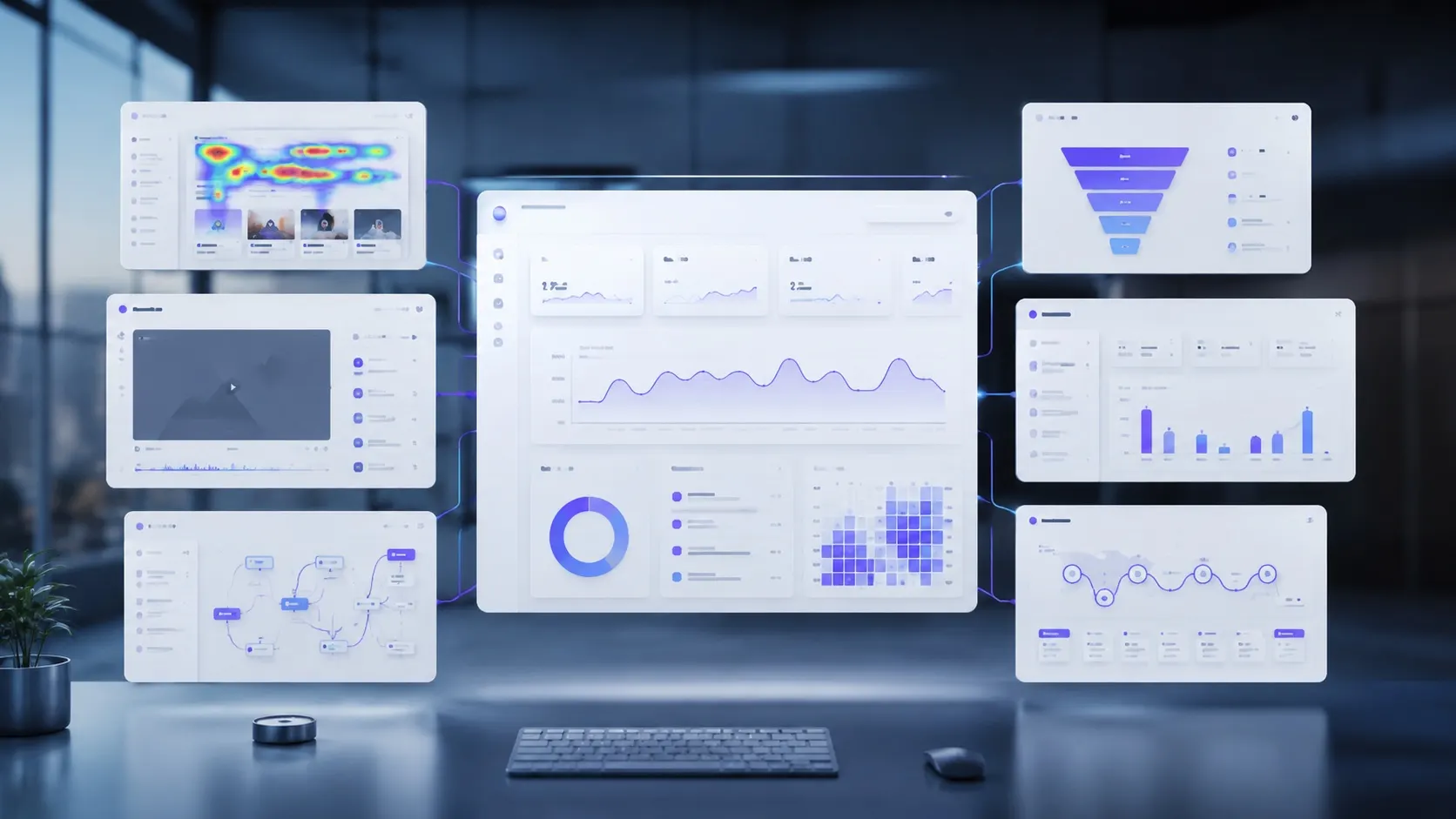
In Bigdelta, recordings sit on the same data as the funnels and revenue, so 'watch everyone who dropped at payment' is a saved segment rather than a stitching exercise between tools.
The practical takeaway
Session replay is the cheapest user research a website can run — no recruiting, no scheduling; the visitors are already failing quietly in production. Treat it as a diagnostic that answers a funnel's open questions, watched in filtered batches of ten or fifteen, and it earns its keep weekly. Mask by default, let the numbers pick the sessions, and keep the one-vivid-recording redesign instinct on a leash.