What events to track on your website
There's one event worth more than all the rest: the action that predicts whether a new user sticks around. Here's how to find it — and the short list of others actually worth tracking.
An event is a verb, a pageview is a place
A pageview records that someone loaded a page. An event records that someone did something on it — clicked 'Start free trial', started the checkout form, invited a teammate, played the demo. Pageviews tell you where people went; events tell you what they did once they got there. Those are different questions, and only the second one tells you whether the product is working.
It's also the exact line where most built-in analytics stops. A platform traffic counter will happily report that the pricing page got 400 views; it has no idea whether anyone clicked the button on it. A page with great traffic and a button nobody presses looks identical to a page that converts — right up until you track the button. Events are how you tell those two pages apart.
Start from the decision, not the button
The reflex once event tracking is switched on is to instrument every click on the page, on the theory that more data is safer. It isn't. A thousand tracked events is a haystack you have to search every time you ask a question, and most of them answer nothing — knowing that six people clicked the footer copyright line has never changed anyone's mind about anything. Amplitude, whose whole business is selling you more analytics, still tells teams to resist this: too much data buries the signal under an avalanche of events you don't need.
So work backwards instead. Amplitude's own planning guide runs goal → metric → event: name the decision you'll make, name the number that would settle it, then track only the events that produce that number. 'Should the signup form be shorter?' is a decision; the number is the drop-off between form-started and form-completed; so you track those two events and no others to answer it. If you can't name the decision an event informs, don't track it yet — you can always add it the day a real question demands it, and a handful of well-chosen events beats a hundred collected just in case.
The event most people skip: your activation moment
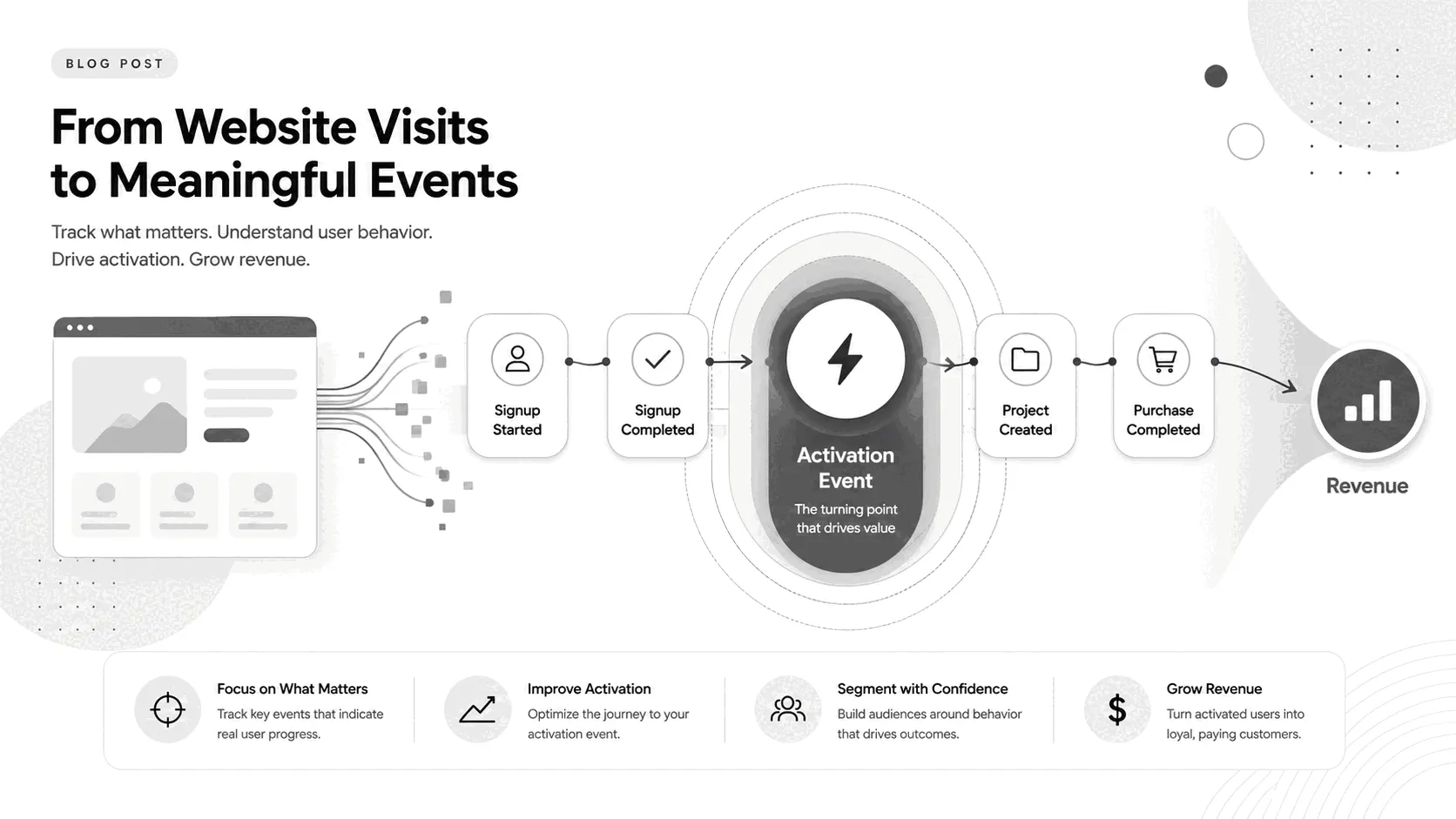
There's one event worth more than all the others, and it's the one most first-time trackers never define: the action that best predicts a new user will still be around in a month. Growth teams call it the activation event, or the 'aha moment' — the point where someone stops evaluating your product and starts getting value from it.
The famous examples make it concrete. Facebook found that users who added seven friends in their first ten days almost always stuck; that one number became the company's entire early focus. Slack saw that teams which sent around 2,000 messages rarely left — past that point roughly 93% kept using it. For Dropbox it was putting a single file in a single folder on one device; for Instacart, placing two orders in the first month. Each maps to the product's core value — a network gets useful once it has people in it, a file-sync tool once there's a file to sync.
One honest caveat, because it's widely misused: these are correlations, not switches. Teams that were going to stick sent 2,000 messages; sending 2,000 messages didn't magically make them stick. So treat your activation event as a predictor to measure and gently steer new users toward, not a lever you can yank to manufacture retention.
Finding yours doesn't need a data team. Split the users who kept coming back from the ones who vanished after a week, then look at what the first group did in their opening days that the second group didn't. The action that separates them is your candidate. Once you've named it, the number to watch is your activation rate — the share of new signups who complete that action inside a window (first 24 hours, first week), and the single most useful thing an early-stage product can measure.
The events worth tracking
Beyond the activation event, three kinds of action almost always earn their place — the ones that finish a core process, the ones that show the product being used, and the ones that make money — plus a couple the web adds. Each pairs with the decision it answers:
- Signup started and signup completed — two separate events. Answers 'is the signup form leaking, and where?' The gap between them is your drop-off.
- Your activation action — created a project, connected data, sent the first message. Answers 'are new users actually reaching value, or just registering and leaving?'
- Primary CTA clicks — 'Start free', 'Book a demo', 'Add to cart'. Answers 'which page and which offer actually move people?'
- Core-mechanic actions — the one or two things the product is for (ran a report, published a page, sent an invoice). Answers 'are people using the thing, or just poking at the edges?'
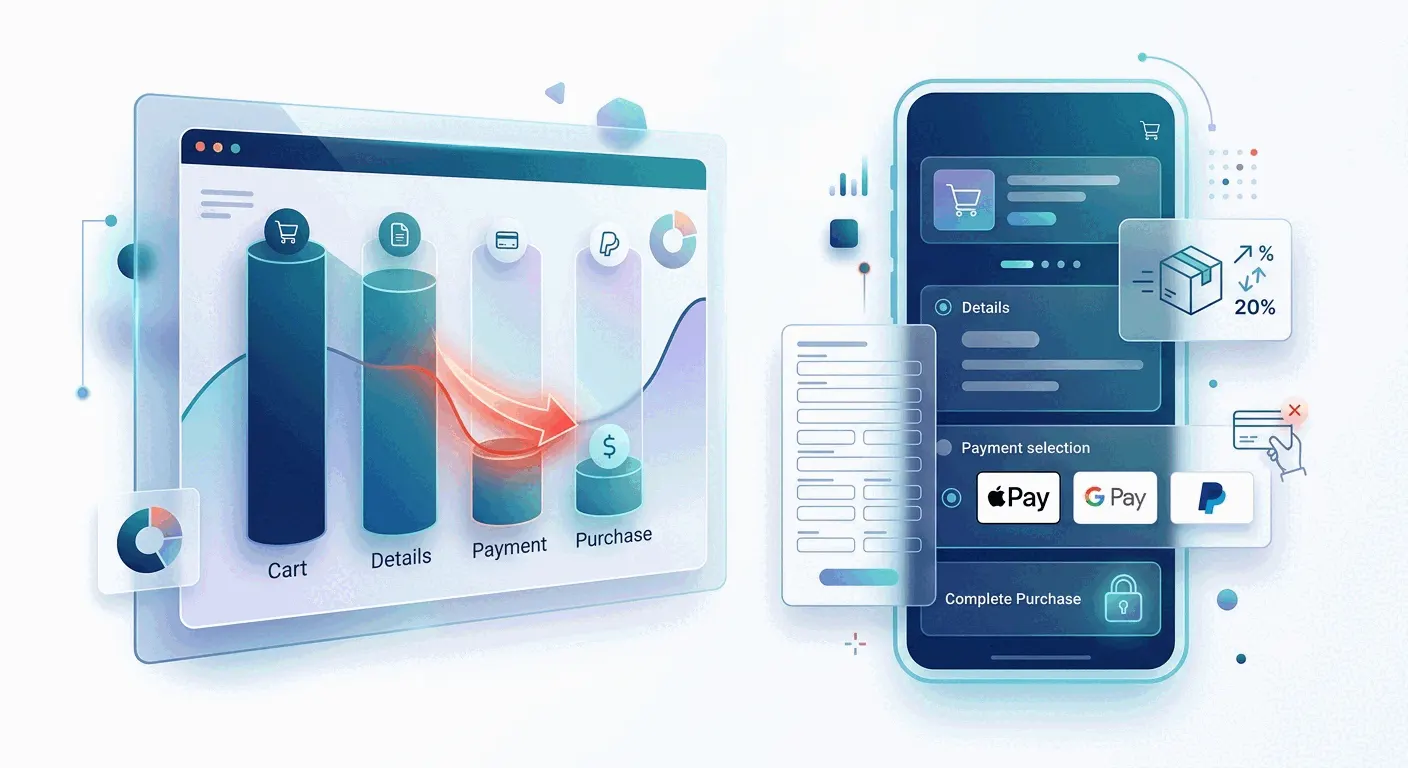
- Checkout steps and purchase — cart → details → payment → purchase. Answers 'where does money leak on the way out?' See checkout abandonment.
- Form submits and outbound clicks — demo requests, newsletter, links to your app subdomain or app-store button. The pipeline, plus the clicks a pageview counter can't see because they leave the site.
Name them so they still make sense in six months
Every major analytics vendor teaches the same naming shape, because they've all watched it go wrong: an object plus a past-tense verb — 'Signup Completed', 'Order Completed', 'Report Generated'. Pick that structure and hold to it. The failure mode is mundane and fatal: the same signup logged as 'Sign Up' by one person, 'signup' by another and 'signed_up' by a third, and now no chart counts them together and none of your numbers are trustworthy. A messy tracking plan really is worse than none.
One rule saves most of the mess: keep events general and put the specifics in properties. Track one 'Page Viewed' event with a page_name property, not a separate event per page; one 'Order Completed' with a payment_method property, not a PayPal event and a card event. This keeps your funnels intact — the day you add Apple Pay, nothing breaks, because it's just a new value of an existing property rather than a brand-new event no old chart knows about.
Events only pay off as funnels
A single event count is trivia; events become useful the moment they're chained into a funnel. Homepage → pricing → signup started → signup completed turns four numbers into a diagnosis: the step with the biggest drop is the page to fix. That's the difference between 'the signup event fired 80 times' and 'three-quarters of the people who reached the form never finished it, and here's exactly where they quit'.
Tie the last step to revenue and the funnel answers the question the numbers are really for — not how many converted, but which entry points and campaigns produced paying customers. This is where behavior tracking meets billing, and where a conversion rate stops being a vanity percentage and starts pointing at money. In Bigdelta, events, funnels and revenue sit on the same data, so 'who dropped at payment' is a segment you can open, not a report you have to assemble.
The practical takeaway
Define your activation event first — it's the one that shapes everything else — then add the five or six from the list that match how your product makes money, name them in the plain object-action shape, and wire them into one funnel. Instrument all of it before your next launch, because the one thing no analytics tool can give you is data from before it was installed. Start narrow: a handful of well-named events answering real decisions will teach you more in a week than a hundred collected 'just in case' will in a year. Add the next event when a question actually demands it.